101
Display module settings
Type 8098 FLOWave L
11.3.5 Unlocking the screen saver
To unlock the display when the screen saver is active, do the following to have access to any view again:
→ Press any key twice.
→ Press the displayed key.
→ Follow the displayed instructions.
You have access to the display views and the screen saver time-out is restarted.
The default unlock sequence is the following:
→
→
→
→
→ .
11.3.6 Changing the unlock sequence of the screen saver
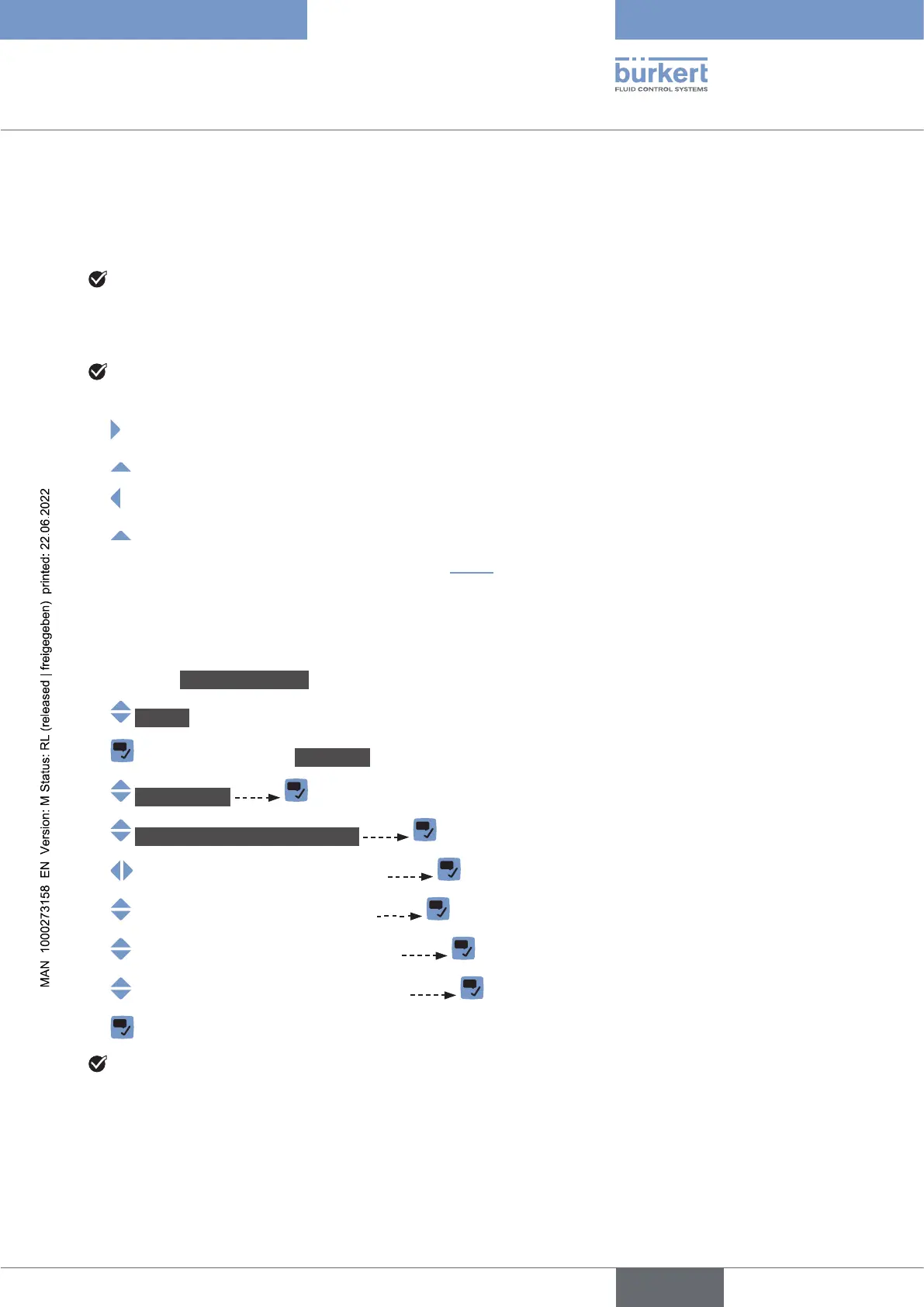
Do the following:
→ Go to the CONFIGURATION view.
→ Display
→ Parameter view.
→ Screensaver .
→ Screensaverunlocksequence
→
→
→
→
→
The key sequence is changed.
English



 To Next Page