259
SAW sensor – Maintenance
Type 8098 FLOWave L
17.3.5 Checking the correct operation of the sensor
You can check the correct operation of the sensor by comparing the current measured values of some
parameters with their reference values. The reference values depend on the conditions of your process:
•
the conditions of your process are similar to the calibration conditions of the device at the manufacturer.
The reference values are those after the device calibration and they can be read in the menu Device
verication.
•
you have generated with the Bürkert Communicator software at the following moments:
9.
after the last maintenance operation
To check the correct operation of the sensor, do the following:
2. Access the menu Deviceverication:
→ Go to the CONFIGURATION view.
→ SAWsensor
→ Parameter view.
→ MAINTENANCE view.
→ Deviceverication .
The values of the parameters are displayed.
3. Calculate the deviation for each parameter that is listed in or in . Use the following
formula:
•
the values that are displayed in the parameters from columns A and B of .
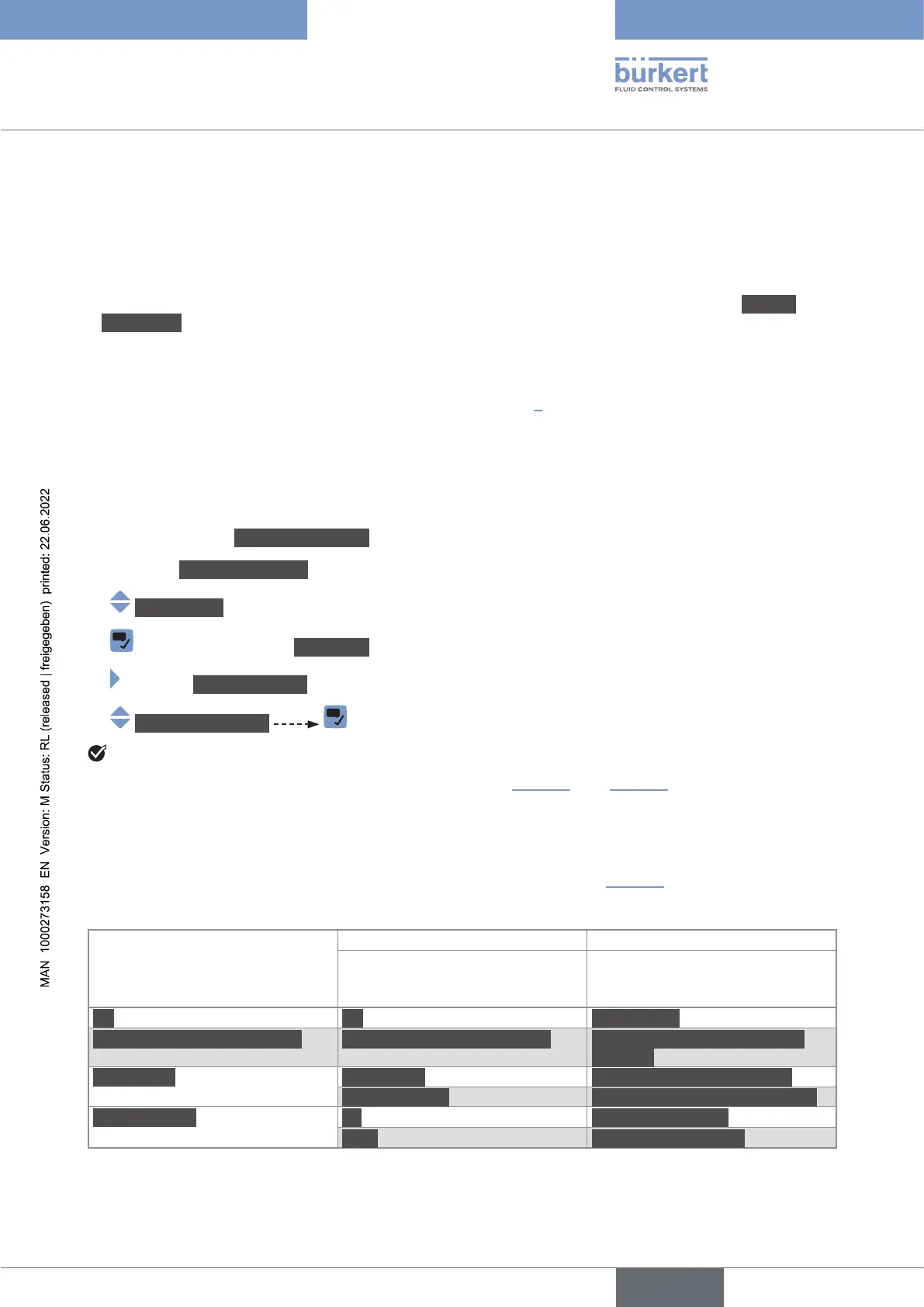
A B
Current measured value of the
parameter
Reference value of the
parameter after calibration at the
manufacturer
DF DF DFfact.cal.
Acoustictransmissionfactor Acoustictransmissionfactor Acoustictransmissionfactor
fact.cal.
Amplitudes SAWsignal SAWsignalfact.calibration
SignalWG113 SignalWG113fact.calibration
Timesofight A0 A0fact.calibration
WG1 WG1fact.calibration
English



 To Next Page