127
General settings – Diagnostics
Type 8098 FLOWave L
13 GENERAL SETTINGS – DIAGNOSTICS
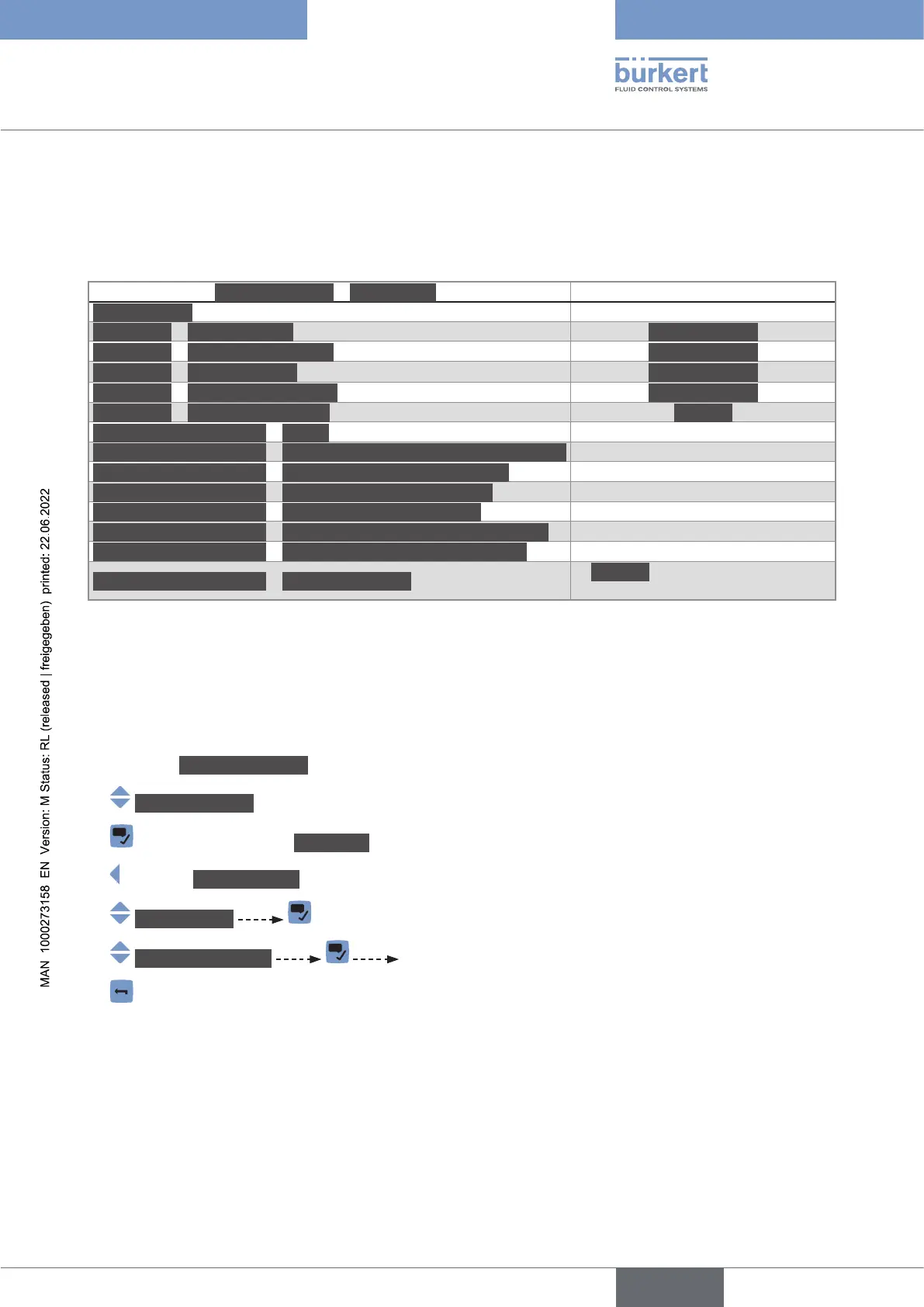
13.1 User levels of the menu items
Generalsettings – Diagnostics menu
Devicestatus Basic user
büSstatus – Receiveerrors Advanceduser
büSstatus – Receiveerrorsmax. Advanceduser
büSstatus – Transmiterrors Advanceduser
büSstatus – Transmiterrorsmax. Advanceduser
büSstatus – Reseterrorcounter Installer
Conggurationprovider – Status Basic user
Conggurationprovider – Numberofloadedclientcongurations Basic user
Conggurationprovider – Numberofreconguredclients Basic user
Conggurationprovider – Numberofmanageddevices Basic user
Conggurationprovider – Numberofmissingdevices Basic user
Conggurationprovider – Numberoffailedcongurationloads Basic user
Conggurationprovider – Numberoffailedrecongurations Basic user
Conggurationprovider – Manageddevices
Installer (Bürkert Communicator
only)
13.2 Reading out data related to the device
13.2.1 Reading out the number of operating hours of the device
To read out the number of hours the device has already been operating, do the following:
→ Go to the CONFIGURATION view.
→ Generalsettings
→ Parameter view.
→ DIAGNOSTICS view.
→ Devicestatus
→ Operatingduration The number of operating hours of the device is displayed.
→
English



 To Next Page