102
Display module settings
Type 8098 FLOWave L
11.4 Menu Diagnostics
11.4.1
Reading out the temperature of the display module
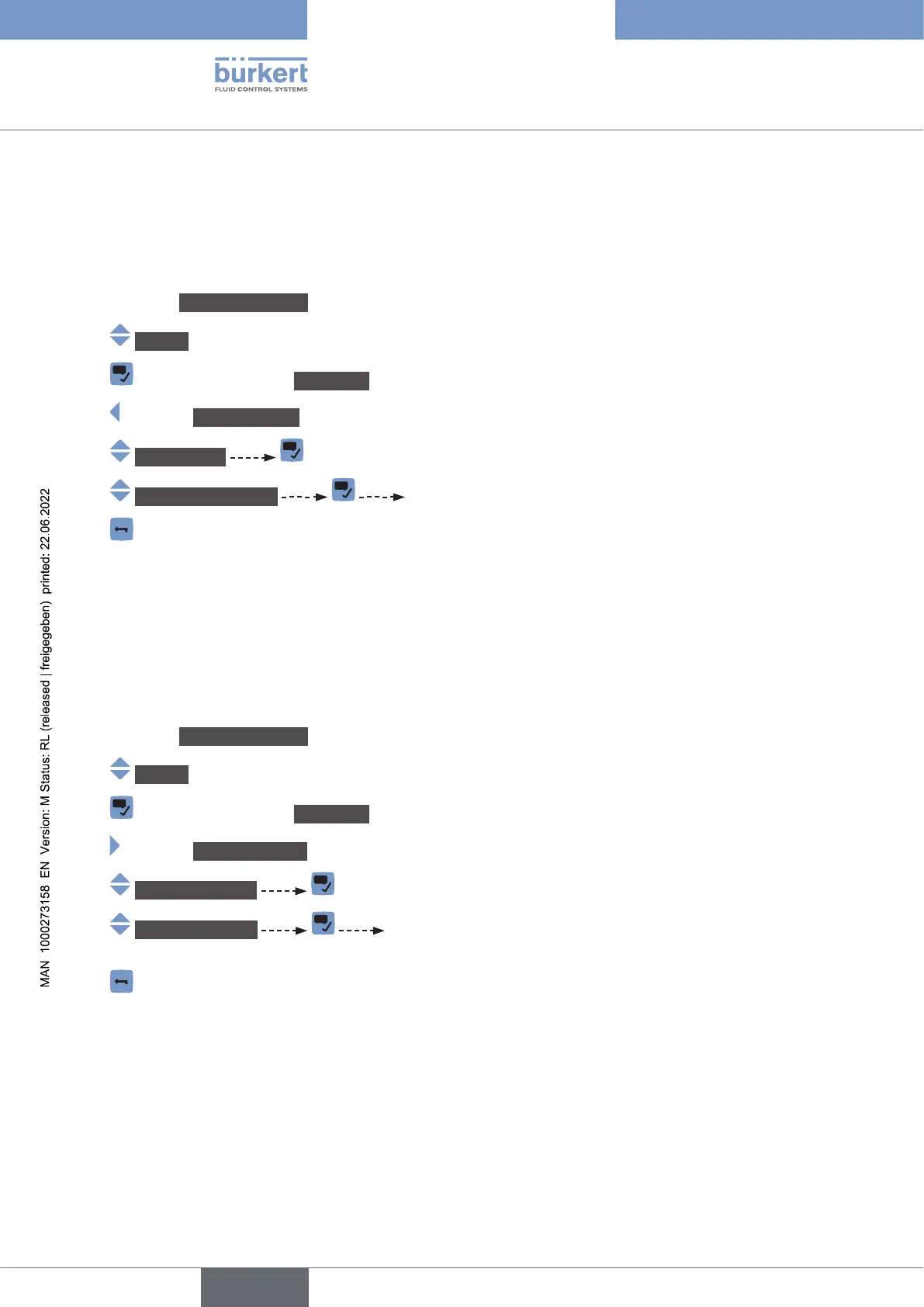
To read out the temperature of the display module, do the following:
→ Go to the CONFIGURATION view.
→ Display
→ Parameter view.
→ DIAGNOSTICS view.
→ Temperature
→ Device temperature The temperature of the display module is displayed.
→
11.5 Menu Maintenance
11.5.1 Reading out the version number of the software of the display
module
To read out the version number of the software of the display module, do the following:
→ Go to the CONFIGURATION view.
→ Display
→ Parameter view.
→ MAINTENANCE view.
→ Versionnumbers
→ Softwareversion The version number of the software of the display module is
displayed.
→
English



 To Next Page