114
General settings – Parameter
Type 8098 FLOWave L
→ Generalsettings
→ Parameter view.
→ büS Advanced
→ büSaddress
→
→
The address of the device is changed.
→ .
12.6.6 Setting the digital communication for büS or for a CANopen
bus
By default, the operating mode of the digital communication is set to Standalone and the measured
The other operating modes of the digital communication are büS or CANopen.
If the device is connected to büS or to a CANopen bus, do the following to change the operating mode of
the digital communication:
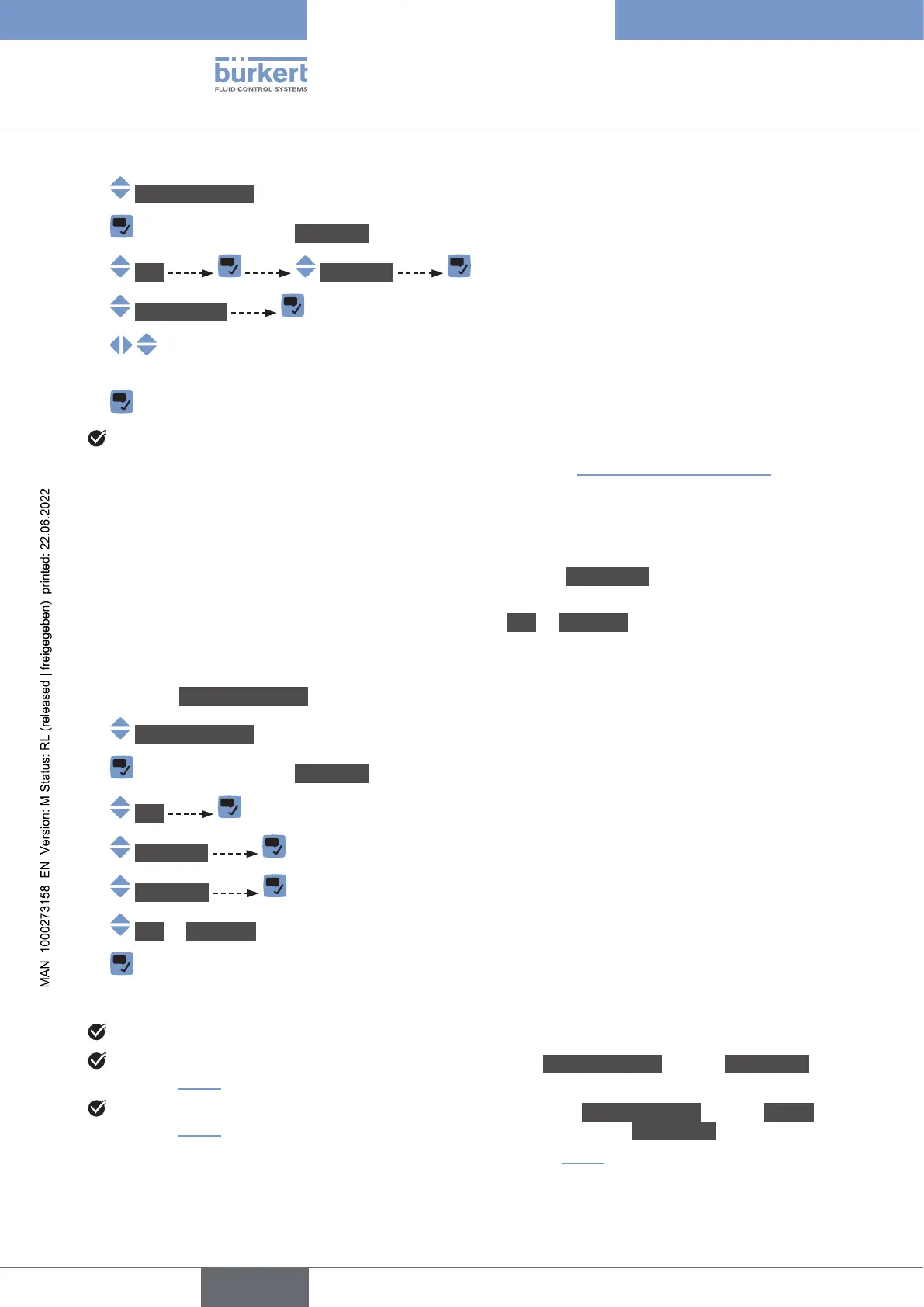
→ Go to the CONFIGURATION view.
→ Generalsettings
→ Parameter view.
→ büS
→ Advanced
→ Bus mode
→ büS or CANopen.
→
→ Restart the device.
The operating mode of the digital communication is büS or CANopen.
If the operating mode of the digital communication is büS, the CANopenstatus is set to Operational
) and the PDOs are sent to büS.
If the operating mode of the digital communication is CANopen, the CANopenstatus is set to Pre-op
) until the CANopen network master switches the device to Operational.
→ .
English



 To Next Page