308
Menu Parameter
Type 8098 FLOWave L
21.2.5 Changing the address of the default gateway
Before commissioning the device, you must change the address of the gateway.
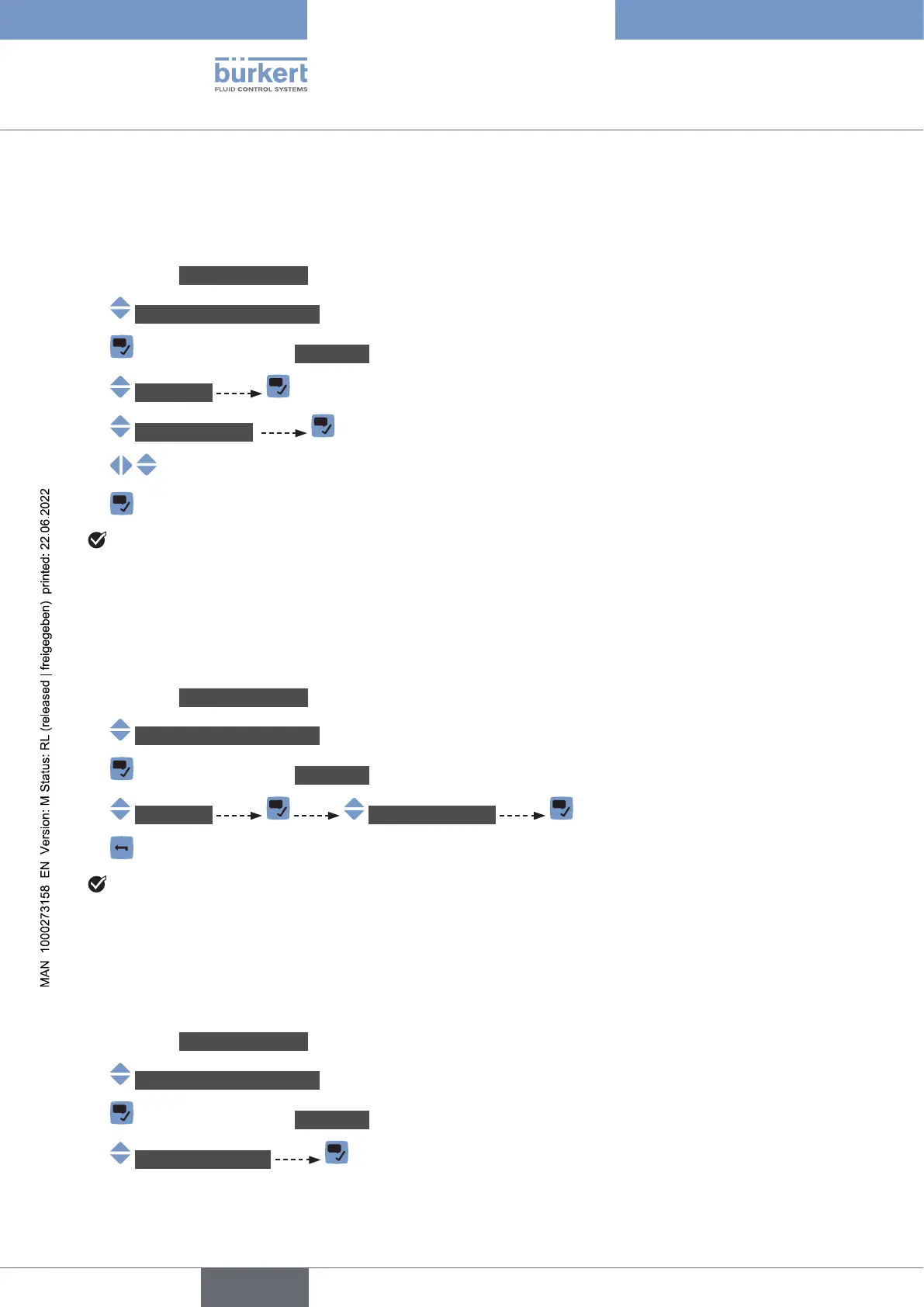
Do the following:
→ Go to the CONFIGURATION view.
→ Industrialcommunication
→ Parameter view.
→ IPsettings
→ Defaultgateway The current gateway address is displayed.
→
→
The address of the gateway is changed.
21.2.6 Reading out the IP address assigned by a DHCP
assigned to the device. You can read out this address.
Do the following:
→ Go to the CONFIGURATION view.
→ Industrialcommunication
→ Parameter view.
→ IPsettings Temp.IPaddress
→
If the device is removed from the network and again connected to this network, another temporary IP
address is assigned to the device.
21.2.7 Choosing the internal cycle time
The internal cycle time is the refresh time of the data in the industrial communication module.
Do the following:
→ Go to the CONFIGURATION view.
→ Industrialcommunication
→ Parameter view.
→ Advancedsettings
English



 To Next Page