EasyManua.ls Logo

Burkert FLOWave L - Updating the Menu Configuration of the Device

Burkert FLOWave L
354 pages
Print Icon
To Next Page IconTo Next Page
To Previous Page IconTo Previous Page
Loading...
143
General settings – Maintenance
Type 8098 FLOWave L
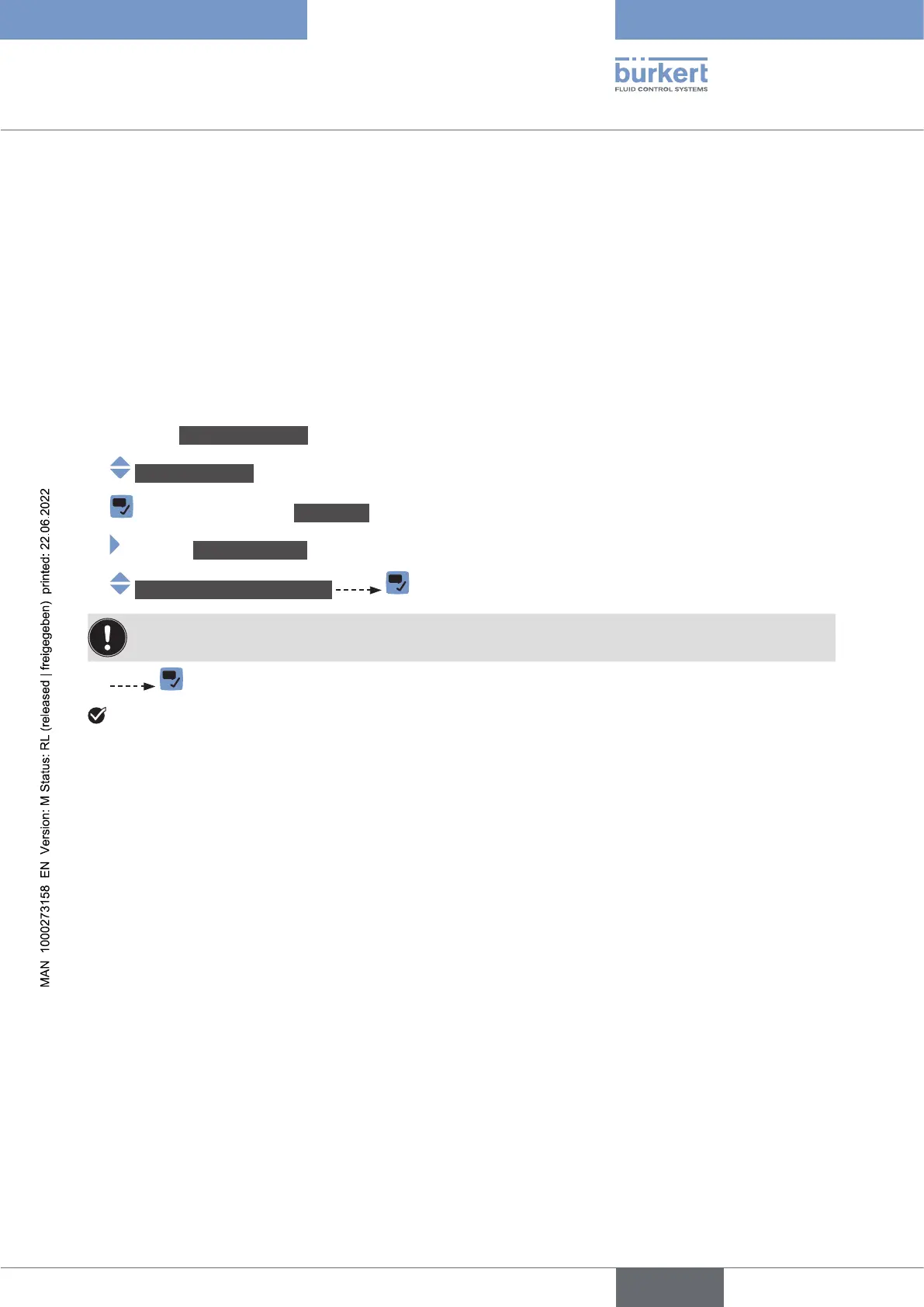
14.3.3 Updating the menu conguration of the device

To have access to the menu entries related to the new components.
To remove the menu entries related to the removed components.
To avoid that error messages are generated.

-
cator software.

Go to the CONFIGURATION view.
Generalsettings
Parameter view.
MAINTENANCE view.
Scandeviceforextensions



English

Table of Contents

Related product manuals