103
Display module settings
Type 8098 FLOWave L
11.5.2 Reading out the version number of the hardware of the display
module
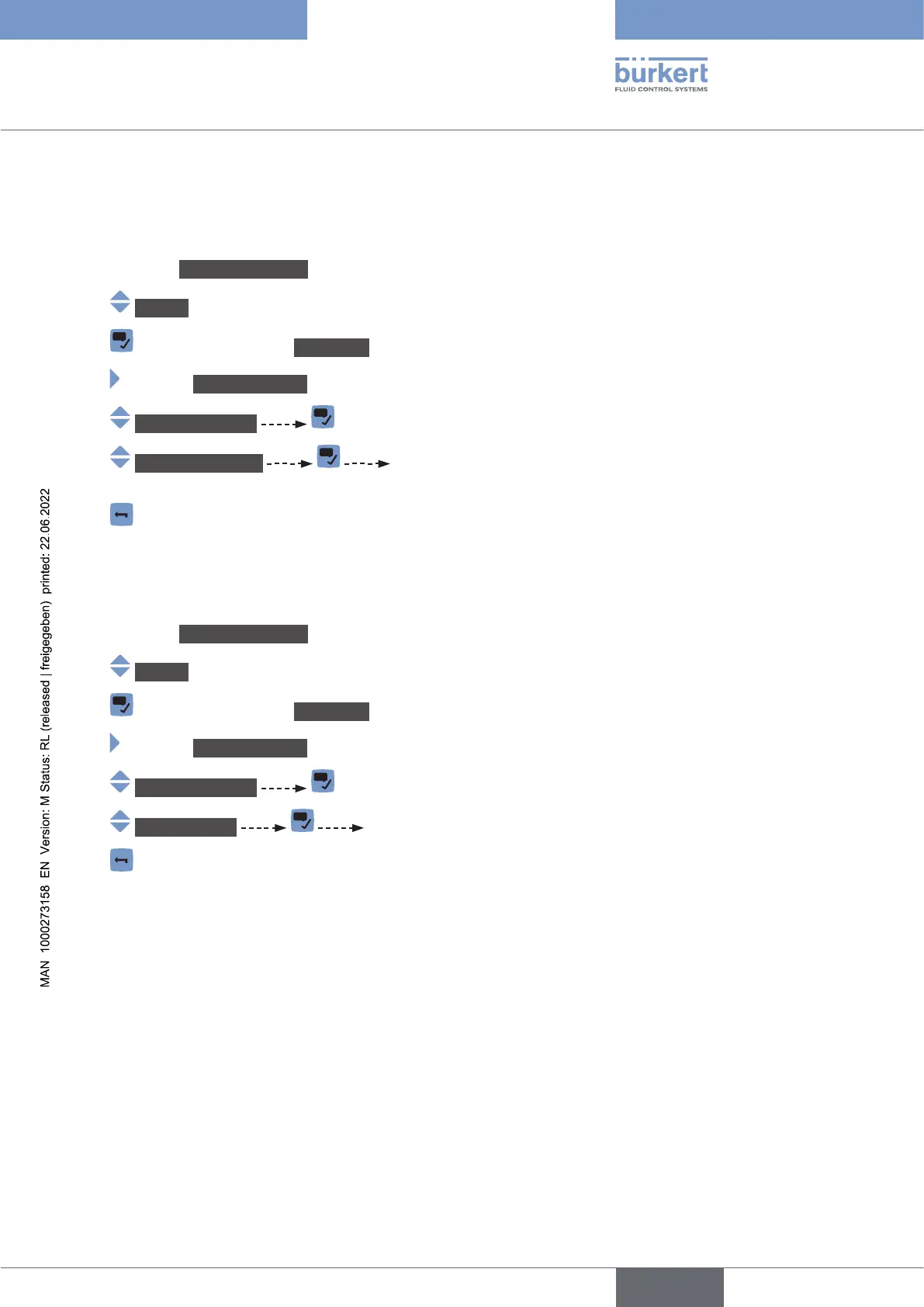
To read out the version number of the hardware of the display module, do the following:
→ Go to the CONFIGURATION view.
→ Display
→ Parameter view.
→ MAINTENANCE view.
→ Versionnumbers
→ Hardwareversion The version number of the hardware of the display module is
displayed.
→
11.5.3 Reading out the article number of the display module
To read out the article number of the display module, do the following:
→ Go to the CONFIGURATION view.
→ Display
→ Parameter view.
→ MAINTENANCE view.
→ Versionnumbers
→ Ident.number The article number of the display module is displayed.
→
English



 To Next Page