99
Display module settings
Type 8098 FLOWave L
11.3 Menu Parameter
11.3.1 Adjusting the brightness of the display backlight
Thebrightnessofthedisplayisautomaticallyreducediftheinternaldevicetemperatureishigher
than+60°C.
-
•
• .
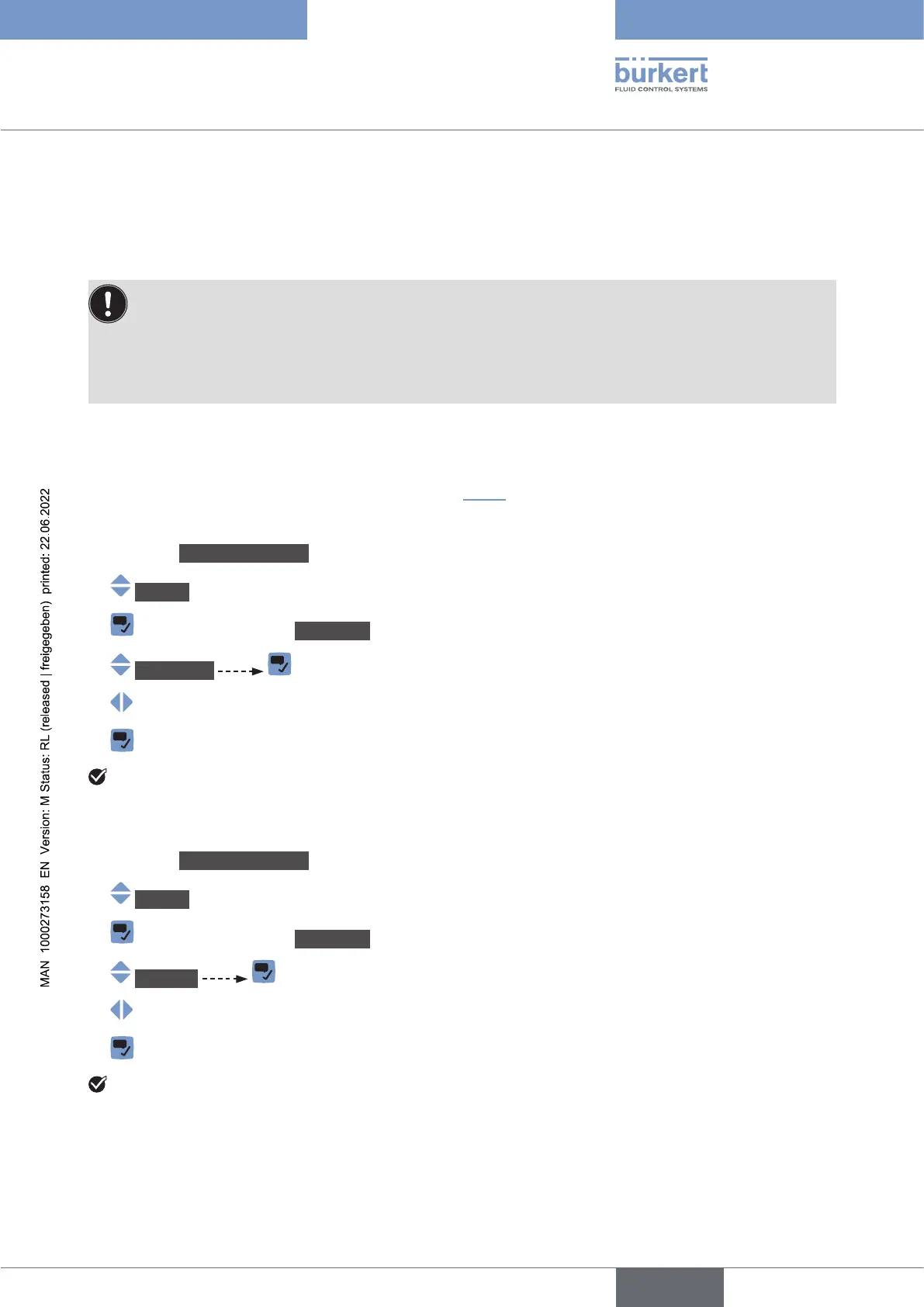
To set the backlight brightness if the screen saver is inactive, do the following:
→ Go to the CONFIGURATION view.
→ Display
→ Parameter view.
→ Brightness
→
→
The brightness of the backlight is adjusted.
11.3.2 Adjusting the contrast of the display
→
Go to the CONFIGURATION view.
→ Display
→ Parameter view.
→ Contrast
→
→
The contrast of the display is adjusted.
English



 To Next Page