EasyManua.ls Logo

Burkert FLOWave L - Description of the Display

Burkert FLOWave L
354 pages
Print Icon
To Next Page IconTo Next Page
To Previous Page IconTo Previous Page
Loading...
83
How to do the settings
Type 8098 FLOWave L
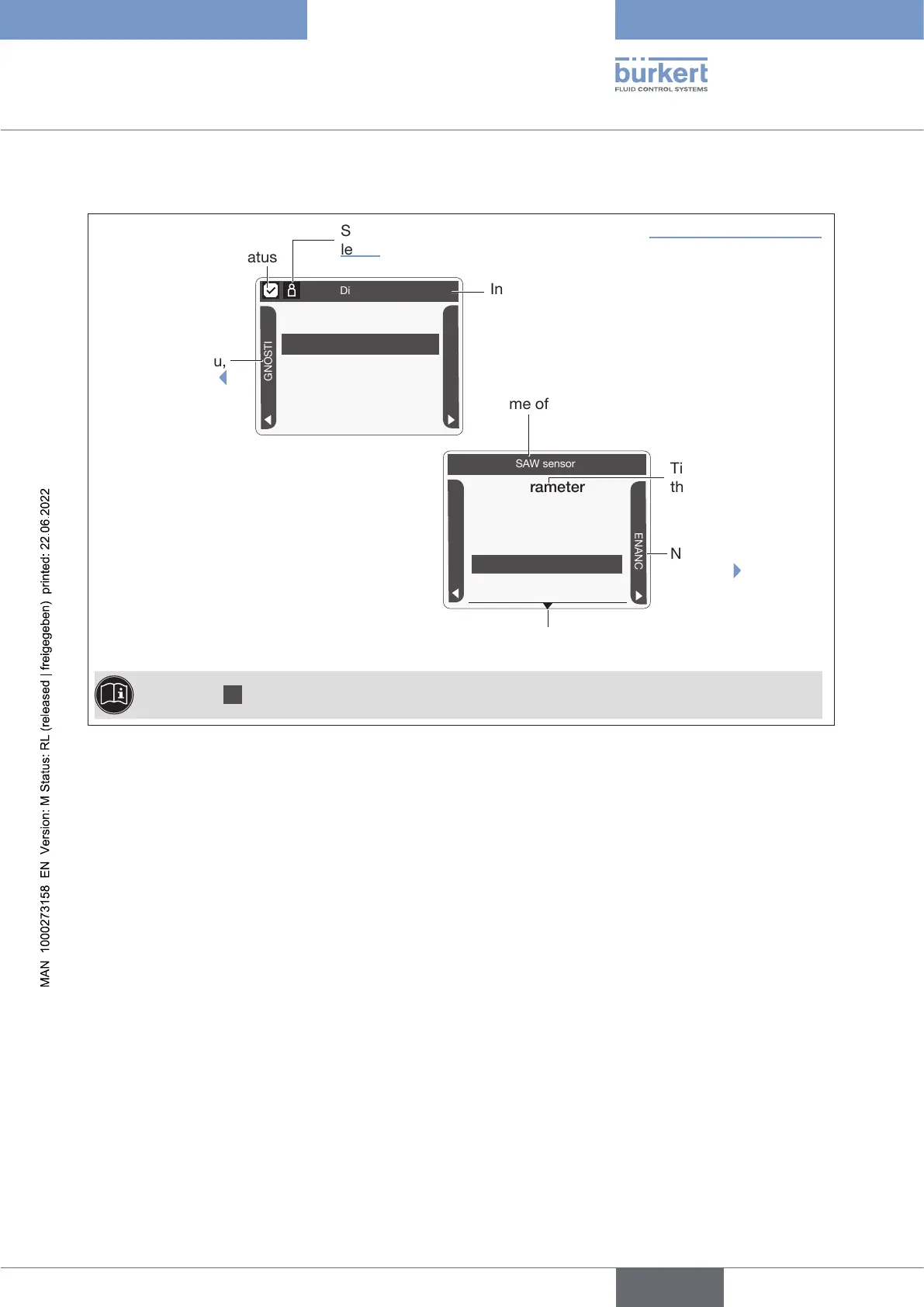
10.4.1 Description of the display
Parameter
Stand. meas. values

SAW sensor
DIAGNOSTICS


Diag.events [+]

Name of the customized view or of the menu
To the DIAG-
NOSTICS menu,
by pressing
-
NANCE menu, by
pressing
Information bar
Symbol of the device
status

levels.
Parameter

Display
DIAGNOSTICS



Title of the menu or of
the menu item

The symbol [+] at the end of a menu item means that sub-menu items are available.
 
English

Table of Contents

Related product manuals