289
Outputs – Parameter
Type 8098 FLOWave L
18.3 Setting the parameters of an analogue output
By default, the device has 2 analogue outputs, Output1:analog and Output3:analog. You can change the
.
The following parameters can be set:
• the processvalue associated to the analogue output.
•
•
• the damping level of the values that are transmitted on the analogue output. By default, the values trans-
mitted on the analogue output are not damped.
• the behaviour of the analogue output depending on the status of the device.
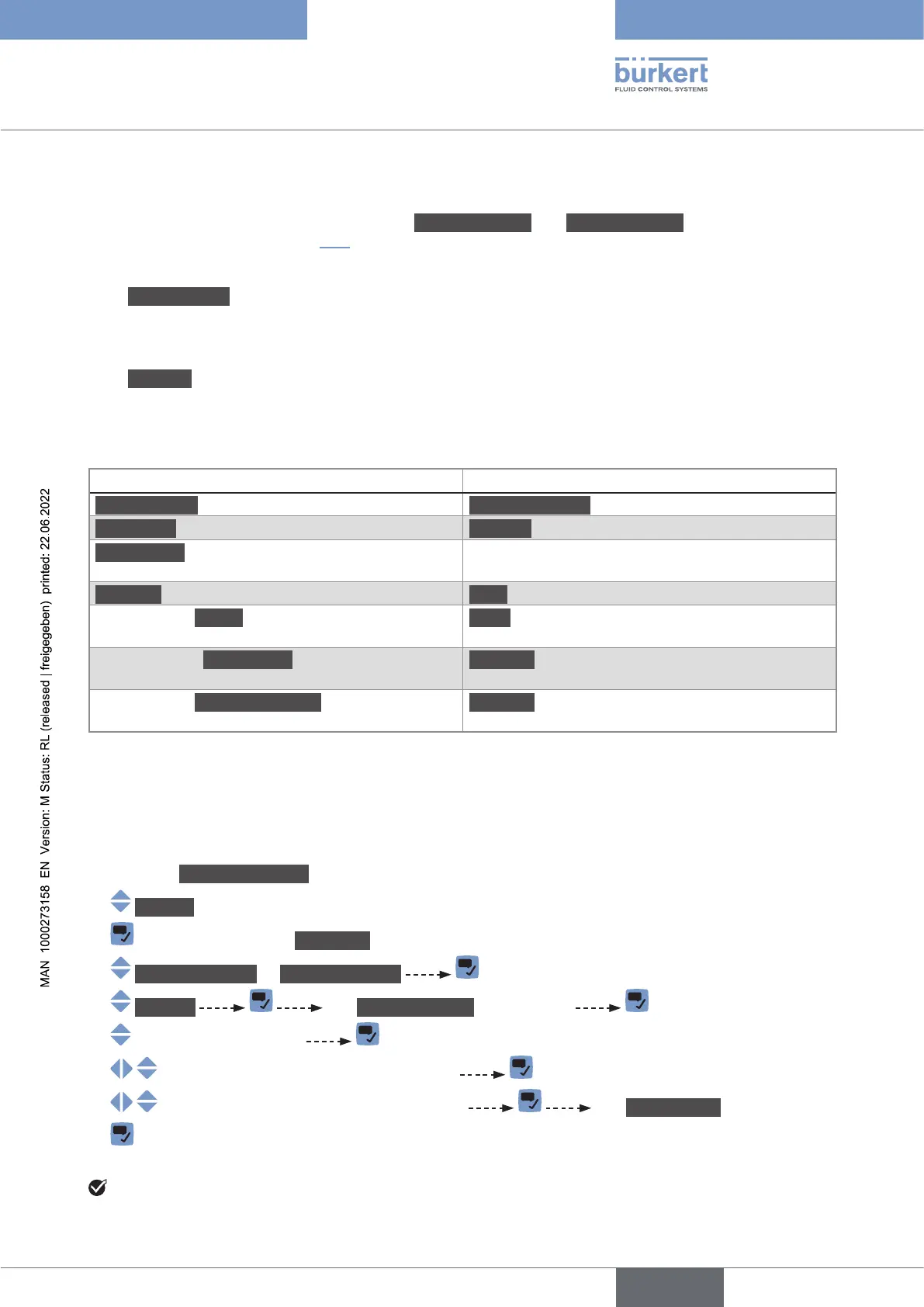
Parameter Default value
Processvalue associated to the analogue output Volumeowrate
4mAvalue 0.0l/min
20mAvalue
depends on the DN of the process connections.
Damping level None
Behaviour if a Failure message is generated by the
device
22mA
Behaviour if an Outofspec. message is generated
by the device
Continue
Behaviour if a Maintenancereq. message is
generated by the device
Continue
18.3.1 Changing the process value and the process value range
associated to an analogue output
To change the process value and the process value range associated to an analogue output, do the
following:
→ Go to the CONFIGURATION view.
→ Outputs
→ Parameter view.
→ Output1:analog or Output3:analog
→ Settings The Currentsettings are displayed
→
→
→ The Newsettings are displayed.
→
The process value and the process value range associated to the analogue output are changed.
English



 To Next Page