229
SAW sensor – Parameter
Type 8098 FLOWave L
15.13.4 Activating a user-dened damping of the values of the
acoustic transmission factor
-
mission factor:
• on the display,
• on the totalizers,
• on the outputs. The damping set for an analog output comes in addition to the damping of the acoustic
transmission factor.
By default, the measured values of the acoustic transmission factor are damped with the level None.
→ Low, Medium or High.
→ Or you can set your own damping parameters with the Special damping.
With the Special damping, you can set 2 parameters:
• Responsetime in seconds,
• the Jumpthreshold-
centage, no damping is applied to the second measured value.
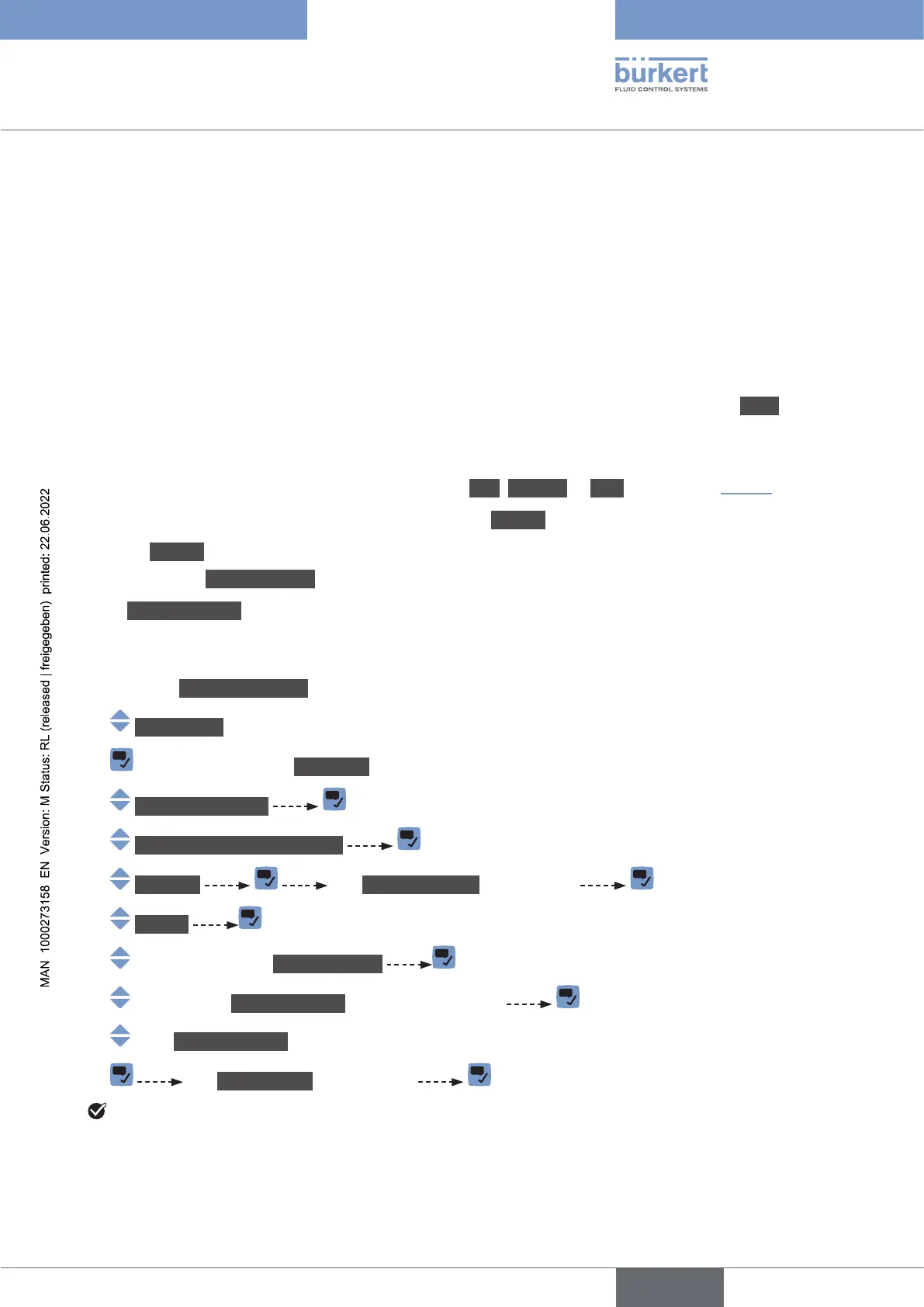
To set your own damping parameters of the DF values, do the following:
→ Go to the CONFIGURATION view.
→ SAWsensor
→ Parameter view.
→ Add.meas.values
→ Acoustictransmissionfactor
→ Damping The Currentsettings are displayed
→ Special
→ Responsetime
→ Jumpthreshold is enabled or disabled
→ Jumpthreshold is enabled, set the value.
→ The Newsettings are displayed
The special damping of the values of the acoustic transmission factor is active.
English



 To Next Page