123
General settings – Parameter
Type 8098 FLOWave L
12.13 Changing the date and the time
The date and time are set in the Quickstart
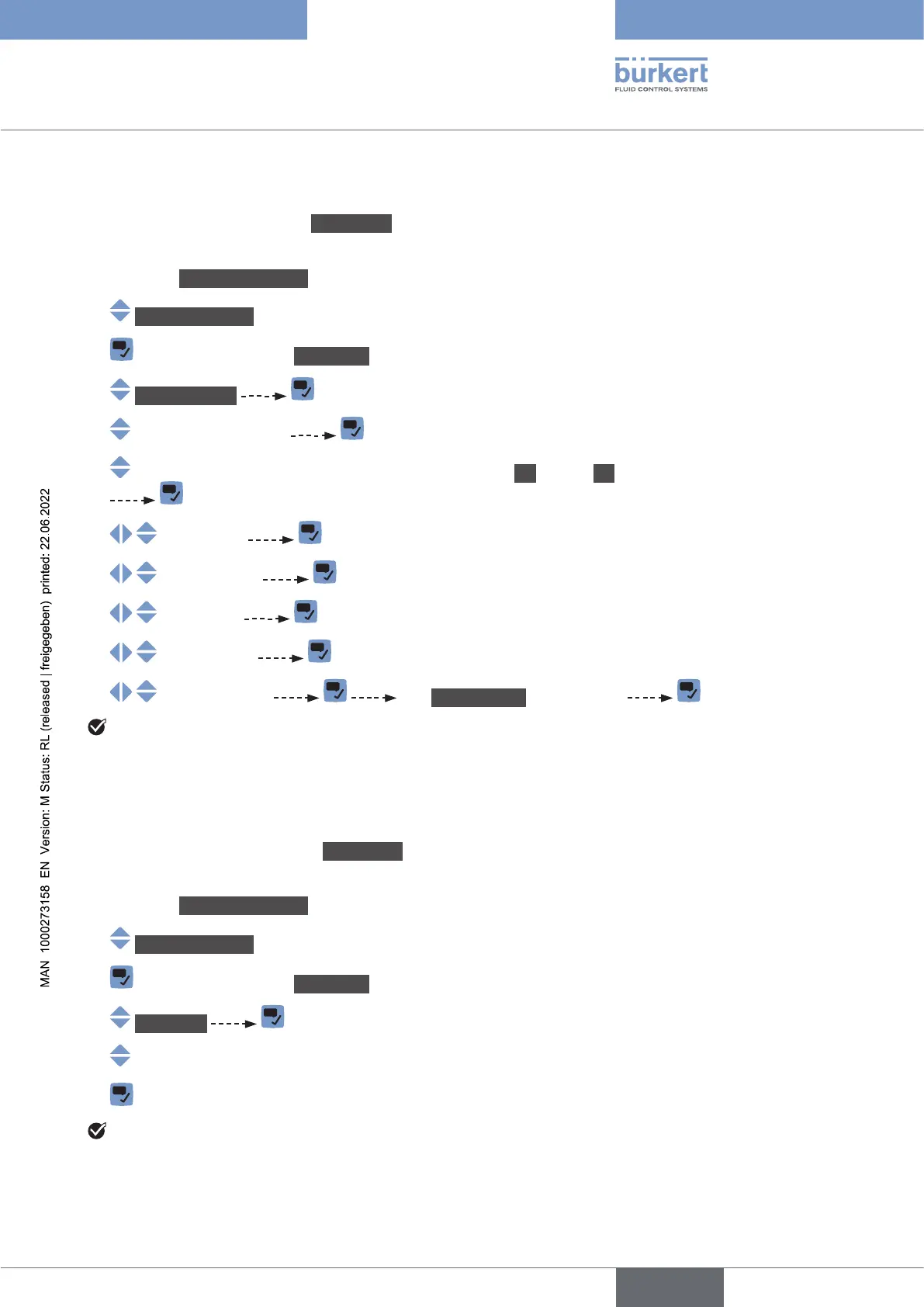
To change the date and time, do the following:
→ Go to the CONFIGURATION view.
→ Generalsettings
→ Parameter view.
→ Dateandtime
→
→ On) or not (O) for the display of the time.
→
→
→
→
→ The Newsettings are displayed
The date and time are set.
12.14 Changing the display language
By default, the display language is English.
The display language is set in the Quickstart
To change the display language, do the following:
→ Go to the CONFIGURATION view
→ Generalsettings
→ Parameter view.
→ Language
→
→
The display language is changed.
English



 To Next Page