125
General settings – Parameter
Type 8098 FLOWave L
12.17 Deactivating the adjustment protection through
passwords
By default, the device adjustment is not protected by passwords.
The default user level is the Installer level.
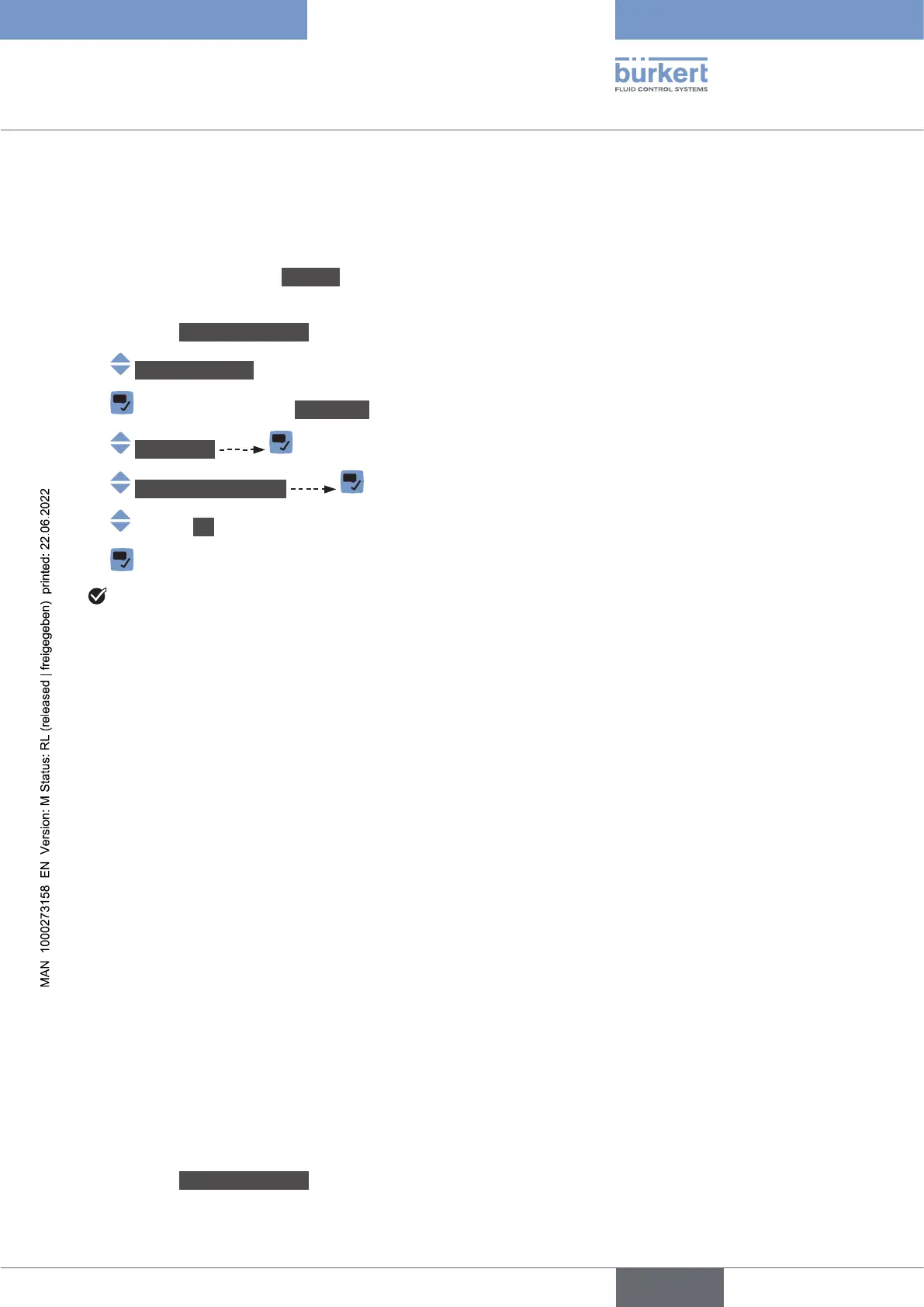
If the adjustment protection through passwords has been activated, do the following to deactivate it:
→ Go to the CONFIGURATION view
→ Generalsettings
→ Parameter view.
→ Passwords
→ Passwordprotection
→ O
→
The protection through passwords is disabled.
12.18 Changing the units of the physical quantities
The physical quantities, used by the device, are displayed on the device with the following default units (in
the metric unit system):
• current: mA (milliamperes)
• density: g/cm
3
(grams per cubic centimetre)
•
•
• length: mm (millimeters)
• mass: g (grams)
•
• velocity: m/s (meters per second)
•
•
• time: s (seconds)
•
• volume: l (liters)
To change the units of a physical quantity, do the following:
→ Go to the CONFIGURATION view
English



 To Next Page