311
Menu Maintenance
Type 8098 FLOWave L
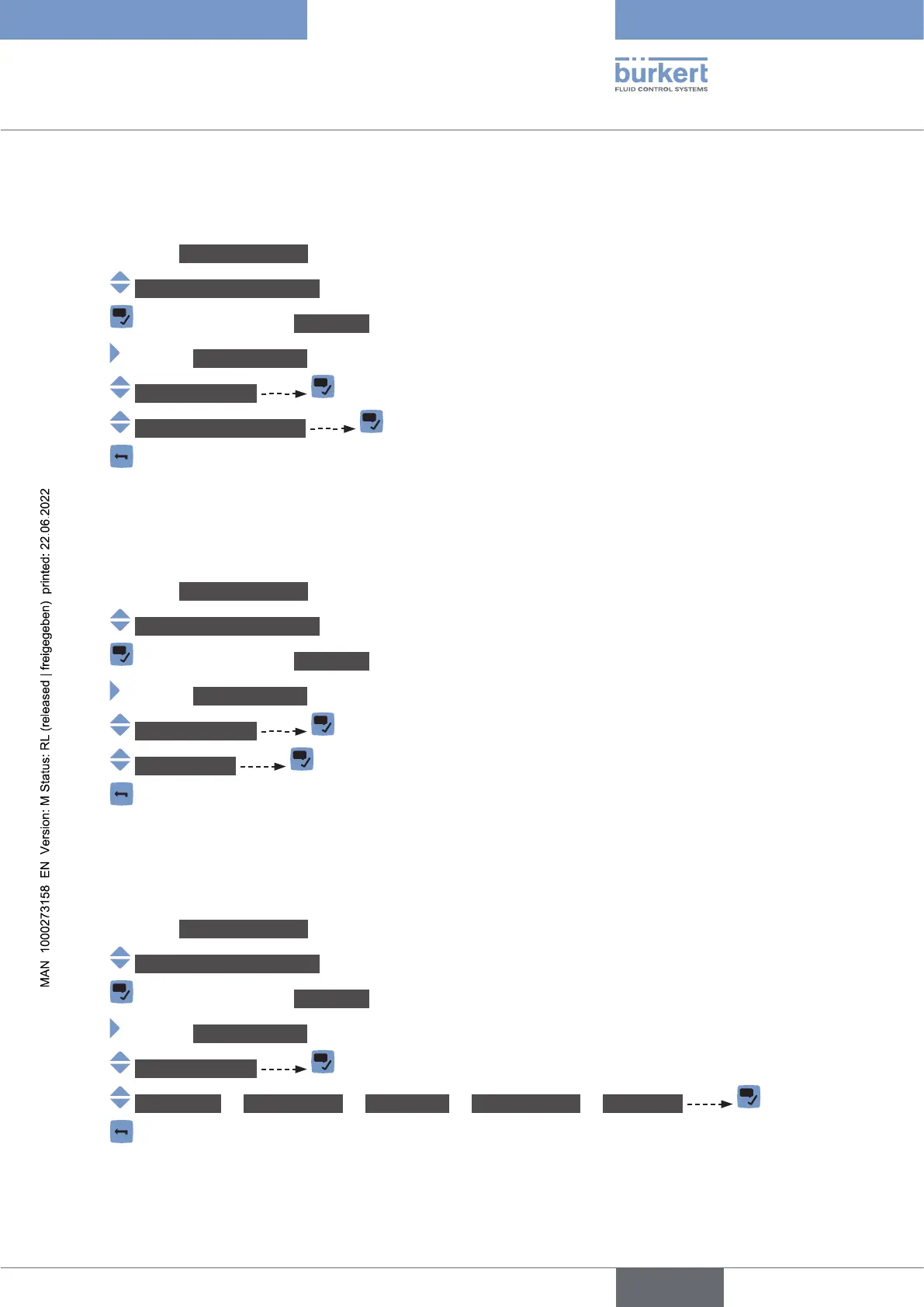
22.4 Reading out the article number of the software
Do the following:
→ Go to the CONFIGURATION view.
→ Industrialcommunication
→ Parameter view.
→ MAINTENANCE view.
→ Versionnumbers
→ Softwareident.number
→
22.5 Reading out the serial number of the device
Do the following:
→ Go to the CONFIGURATION view.
→ Industrialcommunication
→ Parameter view.
→ MAINTENANCE view.
→ Versionnumbers
→ Serialnumber
→
22.6 Reading out stack information
Do the following:
→ Go to the CONFIGURATION view.
→ Industrialcommunication
→ Parameter view.
→ MAINTENANCE view.
→ Versionnumbers
→ Stackname or Stackversion or StackBuild or StackRevision or StackDate
→
English



 To Next Page