292
Outputs – Parameter
Type 8098 FLOWave L
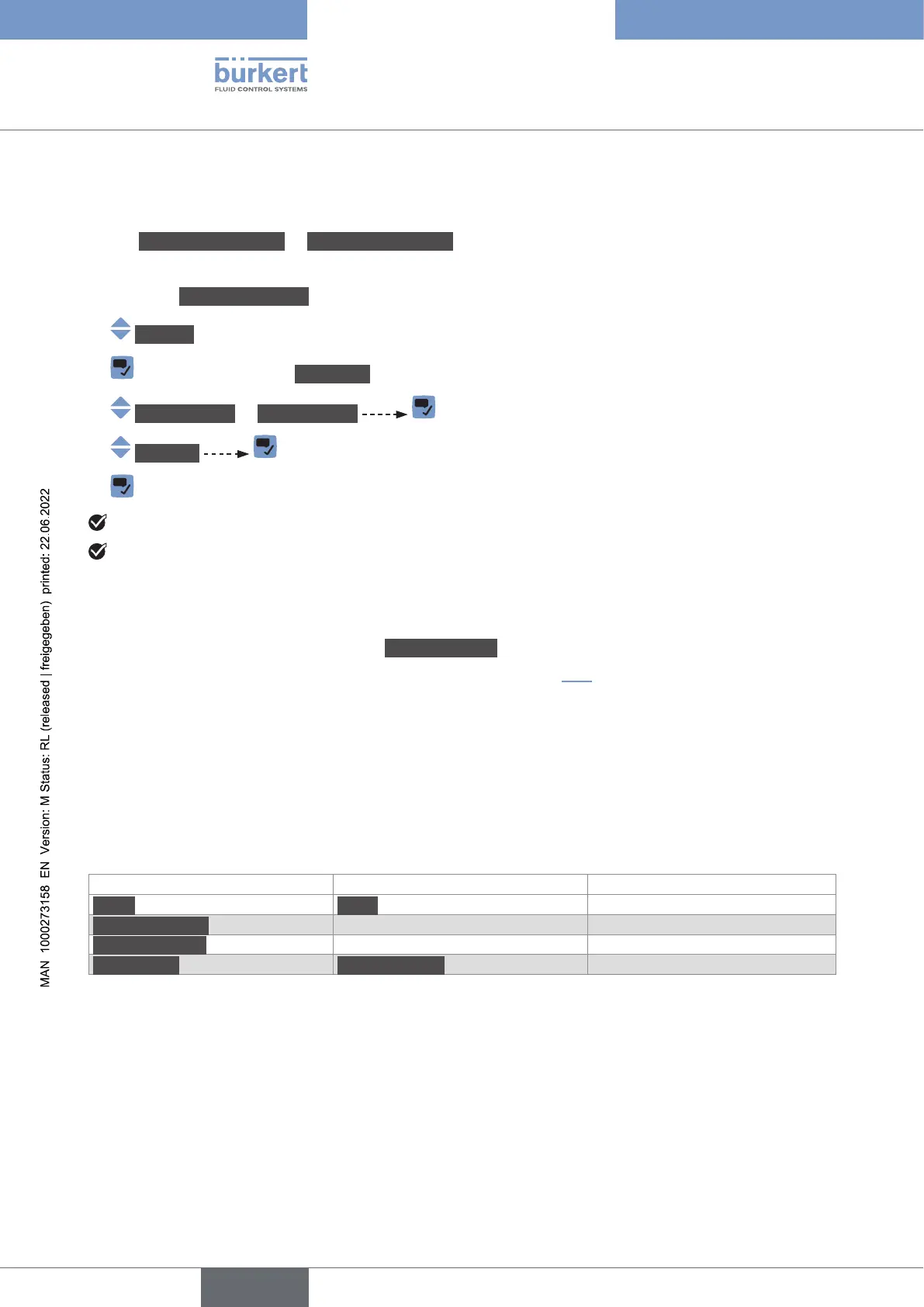
18.4 Disabling an analogue output
If an analogue output is not wired, the analogue output can be disabled to avoid the generation of the
events Output1,openloop or Output3,openloop.
To disable an analogue output, do the following:
→ Go to the CONFIGURATION view.
→ Outputs
→ Parameter view.
→ Output1type or Output3type
→ Disabled
→
The analogue output is disabled.
The menus related to the analogue output are not displayed any more.
18.5 Setting the parameters of a digital output
Output2:digital
.
•
• or, to switch depending on two threshold values,
• or, as a frequency output,
• or, as a pulse output.
Parameter Default value DN of process connections
Mode Pulse all the diameters
Max.pulsetime all the diameters
Max.frequency all the diameters
Pulse mode Pulses/volume all the diameters
English



 To Next Page