86
How to do the settings
Type 8098 FLOWave L
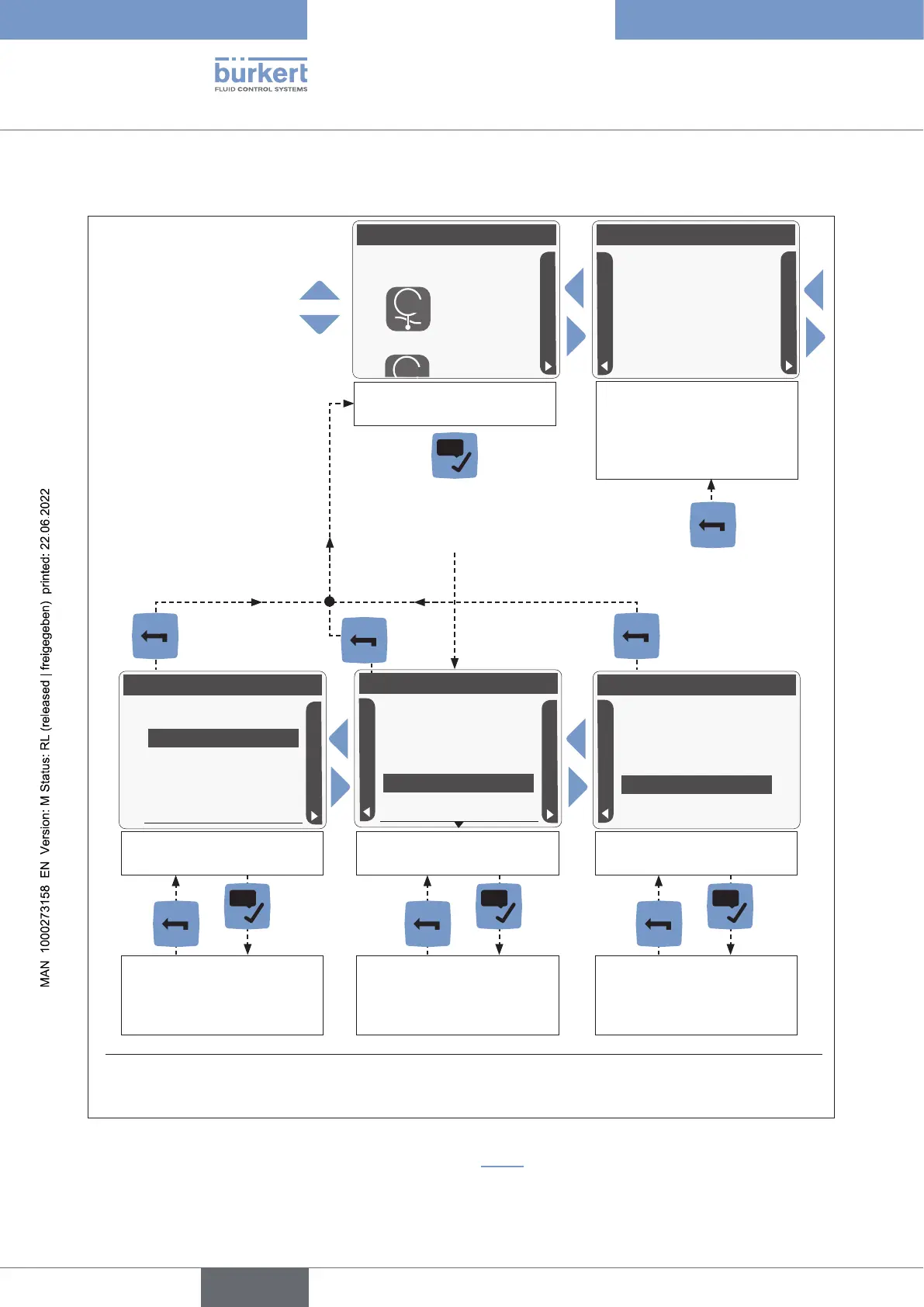
10.7 Menu structure
*
CONFIGURATION
CONFIGURATION
F
SAW sensor
To navigate through the list
of available menu items
T
Volumeow
30.1
l/min
First view, displayed after
energizing the device, that
can be changed by the user
Parameter
Stand. meas. values
SAW sensor
DIAGNOSTICS
Press to access the displayed
item "SAW sensor")
Diag.events [+]
Parameter view
Diagnostics
Device [+]
SAW sensor
Diagnostics view
Maintenance
SAW sensor
Flow direction Standa...
Calibration [+]
Reading out the values
related to the diagnostics
Reading out or setting the
parameters
Reading out or setting
the values related to the
maintenance
.
English



 To Next Page