307
Menu Parameter
Type 8098 FLOWave L
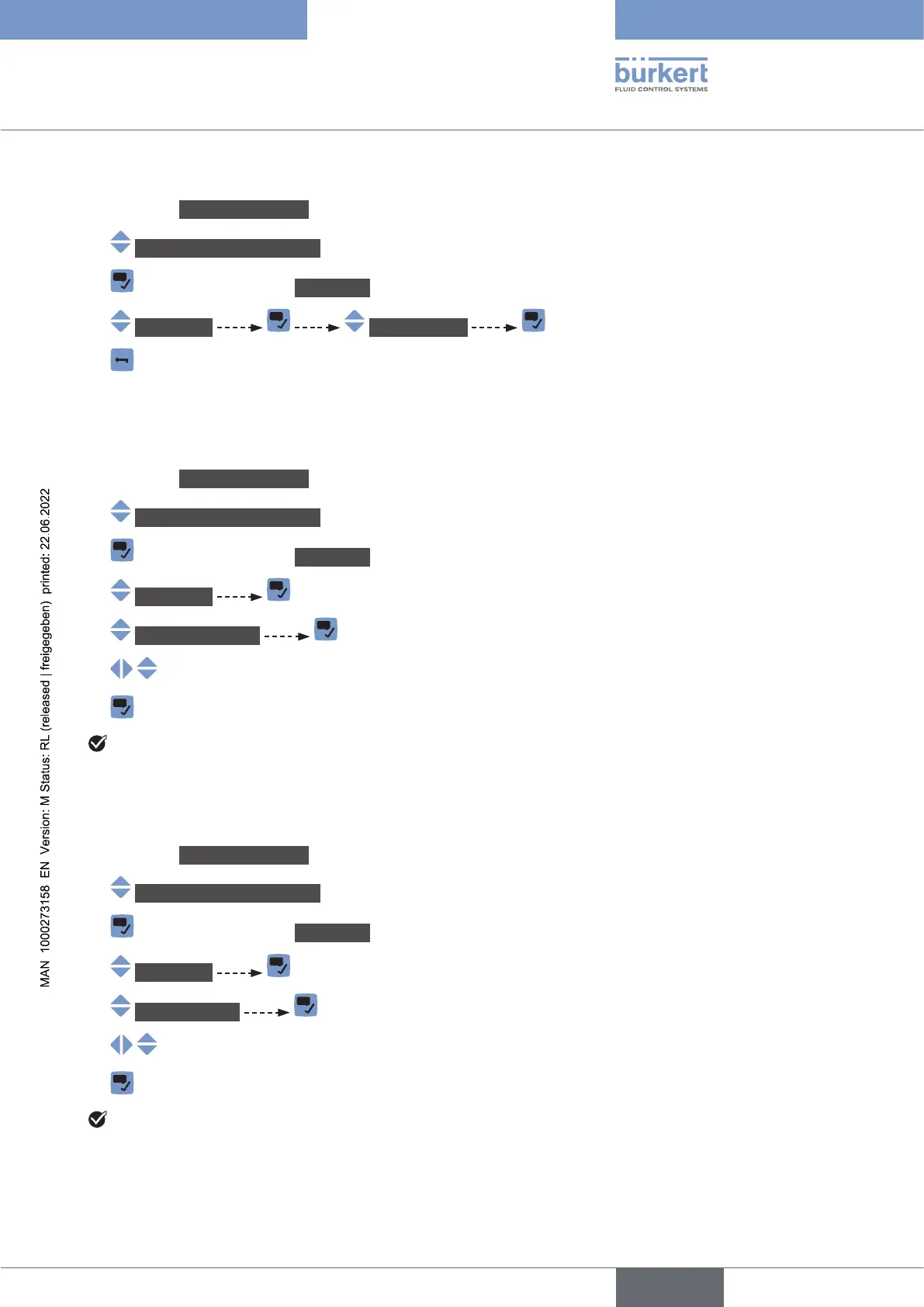
Do the following:
→ Go to the CONFIGURATION view.
→ Industrialcommunication
→ Parameter view.
→ IPsettings MACaddress
→
21.2.3 Changing the static IP address
Do the following:
→ Go to the CONFIGURATION view.
→ Industrialcommunication
→ Parameter view.
→ IPsettings
→ StaticIPaddress The current address is displayed.
→
→
The static address is changed.
21.2.4 Changing the network mask
Do the following:
→ Go to the CONFIGURATION view.
→ Industrialcommunication
→ Parameter view.
→ IPsettings
→ Networkmask The current network mask is displayed.
→
→
The network mask is changed.
English



 To Next Page