299
Outputs – Diagnostics
Type 8098 FLOWave L
19 OUTPUTS – DIAGNOSTICS
19.1 Analogue output: reading out the current status and
the values of the current
Any user can read out the following data related to an analogue output:
• the current status of the analogue output, i.e. OK, Openloop or Impedancetoohigh.
• the value of the current related to the measured quantity of the process value,
• the value of the current transmitted on the analogue output.
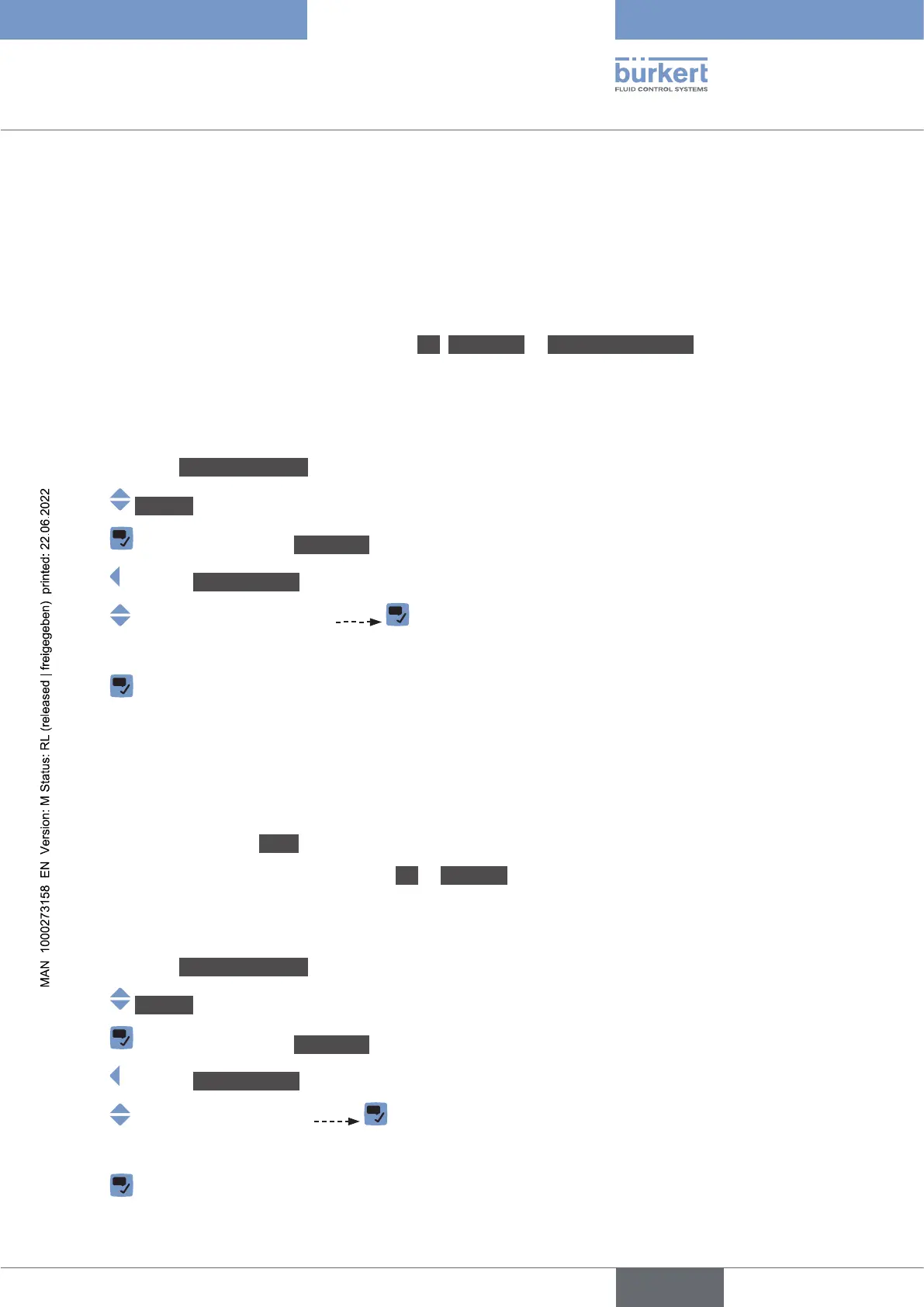
This data is in read-only mode. To read out some data related to an analogue output, do the following:
→ Go to the CONFIGURATION view.
→ Outputs
→ Parameter view.
→ DIAGNOSTICS view.
→
→ Read out the data related to the analogue output.
→
19.2 Digital output: reading out the mode, the current
status and the current value
Any user can read out the following data related to a digital output:
• the current mode, e.g. pulse, of the digital output,
• the current status of the digital output, i.e. OK or Overload.
• the current value of the digital output, e.g. for a pulse output, the number of pulses transmitted on the output.
This data is in read-only mode. To read out some data related to a digital output, do the following:
→ Go to the CONFIGURATION view.
→ Outputs
→ Parameter view.
→ DIAGNOSTICS view.
→
→ Read out the data related to the digital output.
→
English



 To Next Page