88
How to do the settings
Type 8098 FLOWave L
View Menu items of the context menu
in a menu
Messagesoverview To display the list of messages generated by the device.
Save To save the changes.
WhereamI?
To display the access path to the displayed menu item. Not
available in the wizard.
Addshortcut
Deleteshortcut
Changeuserlevel To change the user level.
10.7.2 Adding your own context menu items (shortcuts, display
module only)
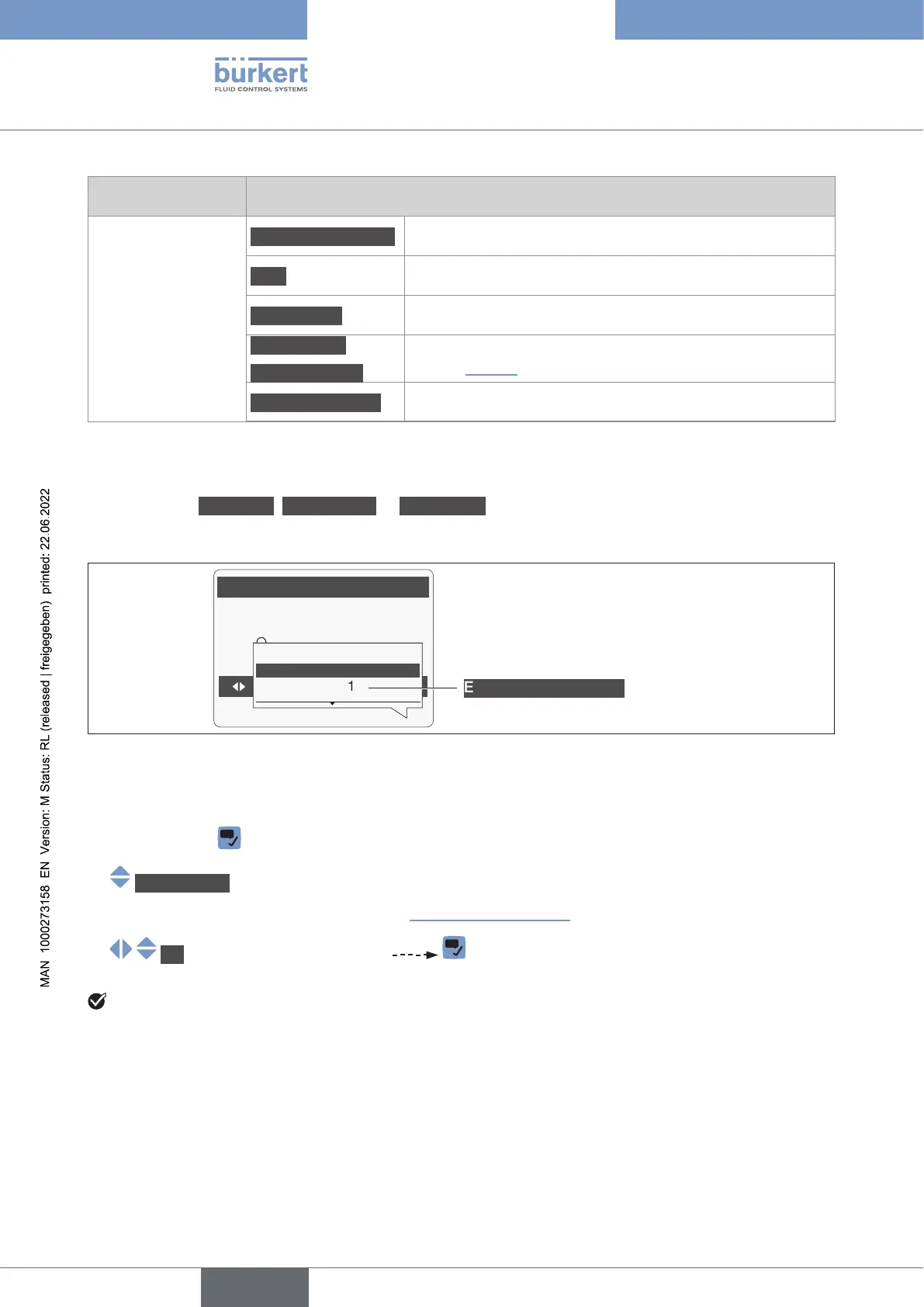
If you are in the Parameter, Maintenance or Diagnostics view or in a menu, you can add up to 3 shortcuts
to the selected view or menu item.
Parameter
Language
English
German
French
Where am I?
Change user level
Exampleofashortcut
→ Go to the view or menu for which a shortcut should be created.
→ Press and hold
→ Addshortcut
→ .
→ OK Save.
English



 To Next Page