197
SAW sensor – Parameter
Type 8098 FLOWave L
15.9.4 Deactivating the damping of the liquid density values
By default, the measured liquid density values are damped with the level Medium.
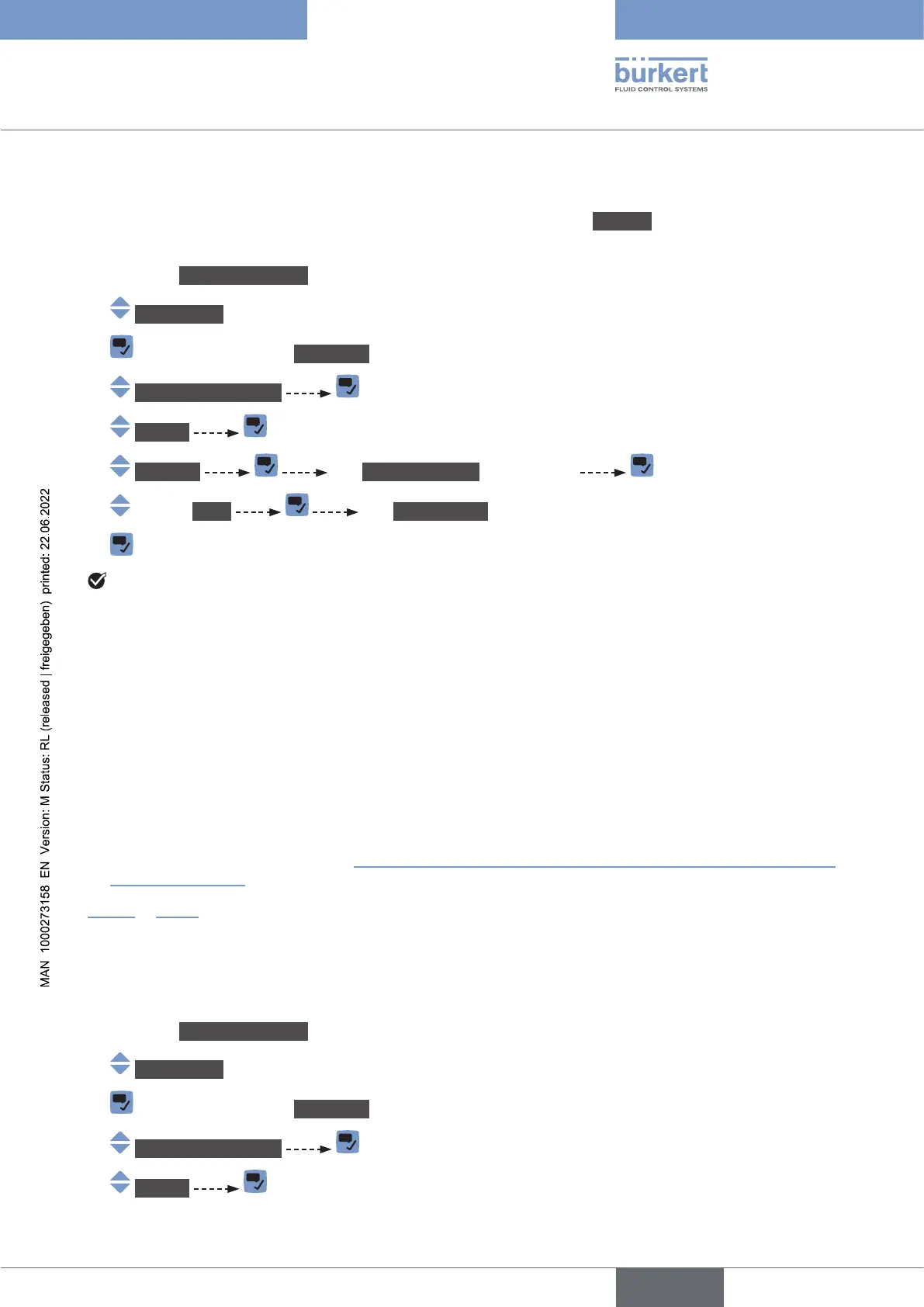
To deactivate the damping of the liquid density values, do the following:
→ Go to the CONFIGURATION view.
→ SAWsensor
→ Parameter view.
→ Stand.meas.values
→ Density
→ Damping The Currentsettings are displayed
→ None The Newsettings are displayed.
→
The damping of the liquid density values is inactive.
15.9.5 Activating the monitoring of the liquid density
too high or too low.
A monitored value can be:
• in the normal operating range.
• in the warning range,
• in the error range.
You can set 4 limit values: 2 error limits and 2 warning limits.
→
of the liquid density.
in
and if the monitored value increases or decreases.
By default, the monitoring of the liquid density and the diagnostics are all disabled.
To activate the monitoring of the liquid density, do the following:
→ Go to the CONFIGURATION view.
→ SAWsensor
→ Parameter view.
→ Stand.meas.values
→ Density
English



 To Next Page