109
General settings – Parameter
Type 8098 FLOWave L
12.4 Changing the operating mode of the device status
indicator or switching o the device status indicator
NAMURmode).
The following other operating modes of the device status indicator are available:
• Fixedcolor: choose the permanent colour of the device status indicator.
• LEDo
12.4.1 Changing the operating mode of the device status indicator
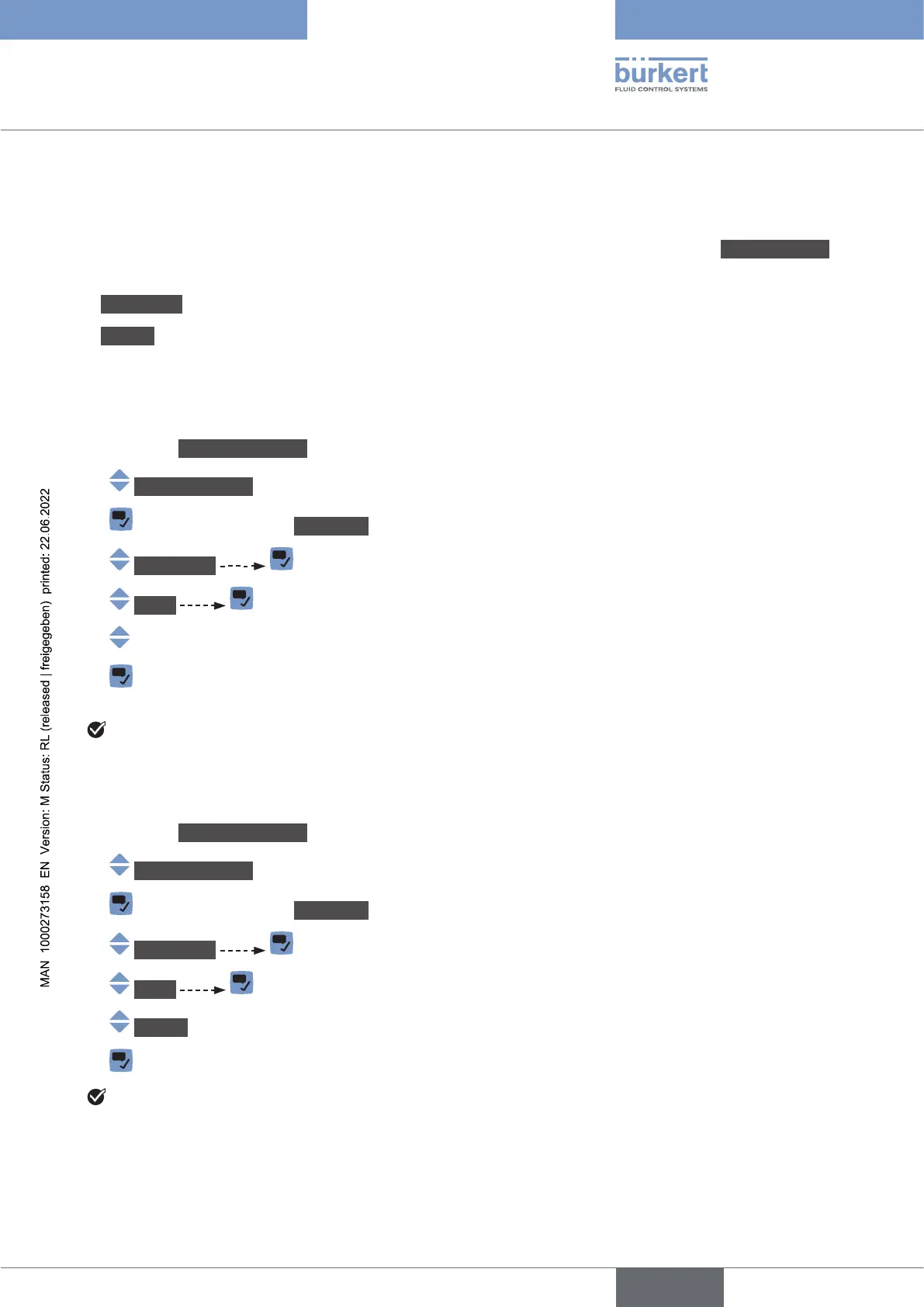
To change the operating mode of the device status indicator, do the following:
→ Go to the CONFIGURATION view.
→ Generalsettings
→ Parameter view.
→ StatusLED
→ Mode
→
→
The operating mode of the device status indicator is changed.
12.4.2 Switching o the device status indicator
→ Go to the CONFIGURATION view.
→ Generalsettings
→ Parameter view.
→ StatusLED
→ Mode
→ LEDo.
→
English



 To Next Page