124
General settings – Parameter
Type 8098 FLOWave L
12.15 Activating the adjustment protection through
passwords
By default, the device adjustment is not protected by passwords.
The default user level is the Installer level.
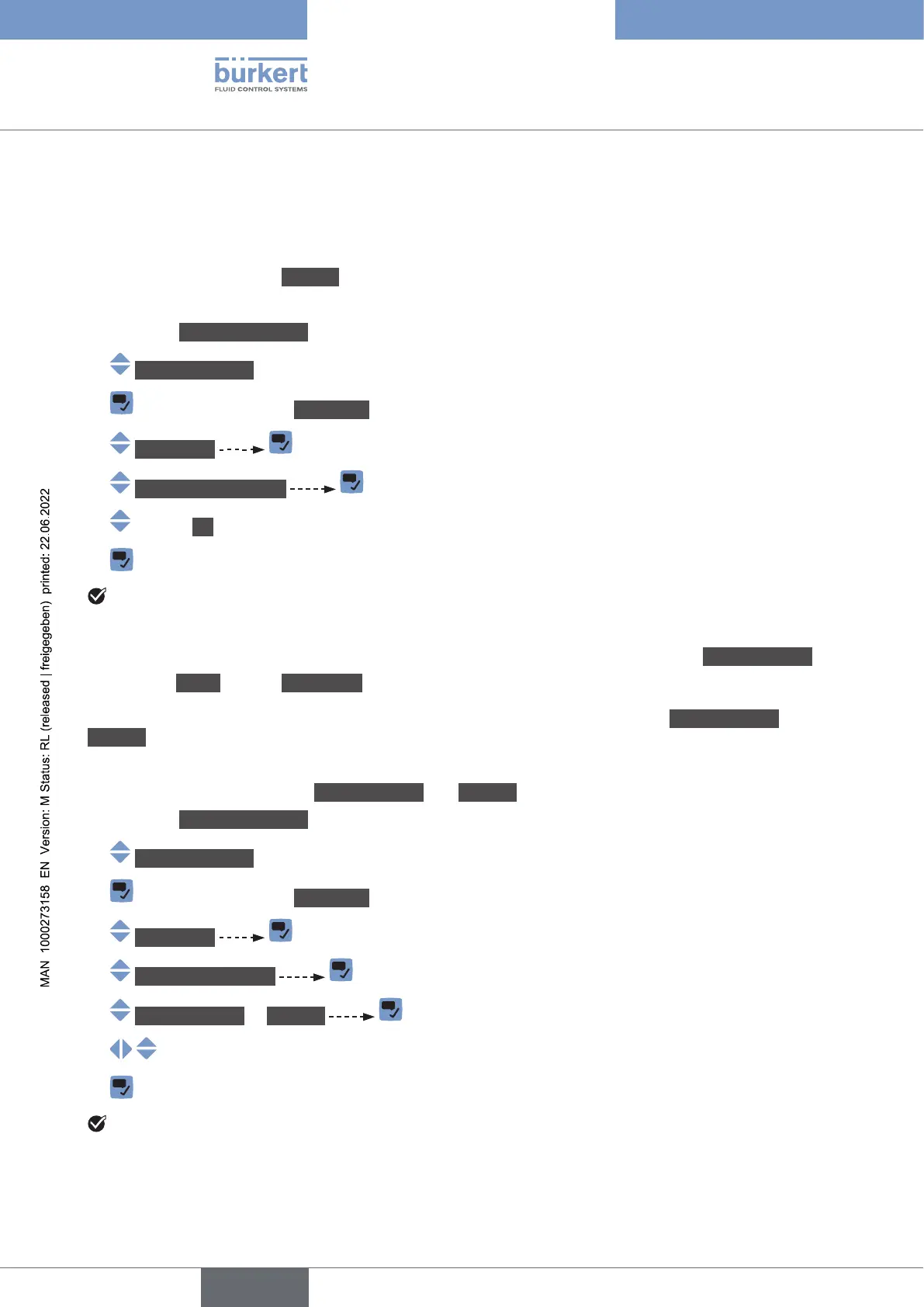
To activate the adjustment protection through passwords, do the following:
→ Go to the CONFIGURATION view
→ Generalsettings
→ Parameter view.
→ Passwords
→ Passwordprotection
→ On
→
The protection through passwords is enabled.
12.16 Changing the protection passwords of the Advanced
user and Installer user levels
If the protection through passwords is active, you can change the passwords of the Advanceduser and
Installer user levels.
The lowest user level is not protected through a password.
To change the passwords of the Advanceduser and Installer user levels, do the following:
→ Go to the CONFIGURATION view
→ Generalsettings
→ Parameter view.
→ Passwords
→ Changepasswords
→ Advanceduser or Installer
→
→
The password is changed.
→ If you have forgotten your passwords, you can restore the default passwords with the Type 8920 Com-
municator software.
English



 To Next Page