65
Electrical installation
Type 8098 FLOWave L
8.12 Connecting the functional earth (device variant with
two M20x1.5 cable glands)
→ For a proper function of device always connect the yellow/green functional earth conductor:
either to the functional earth plate in the transmitter housing (see ),
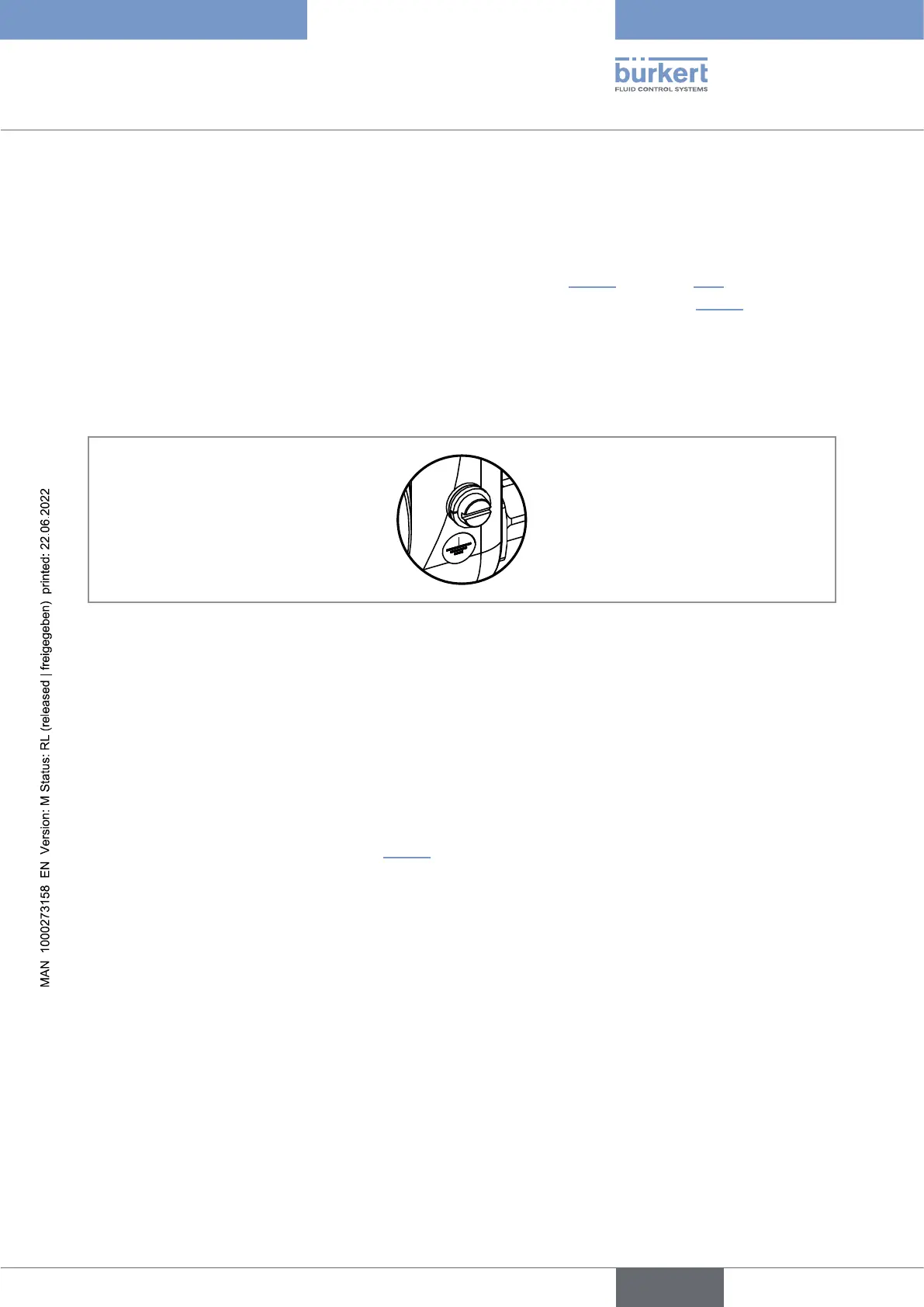
or to the functional earth screw on the outer surface of the transmitter housing (see ).
If you connect the conductor to the functional earth screw:
→
→
8.13 Connecting the device to a 12...35VDC power
supply through the M20x1.5 cable glands (device
variant with cable glands)
-
connect the white conductor. Do not cut the white conductor.
2. Insulate the white conductor.
3. Connect the power supply as shown in .
English



 To Next Page