128
General settings – Diagnostics
Type 8098 FLOWave L
13.2.2 Reading out the current value of the internal temperature of
the device
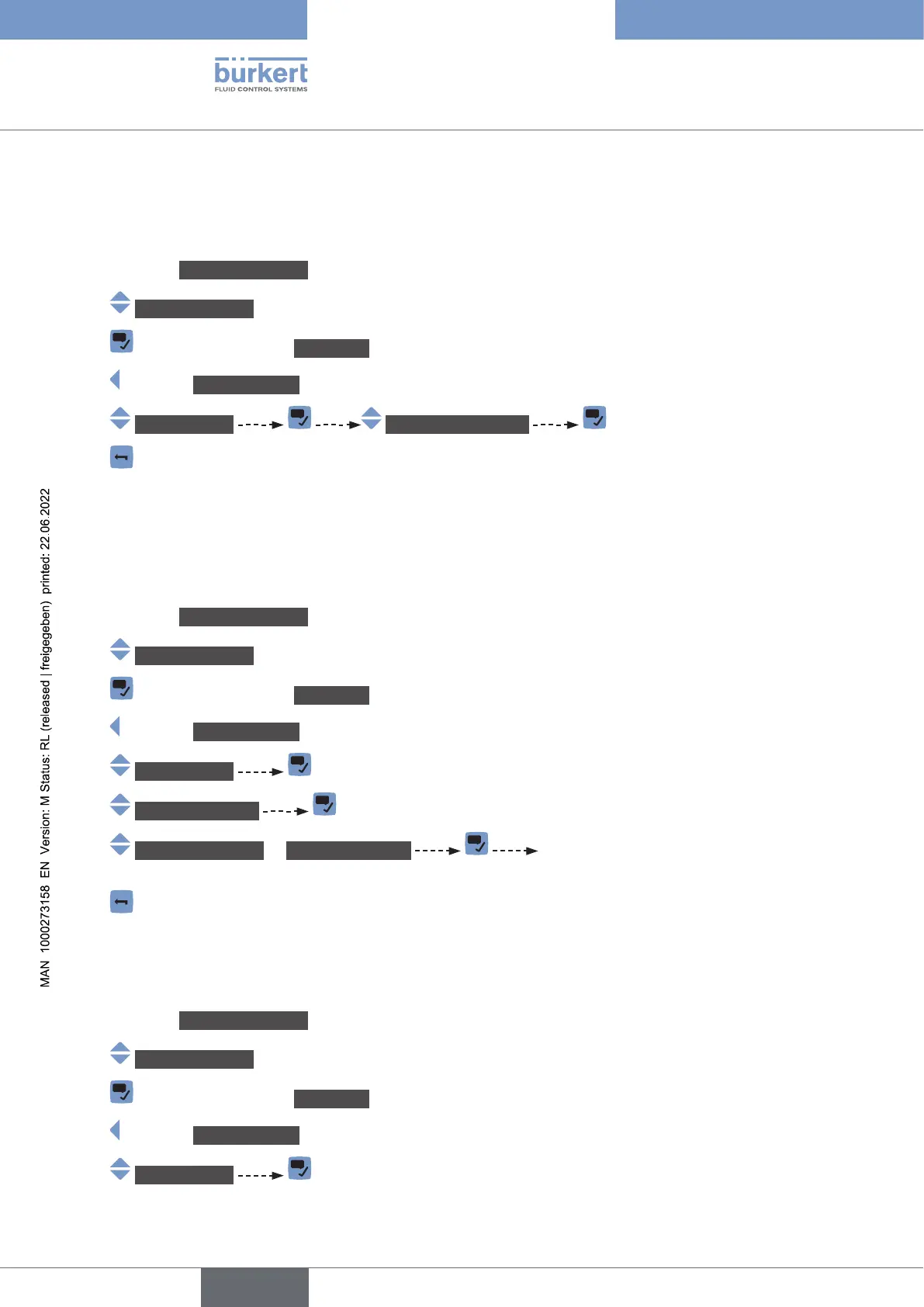
To read out the current value of the internal temperature of the device, do the following:
→ Go to the CONFIGURATION view.
→ Generalsettings
→ Parameter view.
→ DIAGNOSTICS view.
→ Devicestatus Devicetemperature
→
13.2.3 Reading out the minimum or the maximum value of the
internal temperature of the device
power-up of the device, do the following:
→ Go to the CONFIGURATION view.
→ Generalsettings
→ Parameter view.
→ DIAGNOSTICS view.
→ Devicestatus
→ Min./Max.values
→ Max.temperature or Min.temperature
the internal temperature of the device is displayed.
→
13.2.4 Reading out the current value of the supply voltage
To read out the current value of the supply voltage, do the following:
→ Go to the CONFIGURATION view.
→ Generalsettings
→ Parameter view.
→ DIAGNOSTICS view.
→ Devicestatus
English



 To Next Page