90
How to do the settings
Type 8098 FLOWave L
10.7.5 Changing the login user level if the adjustment is protected
through passwords
If the adjustment is protected through passwords, the symbol related to the active user level is displayed in
the information bar.
→ To change the login user level in the Bürkert Communicator software, refer to the Operating Instructions
Type 8920, available on the internet at country.burkert.com.
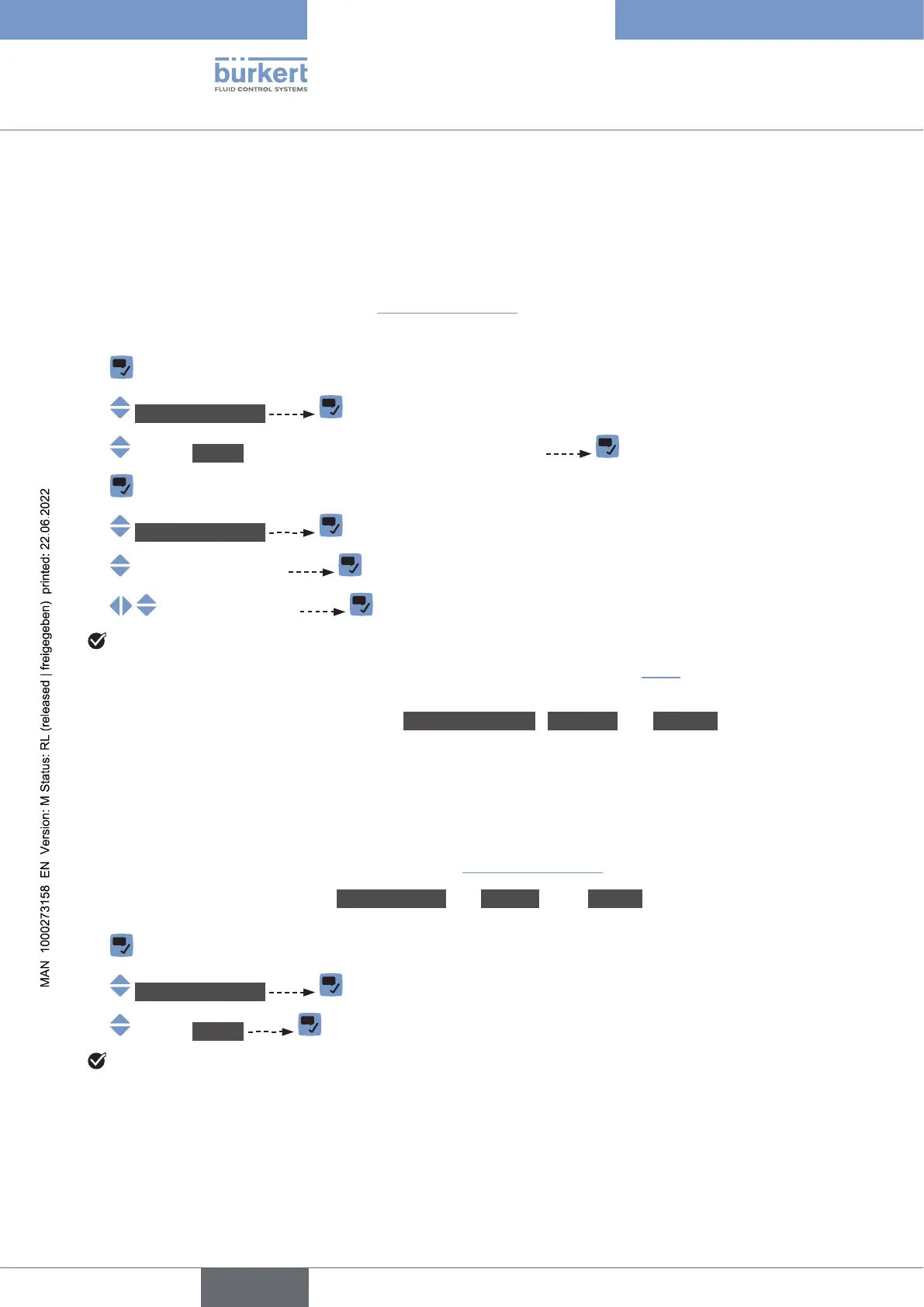
Do the following to change the login user level on the display module:
→
→ Changeuserlevel
→ Logout (not available if the basic user is logged in)
→
→ Changeuserlevel
→
→
The user level is changed. The related symbol is displayed in the information bar.
→ .
10.7.6 Logging out from the Advanceduser, Installer or Bürkert user level
If the adjustment is protected through passwords:
• the symbol related to the active user level is displayed in the information bar.
• you are automatically logged out after the activation delay of the screen saver has elapsed.
→ To log out from the active user level in the Bürkert Communicator software, refer to the Operating
Instructions Type 8920, available on the internet at country.burkert.com.
Do the following to log out from the Advanceduser, the Installer or the Bürkert user level and to go to the
basic user level:
→
→ Changeuserlevel
→ Logout
The basic user level is active.
English



 To Next Page