112
General settings – Parameter
Type 8098 FLOWave L
→ OK
→
The unique name is set.
12.6.2 Changing the transmission speed on the device
If the cable length is higher, reduce the transmission speed of all the participants.
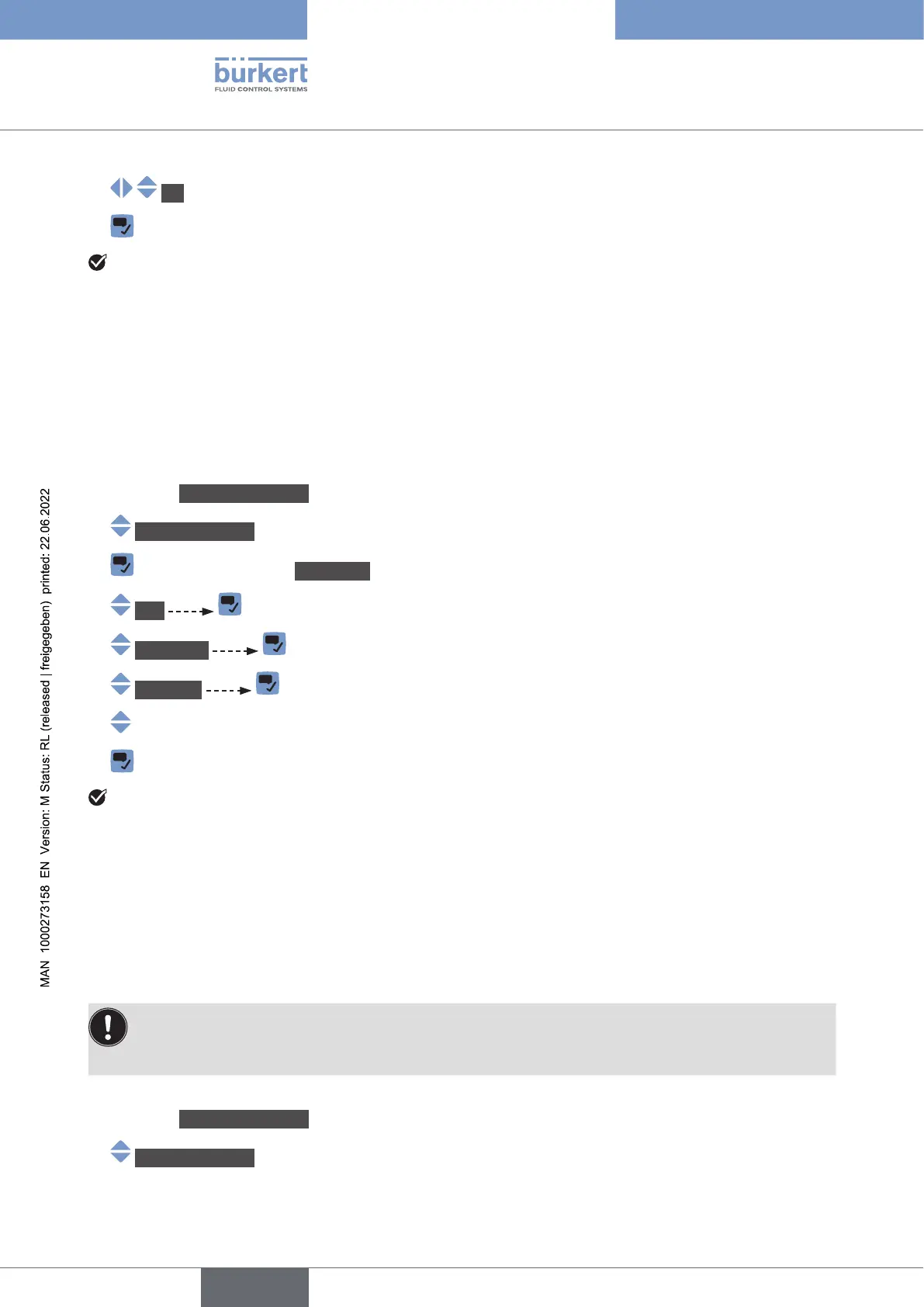
To change the transmission speed of the device, do the following:
→ Go to the CONFIGURATION view.
→ Generalsettings
→ Parameter view.
→ büS
→ Advanced
→ Baudrate
→
→
The transmission speed of the device is changed. To take the transmission speed into account, restart
the device.
12.6.3 Activating the device internal termination resistor
W termination resistor must be installed
W termination resistor that
can be activated if the device is installed at one end of the büS network or at one end of the CANopen
network.
• If you activate the device internal termination resistor, do not install a termination resistor at the
• W
To activate the device internal termination resistor, do the following:
→ Go to the CONFIGURATION view.
→ Generalsettings
English



 To Next Page