B.3
Date Code 20170927 Instruction Manual SEL-751 Relay
Firmware Upgrade Instructions
Upgrade Firmware Using QuickSet
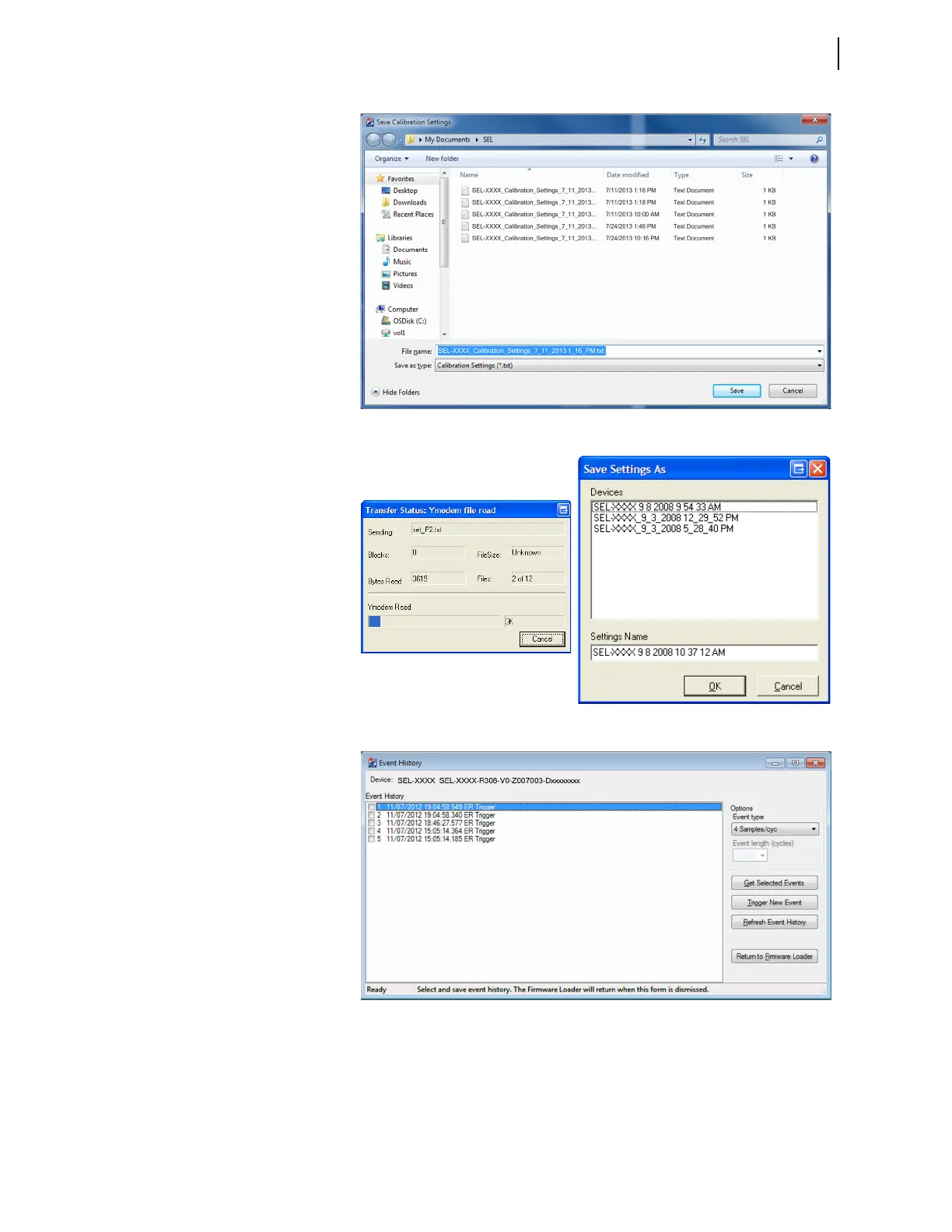
b. Select a file name to save
the selected settings or
accept the defaults as
shown. Click Save.
c. The Transfer Status:
Ymodem file read
window shows the
transfer progress of the
settings file. Clicking
Cancel stops the
transfer.
After the device settings
are downloaded, select a
file name and path to
save the settings or
accept the default, as
shown.
d. Click Return to
Firmware Loader if
this product does not
have any event reports.
If there are any event
reports to be saved, click
the Get Selected Event
button after selecting the
events. After saving
them, click the Return
to Firmware Loader
button.



 To Next Page