EDIUS — User Reference Guide 257
Creating Clips
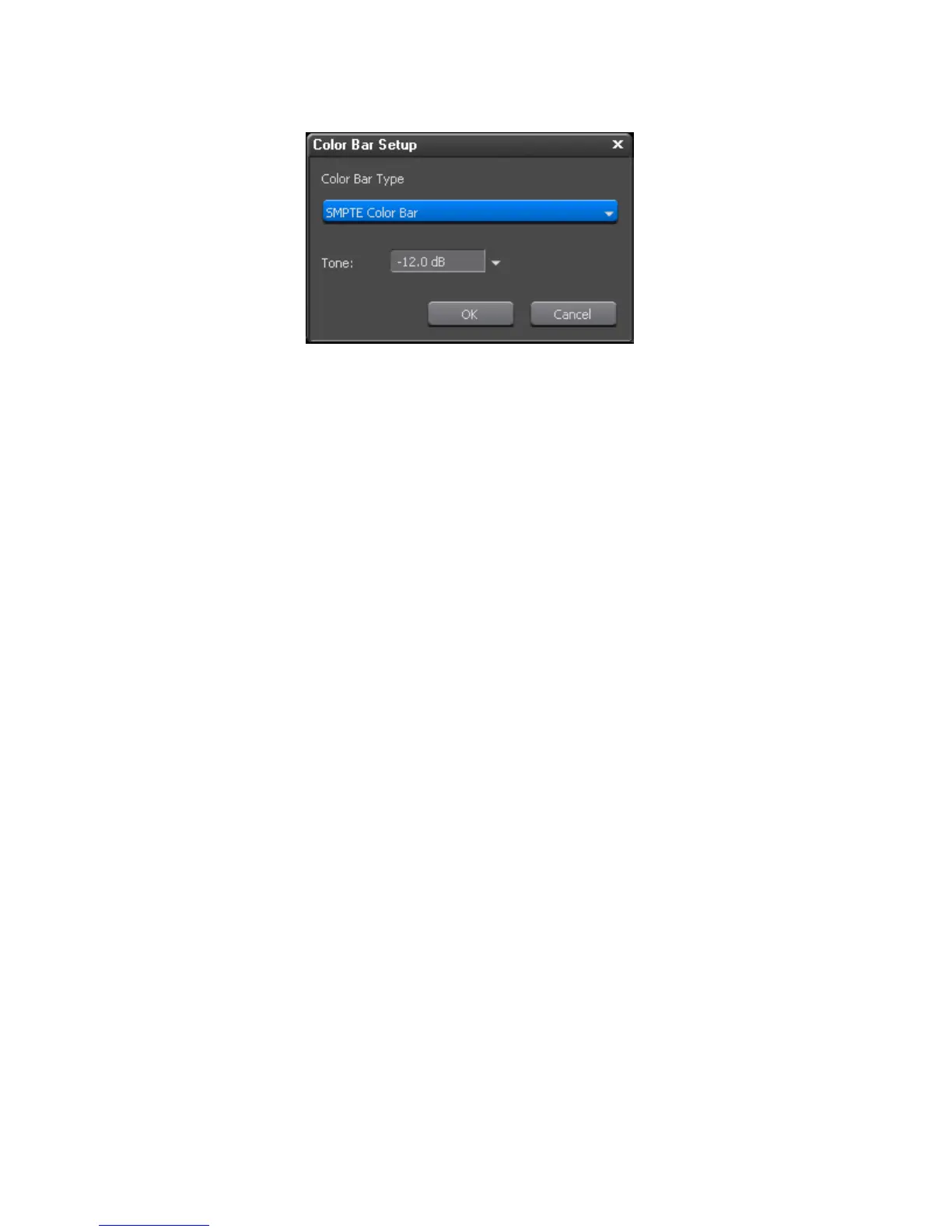
Figure 248. Color Bar Setup Dialog
2. From the Color Bar Type drop-down list, select the desired color bar
type from the following options:
• SMPTE Color Bar
• ARIB Multiformat Color Bar
• 75/x/75/x Color Bar
• 100/x/75/x Color Bar
• 100 x/100x/Color Bar
• ITU-R BT.801 100/x/75/x Color Bar
• ITU-R BT.801 100/x/100/x Color Bar
•SPECIAL Bar
3. Set the desired Tone level by select the form one of the following Tone
levels in the Tone drop-down list:
•-12 dB
•-18 dB
•-20 dB
•Mute
4. Click the OK button.
Alternative Methods:
• Select File>New>Color Bars from the Preview window menu bar. The
Color Bar clip is placed at the Timeline cursor position on the active
track as the In point.



 To Next Page