296 EDIUS — User Reference Guide
Section 4 — Clip Operations and Management
2. Select the “Specify stylesheet file” option if you wish to select a
cascading style sheet (.css file) for the .html file. Use the
... button to
navigate to the folder location which contains the .css files. If you do not
wish to apply a stylesheet go to Step 4.
3. Select the desired stylesheet file and click the Open button.
4. Navigate to the location in which you wish to save the .html file and
specify the desired file name.
5. Click the Save button to export the folder information as an .html file.
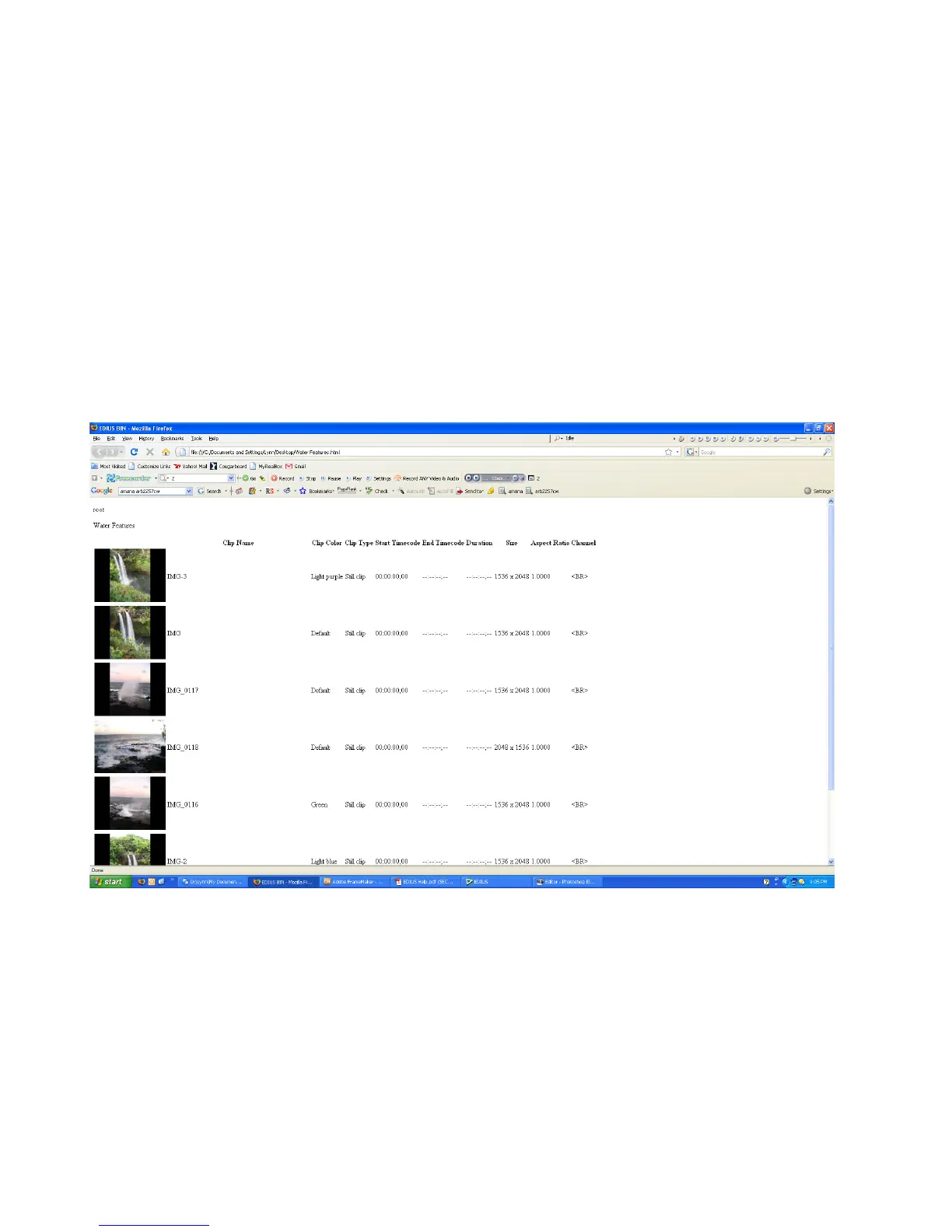
Figure 297 shows an example of a Folder and its contents exported as an
.html file with the “small” cascading style sheet applied.
Figure 297. Folder Exported as HTML with Cascading Style Sheet
Searching for Clips in the Asset Bin
To search for a clip in the Asset Bin. do the following:
1. Click the Search button (highlighted in blue in Figure 298) in the Asset
Bin.



 To Next Page