492 EDIUS — User Reference Guide
Section 6 — Effects and Titles
Adjusting YUV Curve
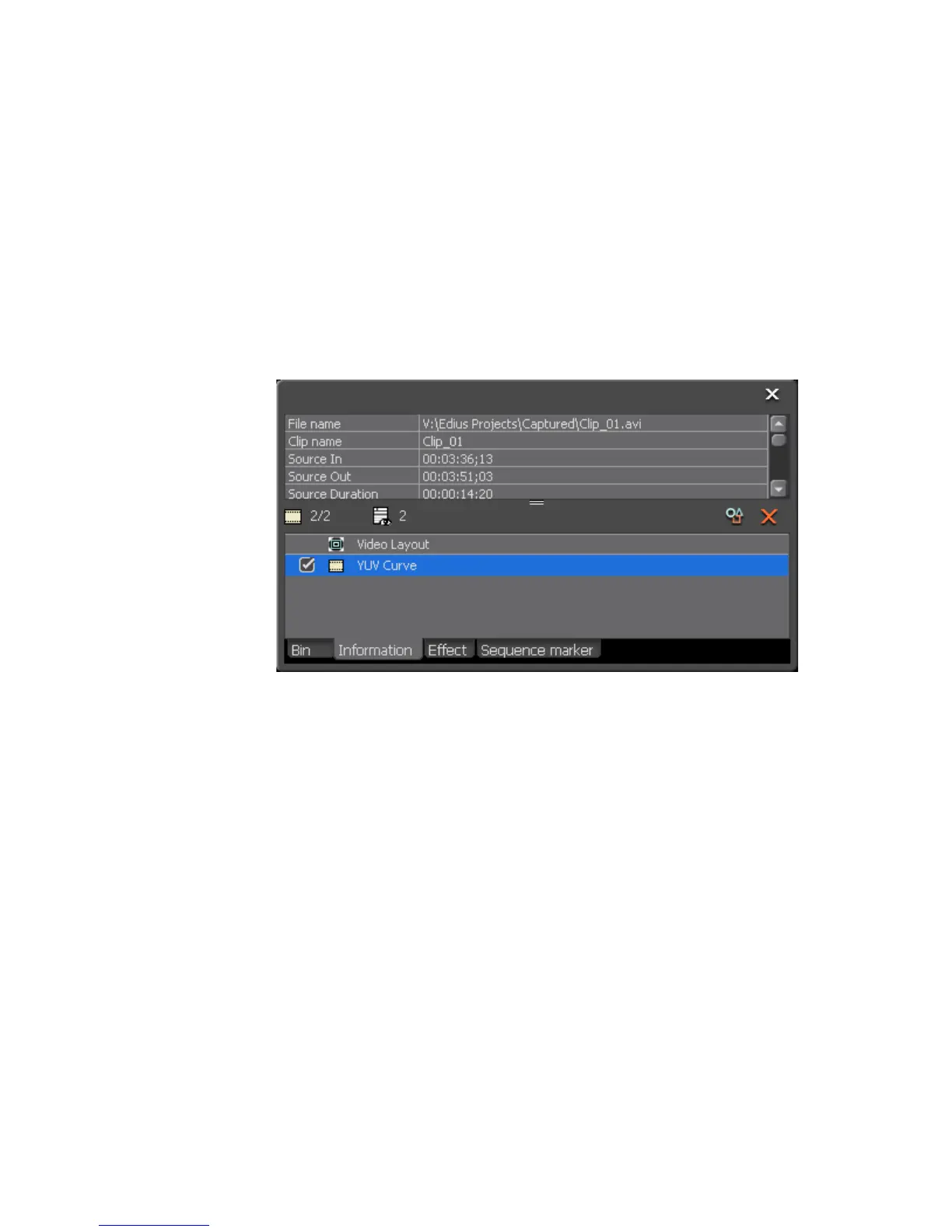
Once the YUV Curve filter has been applied to a clip, you can adjust the
YUV Curve filter settings by following these steps:
1. Select the clip to which the YUV Curve filter has been applied.
2. Display the Information Palette. For more information concerning the
Information Palette, see Information Palette on page 566.
3. In the Information Palette, double-click the YUV filter as illustrated in
Figure 558.
Figure 558. Clip Information Palette - YUV Curve Filter
The YUV Curve dialog shown in Figure 559 appears.



 To Next Page