EDIUS — User Reference Guide 647
Resetting the Pan Rubber Band
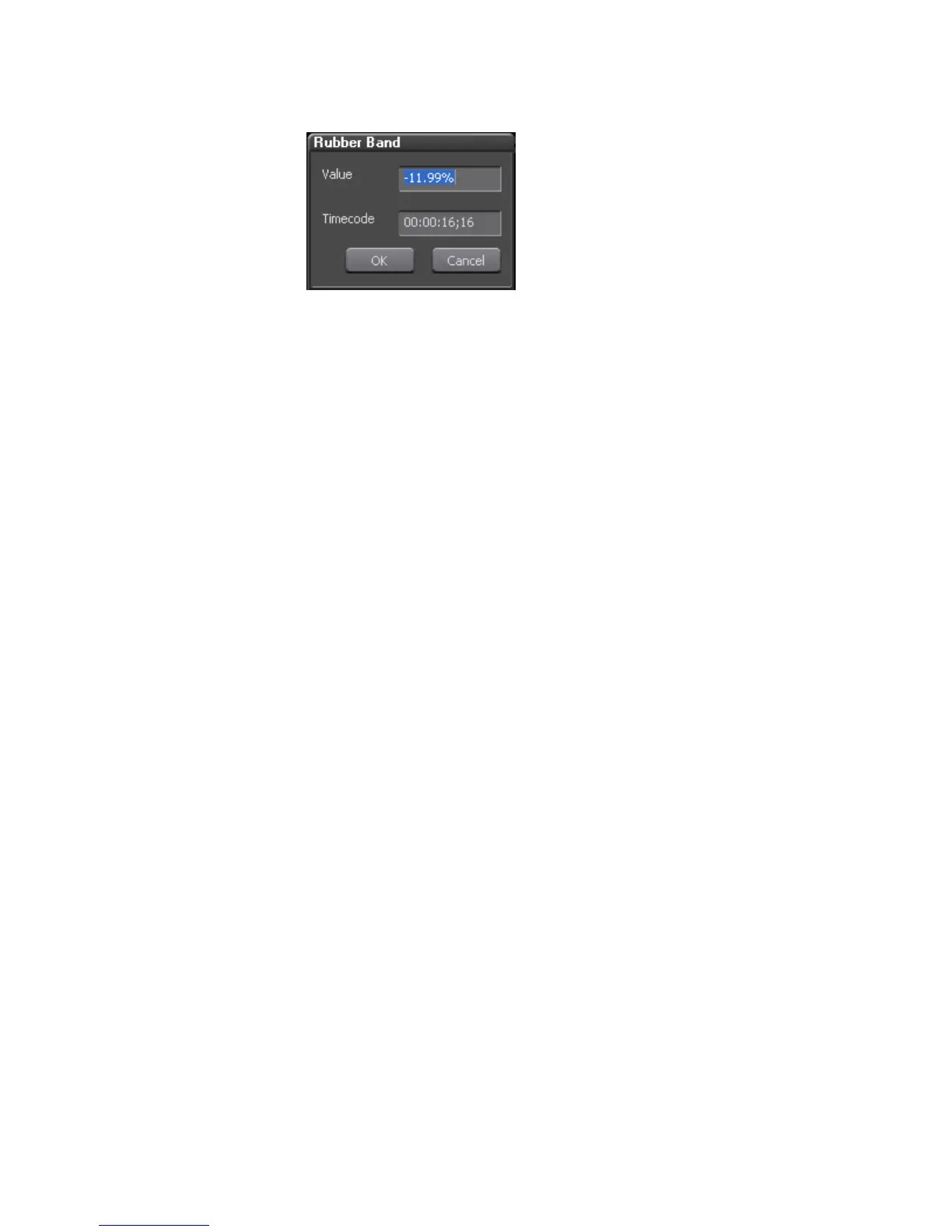
Figure 792. Pan Entry Dialog
5. Enter the desired value or timecode (if applicable).
6. Click the OK button to close the dialog.
Resetting the Pan Rubber Band
To reset the Pan rubber band to a balanced left/right audio state, do the fol-
lowing:
1. Expand the audio panel if necessary.
2. Click the Volume/Pan button to switch to Pan mode.
3. Right-click the Pan rubber band.
4. Select “Center” from the menu.
The Pan rubber band is returned to the center position on the audio wave-
form.
Deleting or Initializing Rubber Band Points
Initializing the Rubber Band
All points on a rubber band can be deleted and the rubber band returned to
its default state (initialized) by doing the following:
1. Select the clip on which the rubber band is to be initialized.
2. Click the list button (V) of the Delete button. The menu in Figure 793
appears.



 To Next Page