EDIUS — User Reference Guide 431
Timeline Playback
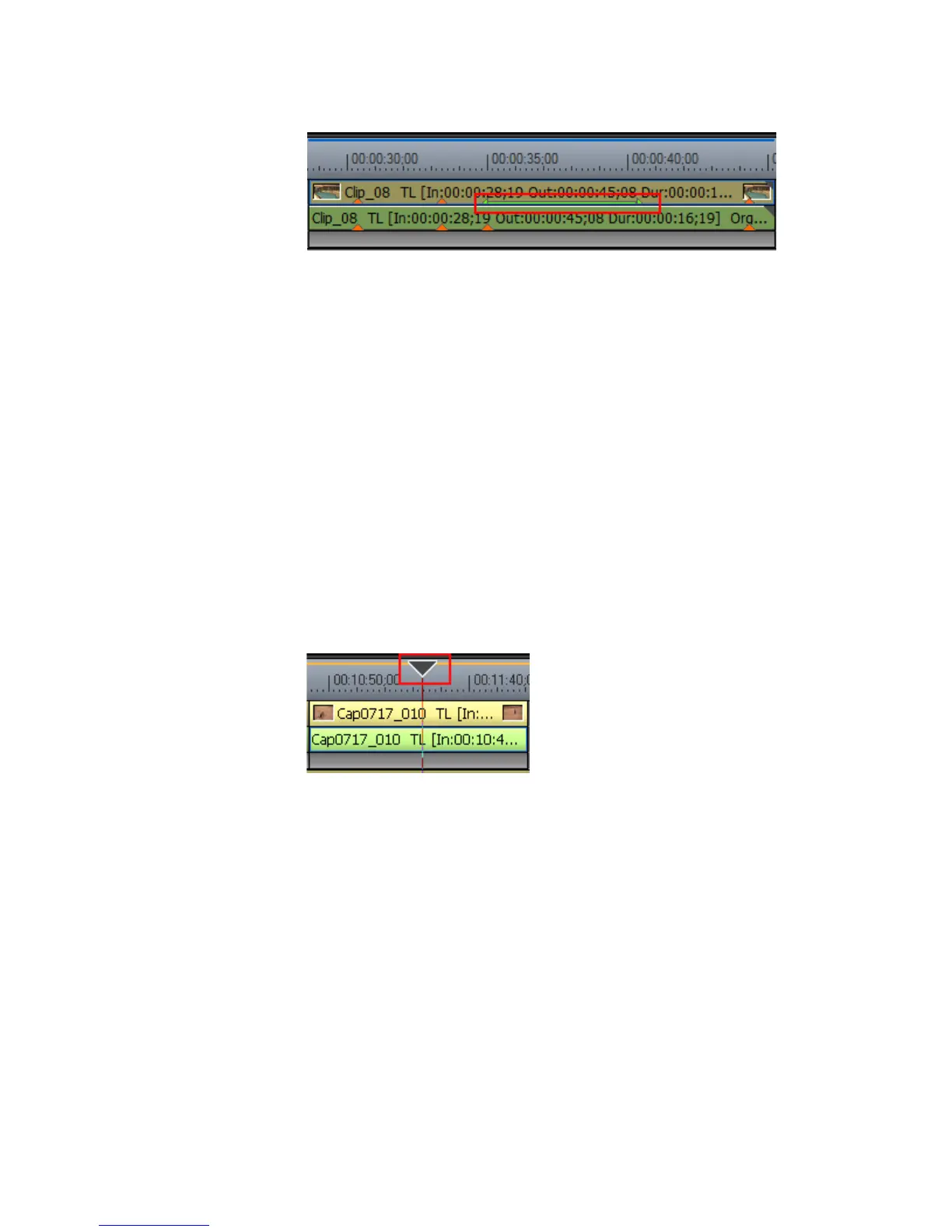
Figure 482. Clip with Clip Markers on the Timeline
Timeline Playback
There are various methods for playing back Timeline sequences. Each of
those methods is explained in this section.
Playback by Scrubbing
“Scrubbing” is the process of dragging the Timeline cursor back and forth
over the Timeline to display the sequence in the Recorder.
To playback by scrubbing, click and hold the mouse button on the Timeline
cursor (see Figure 483) and drag it over the clips on the Timeline. The clips
displayed in the Recorder are the clips on the currently selected track.
Figure 483. Timeline Cursor
Note When the cursor is located at the beginning frame of a Timeline sequence, a
white triangle is displayed in the upper left corner of the Recorder as shown
in Figure 484.



 To Next Page