776 EDIUS — User Reference Guide
Appendix C — Input/Output Formats
Play Shortcuts
Marker Shortcuts
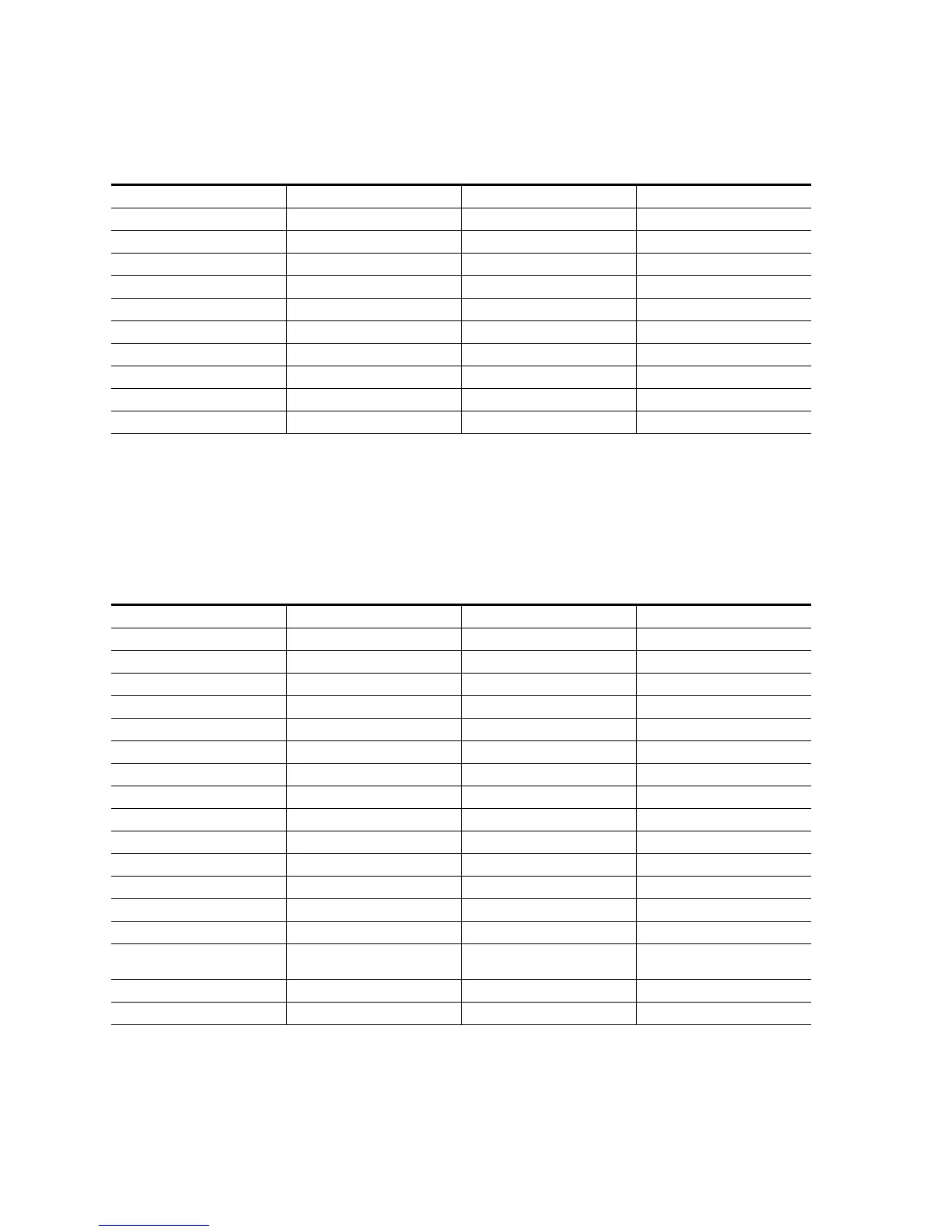
Table 25. Play Shortcuts
Function Shortcut Function Shortcut
10 frames back [SHIFT]+[LEFT] Pause [K]
10 frames forward [SHIFT]+[RIGHT] Stop [SHIFT]+[DOWN]
Play the cursor area {CTRL]+[/] Play/stop [SPACE]
Play the cut point area [/] Play/stop [ENTER]
Jog (forward) [CTRL]+[L] 1 frame back [LEFT ARROW]
Jog (rewind) [CTRL]+[J] Reverse [[J]
Buffer playback [SHIFT]+[SPACE] Fast forward [L]
Buffer playback [SHIFT]+[ENTER] 1 frame forward [RIGHT ARROW]
Loop [CTRL]+[SPACE] Display in Player [SHIFT]+[Y]
Pause [CTRL]+[K]
Table 26. Marker Shortcuts
Function Shortcut Function Shortcut
Move to audio In [SHIFT]+[U] Slide trim In [CTRL]+[ALT]+[N]
Set audio In [U] Slide trim Out [CTRL]+[ALT]+[M]
Move to audio Out [SHIFT]+[P] Shift cut point to cursor - transition [SHIFT]+[CTRL]+[T]
Set audio Out [P] Paste transition to Out point [ALT]+[K]
Clear In/Out [X] Set transition to In point [SHIFT]+[ALT]+[P]
Set In [I] Set transition to Out point [ALT]+[P]
Go to In [Q] Trim - In point [N]
Go to In [SHIFT]+[I] Trim - Out point [M]
Clear In [ALT]+[I] Add marker [V]
Set out [O] Clear mark - all [SHIFT]+[ALT]+[V]
Go to Out [W] Duration - track transition In [SHIFT]+[ALT]+[U]
Go to Out [SHIFT]+[O] Ripple trim In [ALT]+[N]
Clear Out [ALT]+[O] Ripple trim Out [ALT]+[M]
Add cut point - In/Out - all [SHIFT]+[ALT]+[C] Move to previous marker [SHIFT]+[PAGE UP]
Add cut point - In/out - selected
tracks
[ALT]+[C] Move to next marker [SHIFT]+[PAGE DOWN]
Add cut point - all [SHIFT]+[C] Set focus clip In/Out point [Z]
Set In/Out on current clip [SHIFT]+[Z]



 To Next Page