278 EDIUS — User Reference Guide
Section 4 — Clip Operations and Management
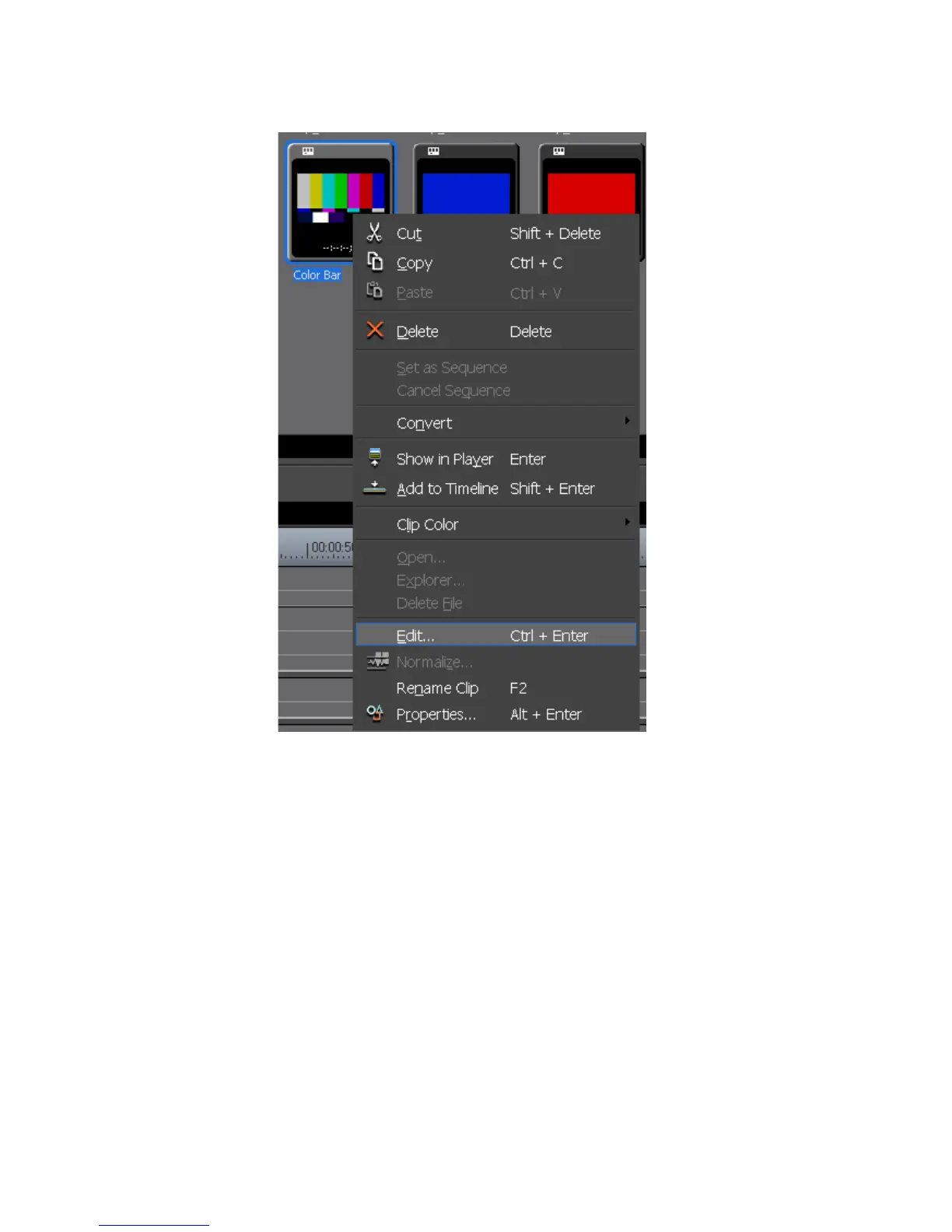
Figure 272. Clip Menu
The setup dialog for the selected clip type appears. Make setting changes
as explained in the sections noted below:
For Color Bar clips, see Create a Color Bar Clip on page 256.
For Color Matte clips, see Create a Color Matte Clip on page 259.
For Title clips, see Titles on page 591.
Alternative Methods:
• Double-click the clip in the Asset Bin.
• Right-click a clip on the Timeline and select “Edit” from the menu.
• Double-click a clip on the Timeline.
Select a clip on the Timeline and press the [
SHIFT]+[CTRL]+[E] keys on the
keyboard.



 To Next Page