28 EDIUS — User Reference Guide
Section 1 — Getting Started
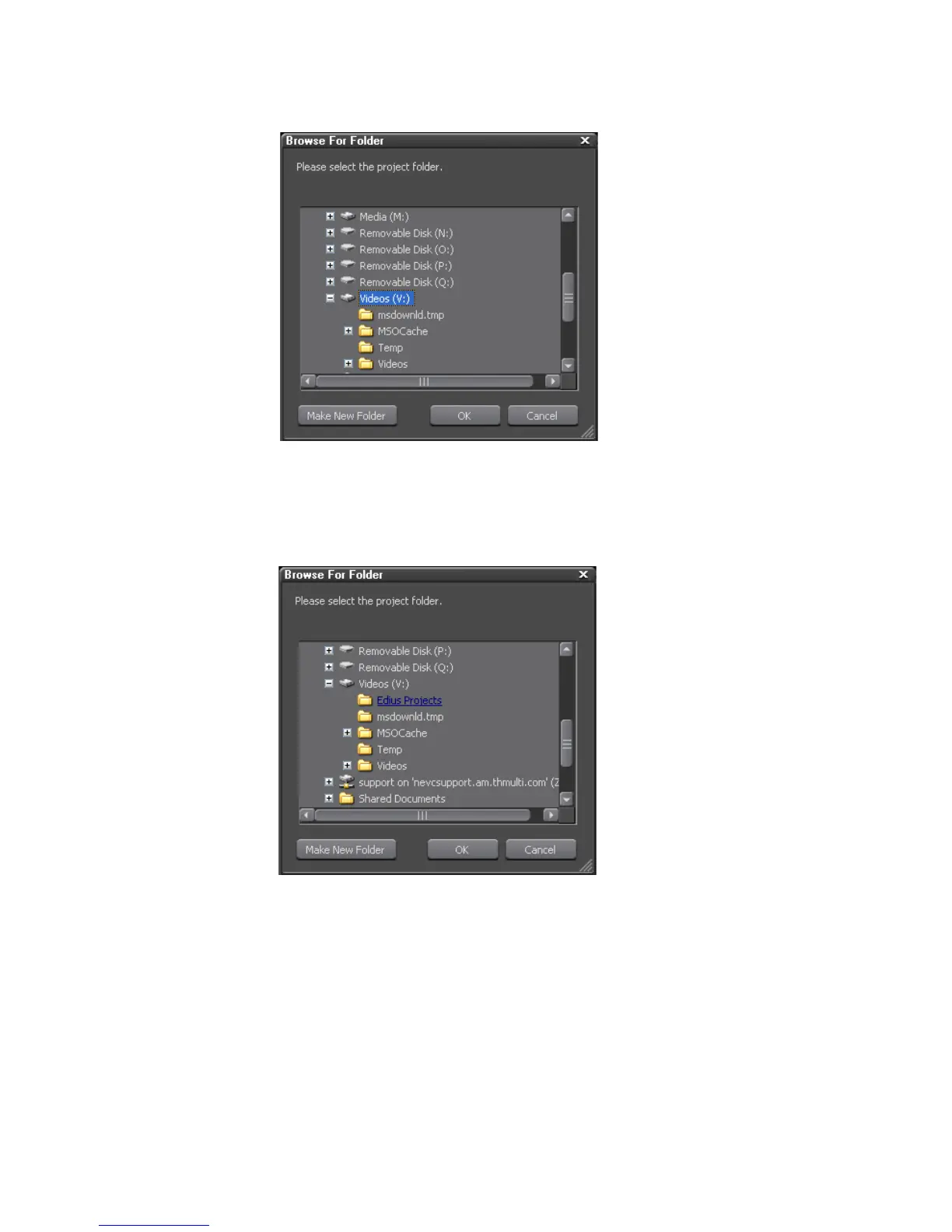
Figure 6. Browse to Project Folder Location
3. If the desired folder already exists on the selected drive, select the
desired folder and click the
OK button (see Figure 7).
Figure 7. Select Project Folder
4. If the desired folder does not exist on the selected drive, Click the Make
New Folder
button, enter the desired folder name and click on the OK
button (see Figure 8).



 To Next Page