588 EDIUS — User Reference Guide
Section 6 — Effects and Titles
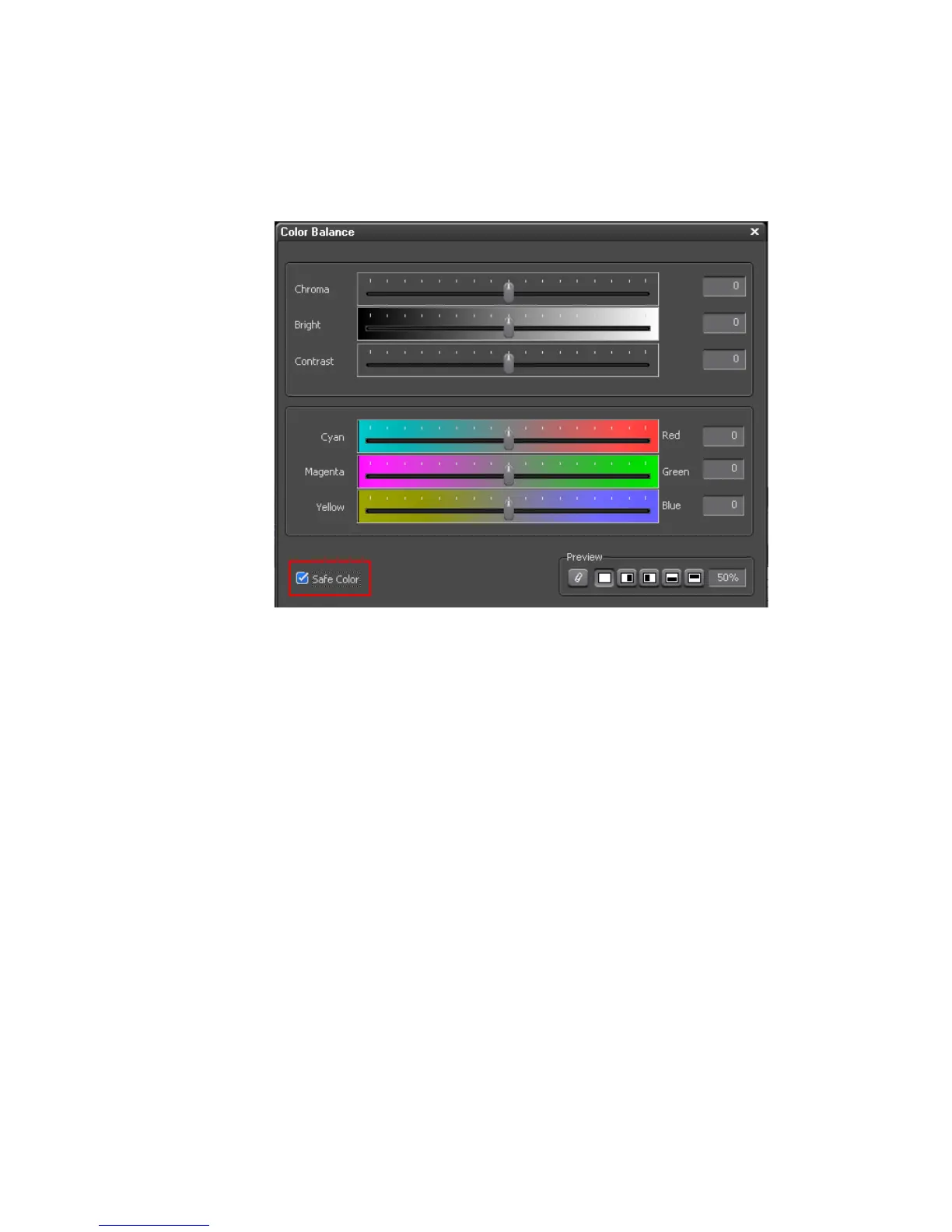
3. In the Color Balance dialog shown in Figure 703, select the ‘Safe Color”
option to automatically adjust the clip to the safe range of IRE 7.5 to IRE
100.
Figure 703. Color Balance Dialog
Note The Brightness slider may also be used to further refine the IRE levels of the
video clip.



 To Next Page