EDIUS — User Reference Guide 720
EDIUS SP/SP-SDI (SHX) Settings
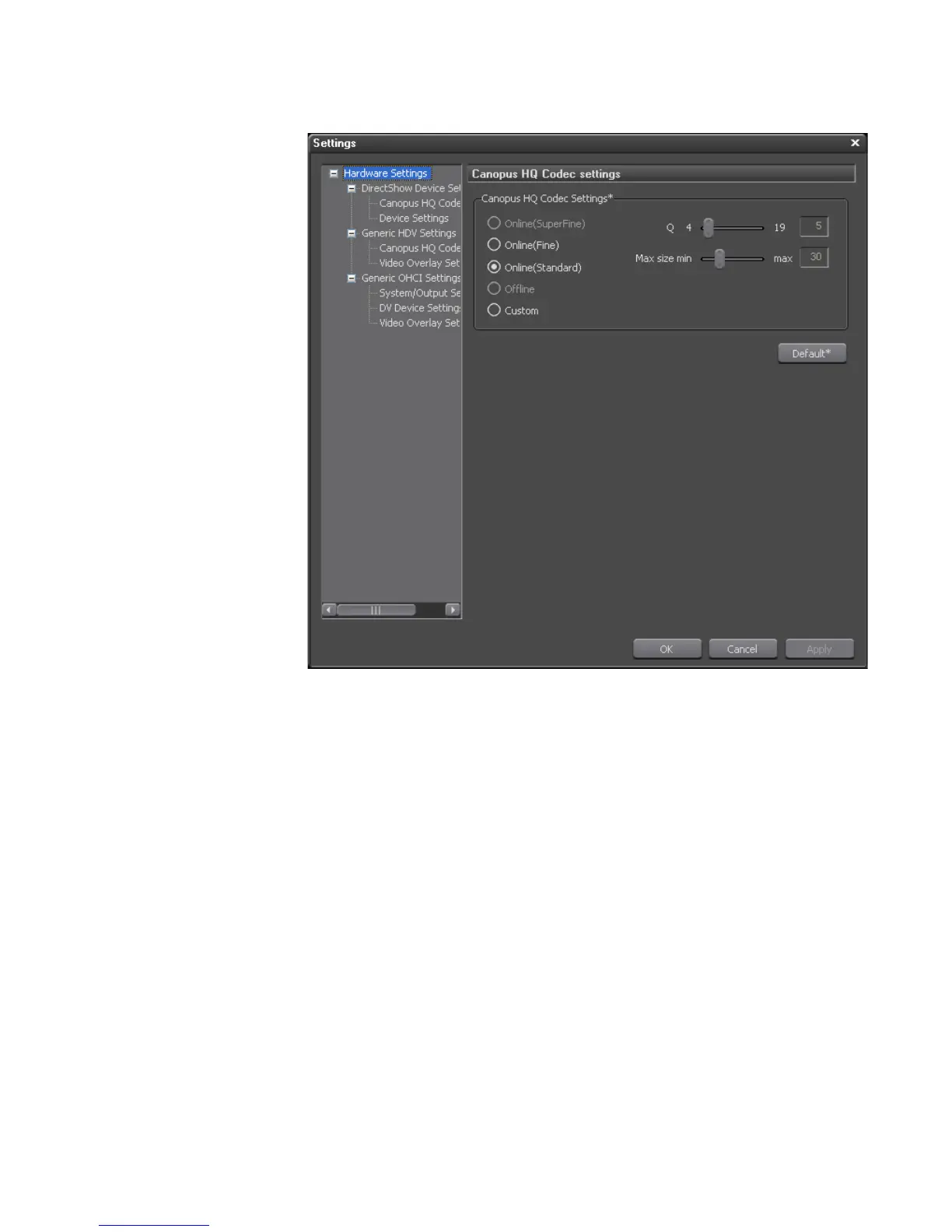
Figure 869. Canopus HQ Codec Settings
3. Select the desired Codec quality settings. Choices are:
• Online(Superfine) - not currently available
• Online(Fine) - this setting can produce large file sizes, select this setting
when high quality image capture is needed.
• Online(Standard) - default
• Offline - not currently available
•Custom
Note Only the “Custom” selection allows you to adjust the “Q” and “Max size min”
sliders.
4. If the “Custom” codec setting was selected, adjust the “Q” and “Max
size min” sliders as desired.
Note The scale on the “Q” slider is from 4 to 19. The lower the number, the higher
the quality.



 To Next Page