EDIUS — User Reference Guide 241
Importing Existing Clips or Stills into the Asset Bin
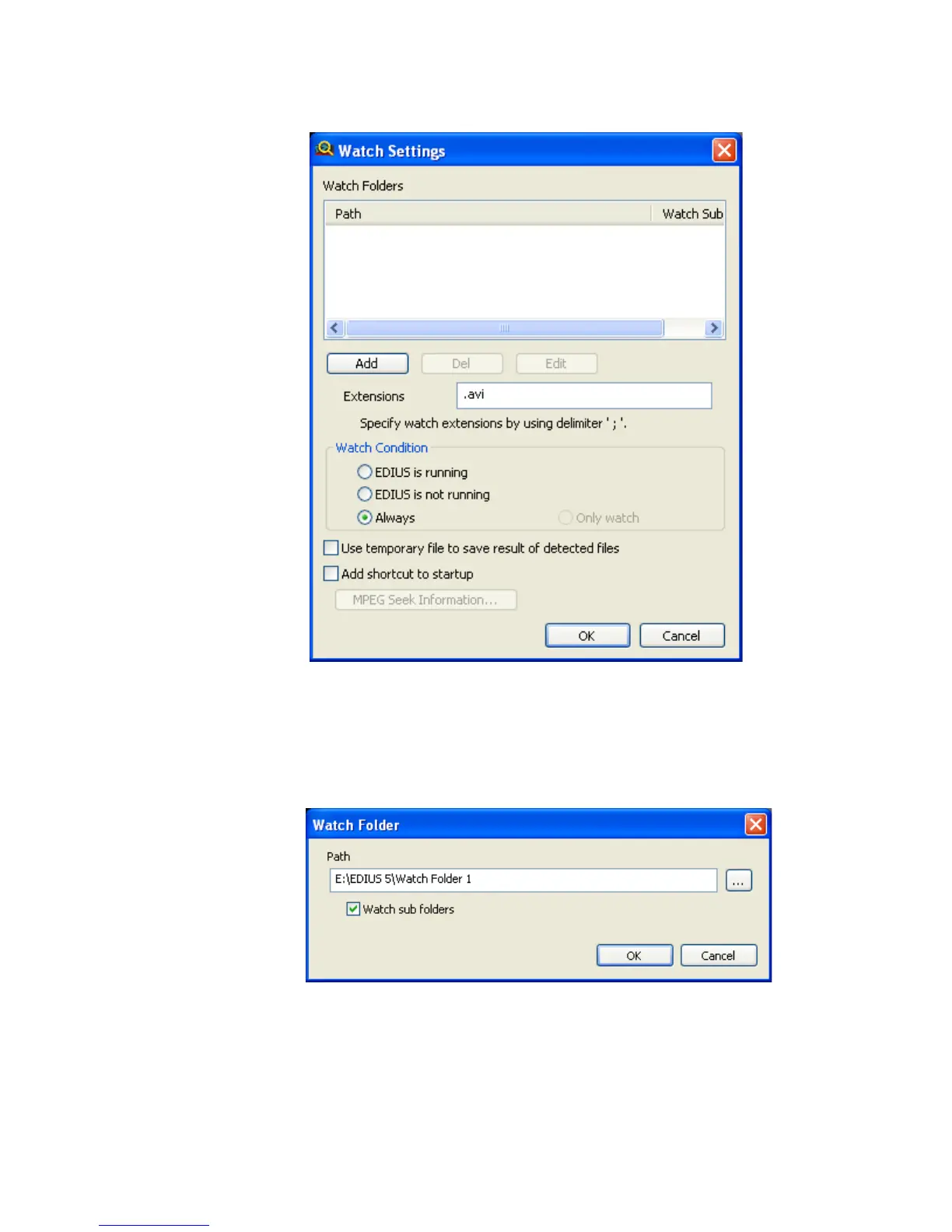
Figure 227. Watch Tool Settings
3. Click the Add button to add a watch folder.
The Watch Folder Path dialog shown in Figure 228 appears.
Figure 228. Watch Folder Path Dialog
4. Click the ... button and navigate to the desired watch folder.
5. Select the “Watch sub folders” option if you wish to have sub-folders of
the selected folder watched.



 To Next Page