694 EDIUS — User Reference Guide
Section 8 — Exporting/Project Output
• Select the text placement
•Left justified
• Center justified
• Right justified
• Top of text box
• Centered in text box
• Bottom of text box
Note One of Left, Center, Right and one of Top, Centered, Bottom may be selected
simultaneously.
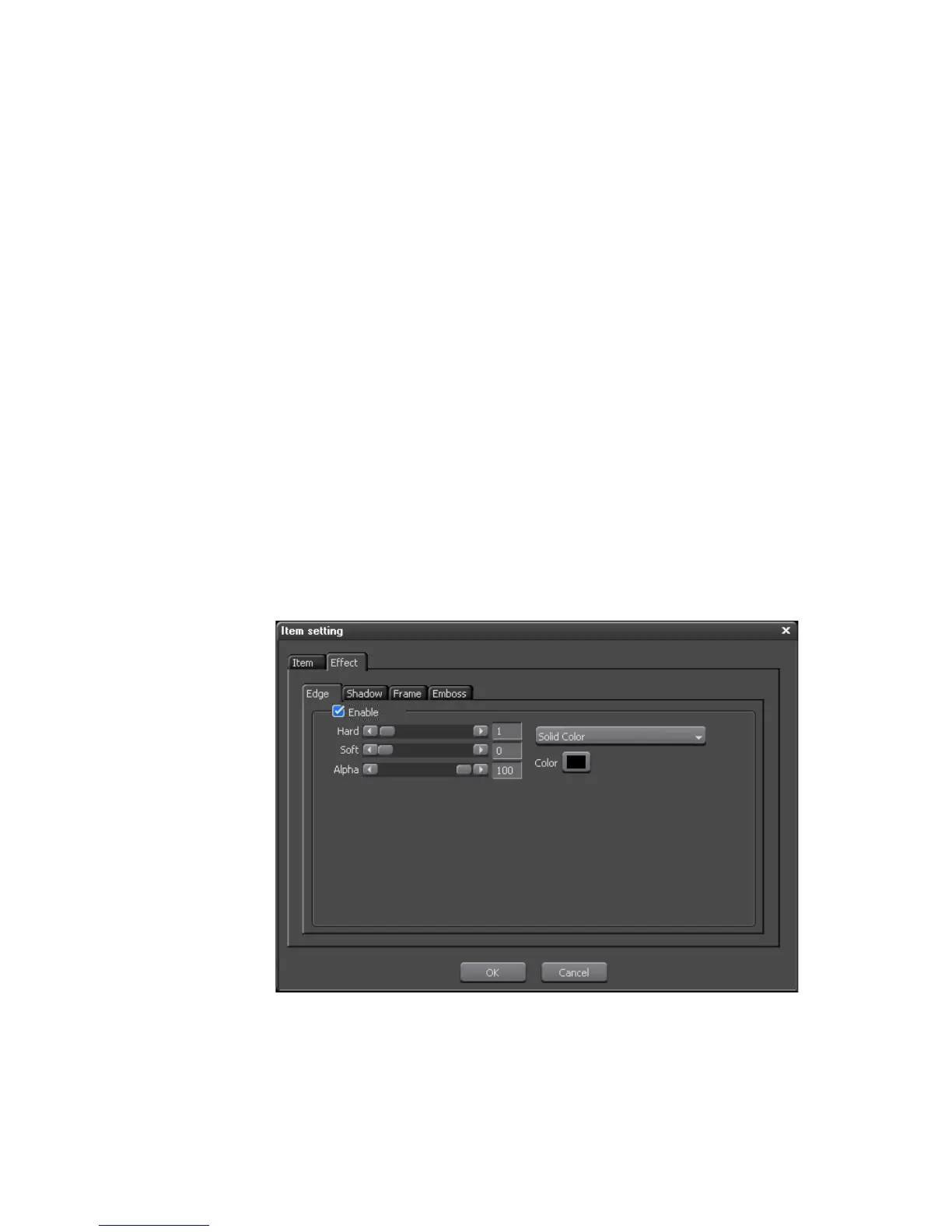
Click the “Effect” tab to add effects to the text. Click the tab for each desired
effect (select the ‘Enable” option to enable the effect) and set the desired
effect parameters for the following effects (see Figure 846):
•Edge
•Shadow
•Frame
• Embossing
Figure 846. Burn to Disc Item Setting Text Effects Dialog
Click the OK button to close the Item Setting dialog.



 To Next Page