System Options
5-6 Manual # 42-02-7223
Cabinet Installation
Installation of the iCentral cabinet is similar to the installation of an iController cabinet. Please
refer to “Machine Room Preparation” on page 2-4.
MCE Job Prints MCE job print drawing numbers use the format “Job Number — Car
Number — Drawing Identifier.” Thus they are specifically “keyed” to particular installations. It
makes using and understanding job prints much easier if you take some time to review the job
prints package before beginning controller installation. Drawing identifiers and the information
you can expect to find on that job print drawing are listed below:
• N: Nomenclature drawing — schematic symbols, wire gauge information, circuit board
names and symbols.
• INT: iLink cartop wiring interconnect box to controller connections.
• CVR: iBox controls and indicators.
• 1: AC power connections, power bus information.
• 2 through nn: iBox/controller wiring.
• CC: Contact Count drawing — System contact/relay information.
• SH: Serial Hall Call wiring.
Depending on your particular installation, you may have extra sheets of particular drawings.
Extra sheets are indicated by an “x” following the drawing identifier. You may also have differ-
ent or additional equipment in your installation accompanied by different or additional draw-
ings in your job prints. In any case, take the time to become familiar with the job prints before
beginning work. Also, It is very important that you review the wiring guidelines in this section
before bringing wires into the cabinet. When drilling or cutting access holes or during other
machining, do not allow any metal chips to fall into the electronics.
1. Mount cabinets securely.
2. Route wiring as shown in the iCentral Quick Reference (document # 46-02-0208)
shipped with the cabinet.
• Wires must be routed through the wiring trough provided in the cabinet.
• All conductors entering or leaving the cabinet must be through conduit. High voltage, high
current conductors, such as power conductors, must be separated from control wires.
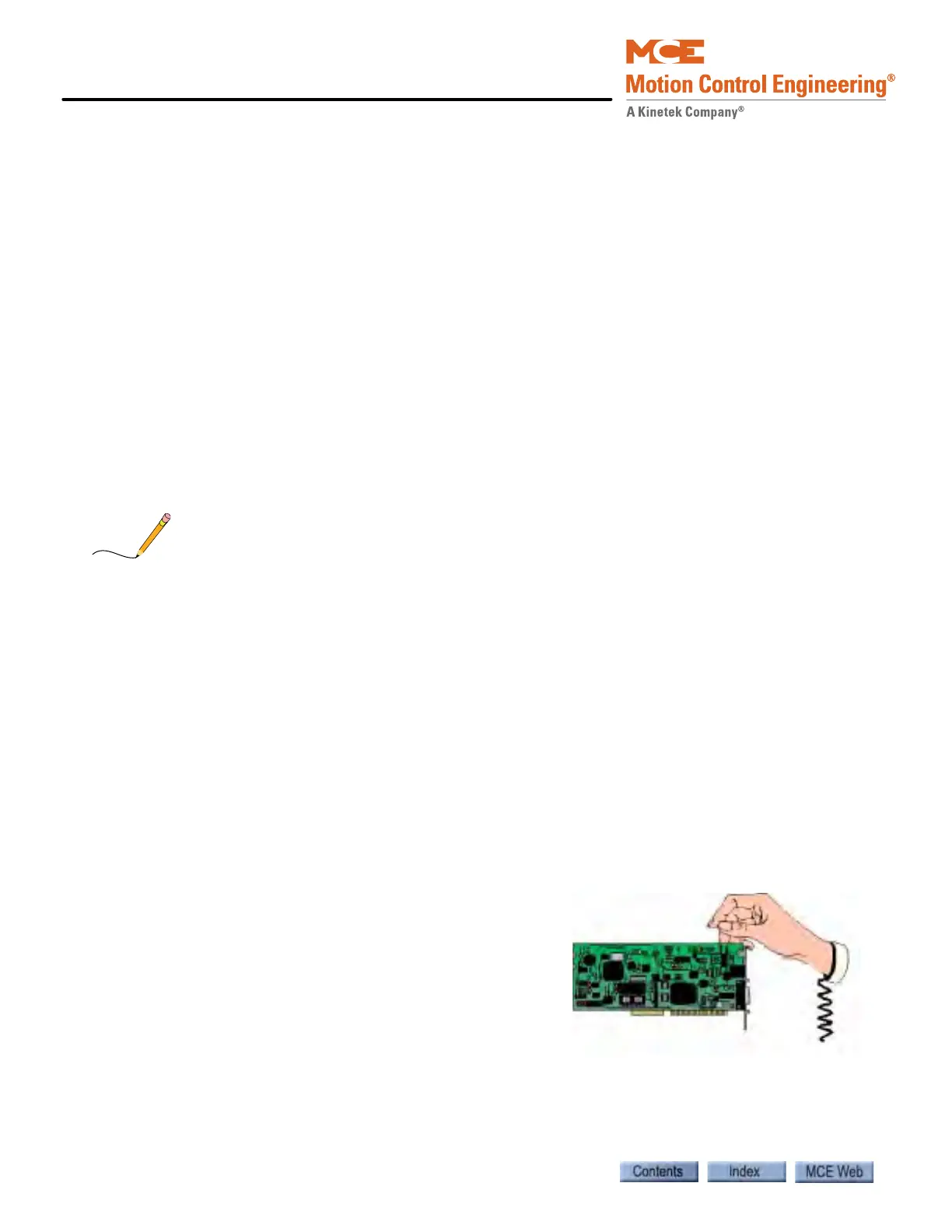
PC boards can be easily damaged by electrostatic dis-
charge (ESD). Use a properly grounded wrist strap or
other static protection when handling, touching, or
making connections to PC boards.
Grounding Please refer to “Equipment Grounding” on page 2-14.



 To Next Page