iView Windows and Tabs
8-39
8
iControl DC
Editing Dynamic Displays
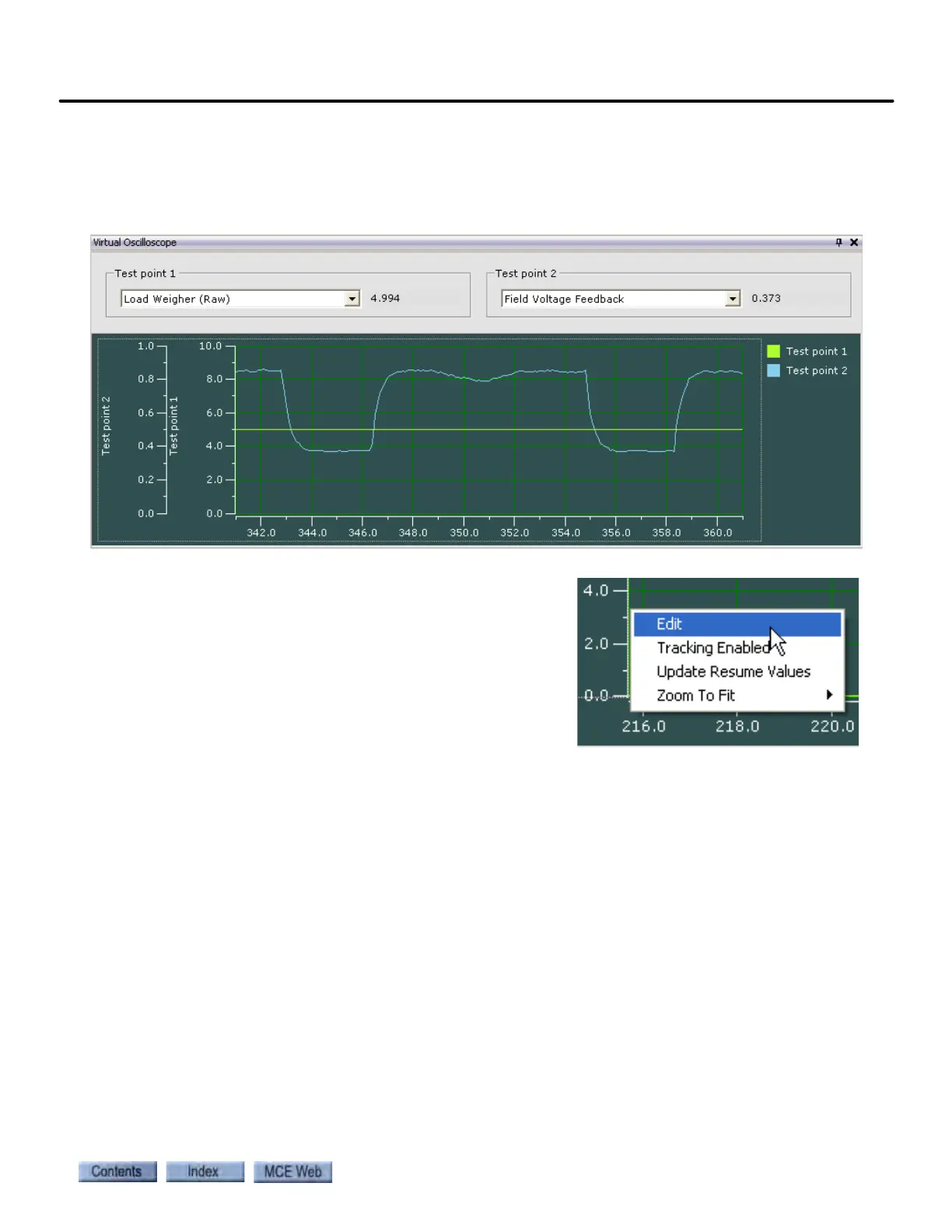
The virtual oscilloscope display is editable. You may easily modify labels, displays, animation,
and more to suit your immediate display needs. When a display is closed, then re-opened, it
reverts to its default values.
To edit a display: •
1. Right-click on the graph or on one of the scales
to reveal a popup menu. Select Edit from the
menu.



 To Next Page