iView - System View
10-36 Manual # 42-02-7223
Kiosk Configuration
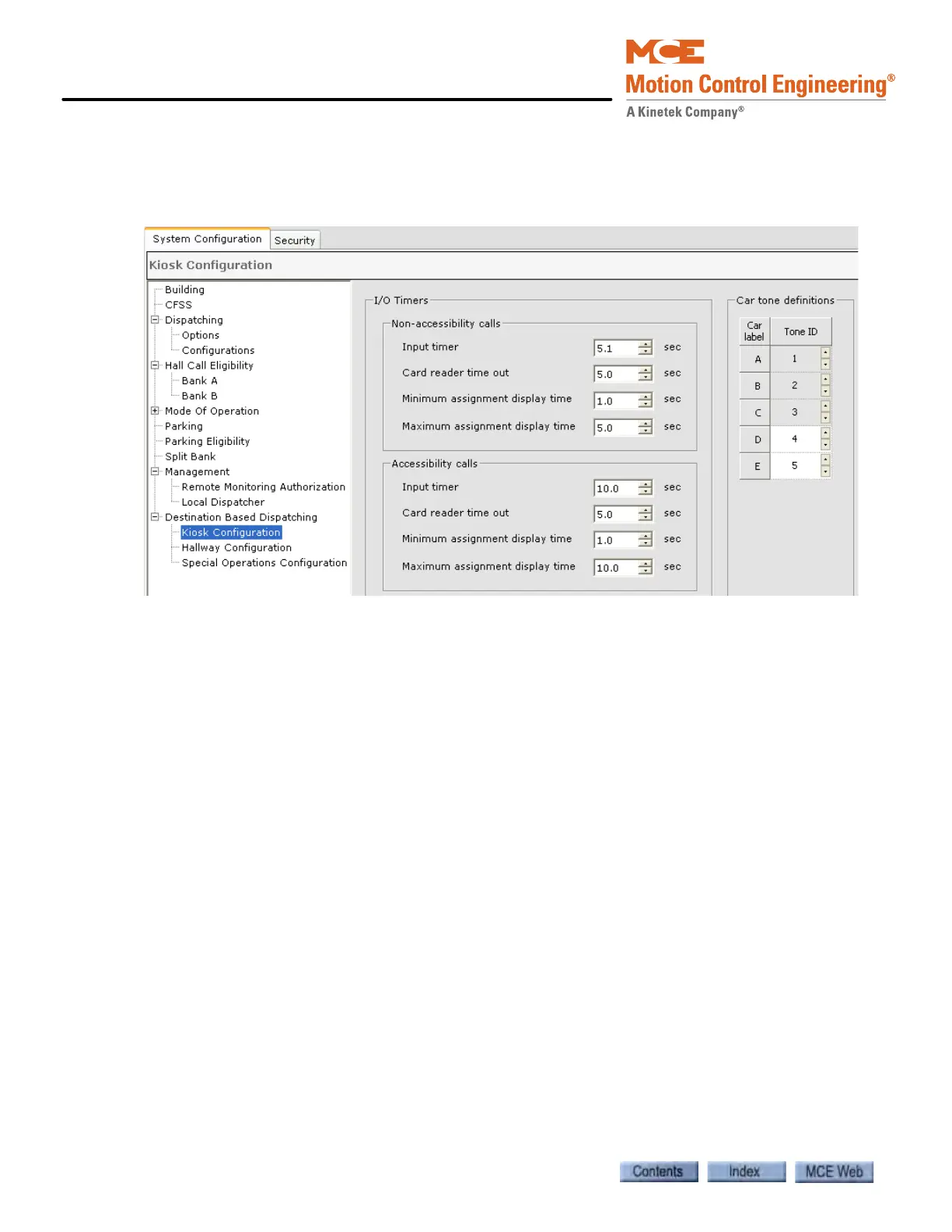
The Kiosk parameters are found on the System Configuration > Destination Based Dispatching
> Kiosk Configuration tab. These parameters control the operation of the DBD destination
input devices.
I/O Timers
• Non-accessibility calls
• Input timer: Amount of time allowed from beginning of input entry to completion.
Display resets on expiration.
• Card reader time out: Amount of time allowed from request for card swipe to comple-
tion. Display resets on expiration.
• Minimum assignment display time: Minimum amount of time car assignment is dis-
played, after which touching the display causes it to reset.
• Maximum assignment display time: Maximum amount of time the car assignment is
displayed, after which the display resets.
• Accessibility calls
• Input timer: Amount of time allowed from beginning of input entry to completion.
Display resets on expiration.
• Card reader time out: Amount of time allowed from request for card swipe to comple-
tion. Display resets on expiration.
• Minimum assignment display time: Minimum amount of time car assignment is dis-
played, after which touching the display causes it to reset.
• Maximum assignment display time: Maximum amount of time the car assignment is
displayed, after which the display resets.
Car tone definitions
• Tone ID: Assigns a unique tone to each car to help sight impaired passengers locate the
assigned car.



 To Next Page