Using iView
8-18 Manual # 42-02-7223
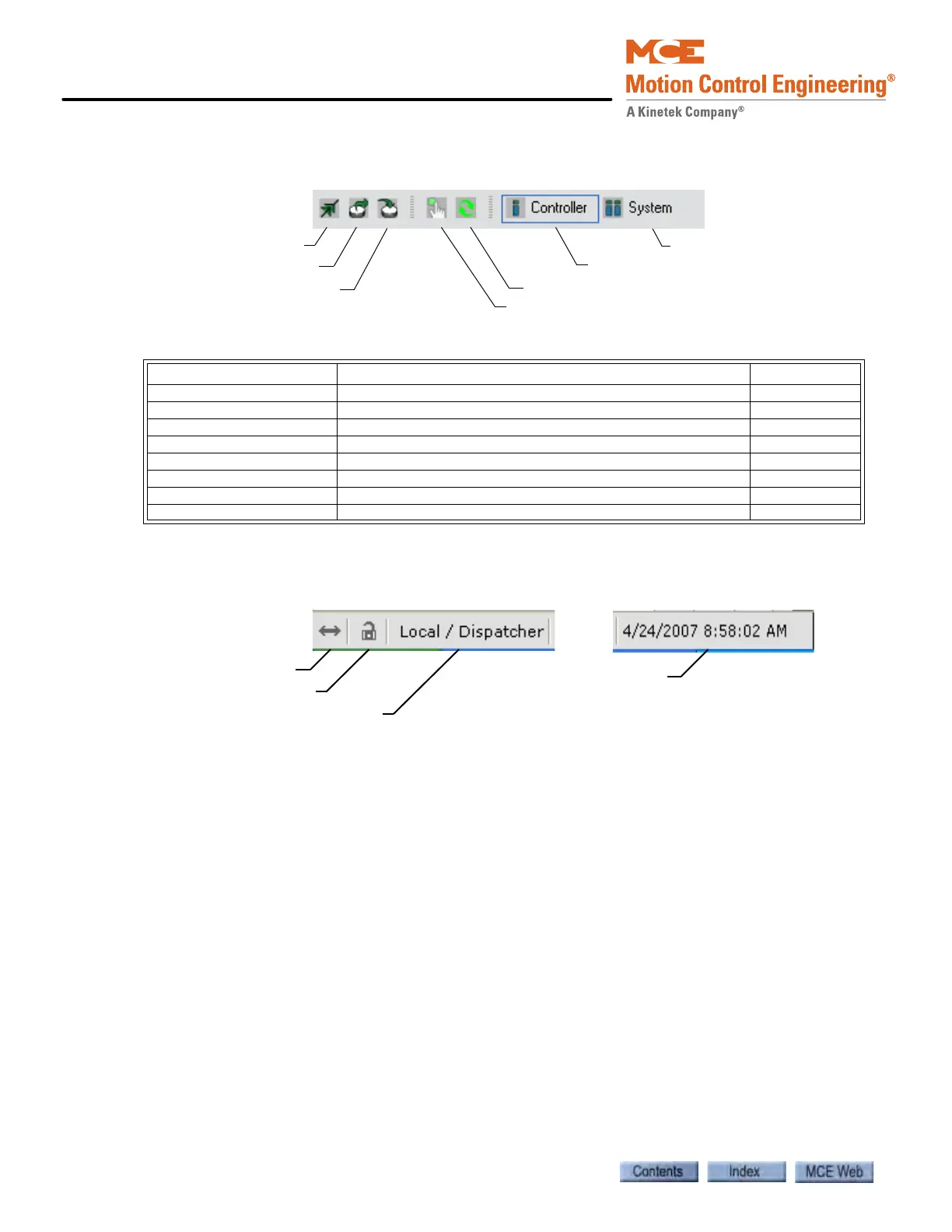
iView Button Bar
Table 9.2 lists the locations where the functions of the buttons are explained.
iView Status Bar
The status bar at the bottom of the iView screen provides the following information:
Connection Status Connected arrows, shown above, indicate that iView is communi-
cating with the controller. Broken arrows indicate that the connection has been broken.
Write Privilege Status/Time Remaining An unlocked lock, shown above, indi-
cates that this connection does not have write privilege. A locked lock indicates that write privi-
lege has been granted, and the time remaining before time-out is displayed.
Controller Type Indicates the type of controller to which iView is connected. For a
description of each type See “An Overview of System Options” on page 4. The controller types
include:
• Simplex - a single car that is not part of a group.
• Local - a car that is part of a group.
• Local (Swing) - a local car that can swing away (detach from the group).
• Swing - a local car that is currently detached from the group and is acting like a simplex.
• Local (Alternate Dispatcher) - a local car that can assume dispatching responsibilities.
• Local / Dispatcher - a local car that is also currently the dispatcher. iCue dispatching soft-
ware is running on the local car’s iBox.
• iCentral - a central dispatcher with iCue dispatching software running on a dedicated PC
or embedded micro controller.
Table 8.3 Buttons and Dialogs
Buttons / Dialogs Description See
Open Connection Displays the Open dialog page 8-10
Open Configuration File Displays the Open Configuration File dialog page 8-22
Save Configuration File Displays the Save Configuration File dialog page 8-21
Call Registration Place car calls and hall calls page 9-182
Refresh Refreshes the parameters being displayed
Firmware Update Update the iBox imbedded firmware page 8-41
Controller Causes the Controller view to be displayed page 9-1
System Causes the System view to be displayed page 10-1
Open Connection
Open Configuration File
Call Registration
Refresh
System view
Controller view
Save Configuration File
Connection status
Write privilege status
Controller Type
Date and time



 To Next Page