Configuration Tabs
9-25
9
iControl DC
Configuration Tabs
The Controller Configuration tabs are used to view and enter (change) iController parameter
values. The Configuration tabs are accessed from the Controller View menu (Controller > Con-
figuration) or you can display all of the configuration tabs by selecting Configuration from the
Controller > Layouts menu.
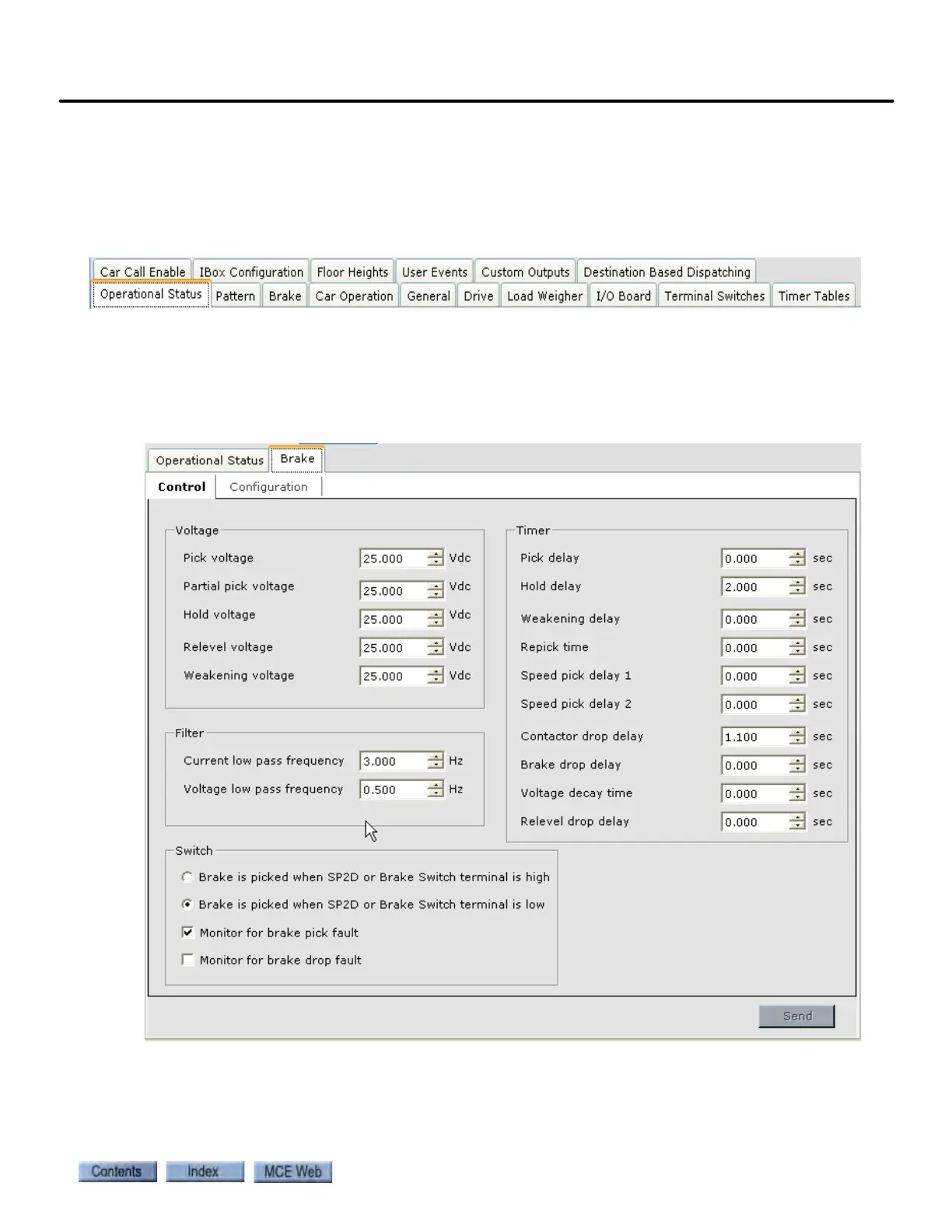
Configuration - Brake Tab
The Configuration > Brake tab is used to set the brake voltage and brake timer parameters.
Also, on the Brake > Configuration tab, you can view the values determined by the brake setup
procedure.



 To Next Page