iView - Controller View
9-14 Manual # 42-02-7223
Diagnostics - Diagnostic Outputs
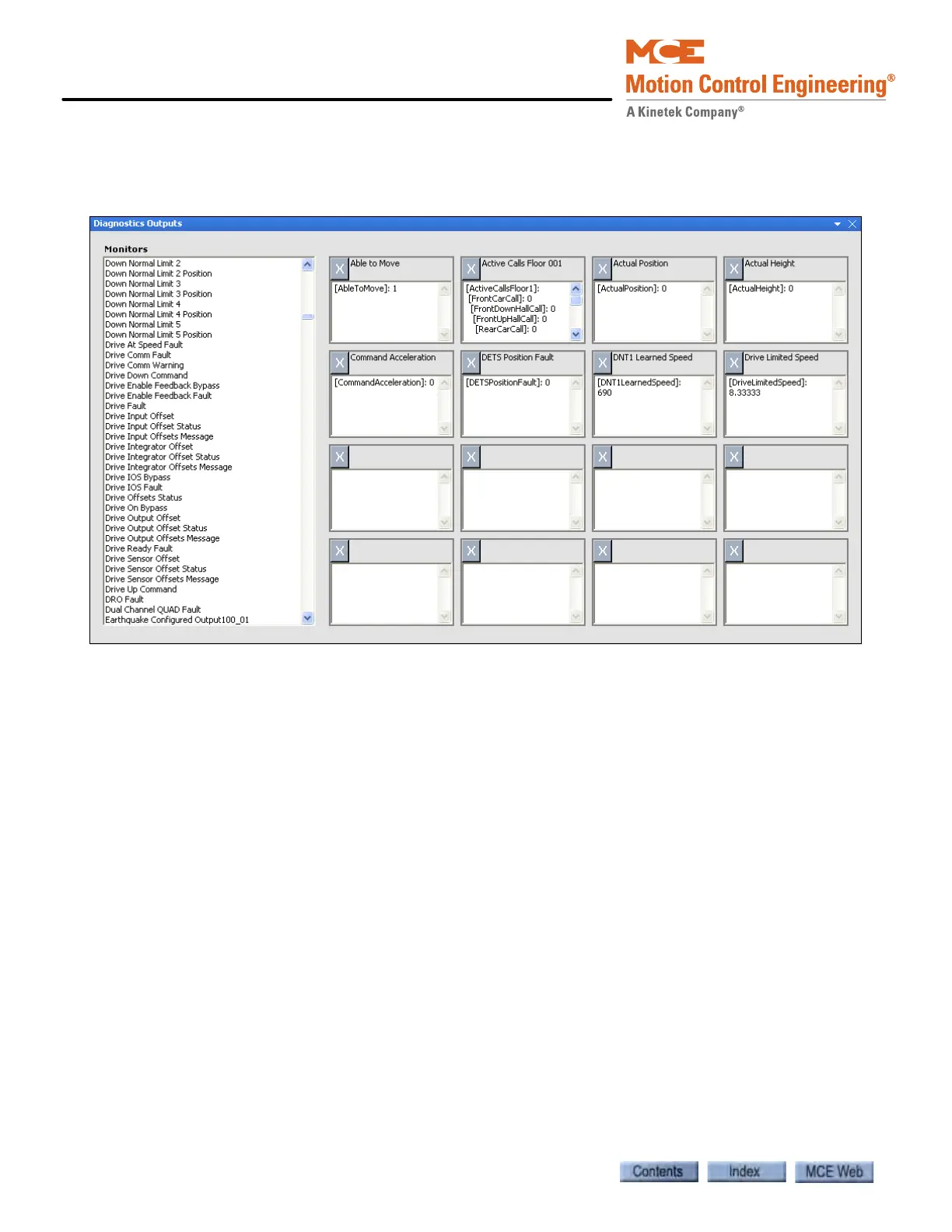
The Diagnostic Outputs window allows you to select from hundreds of system outputs and dis-
play those outputs (up to sixteen at a time) on the screen for easy monitoring.
To select outputs to monitor:
• Click an output in the table on the left and drag it into the title bar of one of the sixteen
output monitors. The value of that output will appear in the window below the title bar.
To remove an output being monitored:
• Click the “X” next to the output’s name in the title bar of the monitor.



 To Next Page