Using iView
8-4 Manual # 42-02-7223
Setting the iView PC’s IP Address
There are two ways to connect the iView PC to an iController’s iBox:
• Direct Connection: Connect the PC directly to the iBox using the iBox 3 = PC port. Unless
the LAN hub/switch has already been installed, you will find it easiest to connect a PC to
the iBox using the 3 = PC port (direct connection).
• LAN Connection: Connect the PC to the LAN hub/switch supporting one or more iCon-
trollers (iBox 1 = LAN port). The LAN hub/switch is part of the iCentral/Comm-connect
installation.
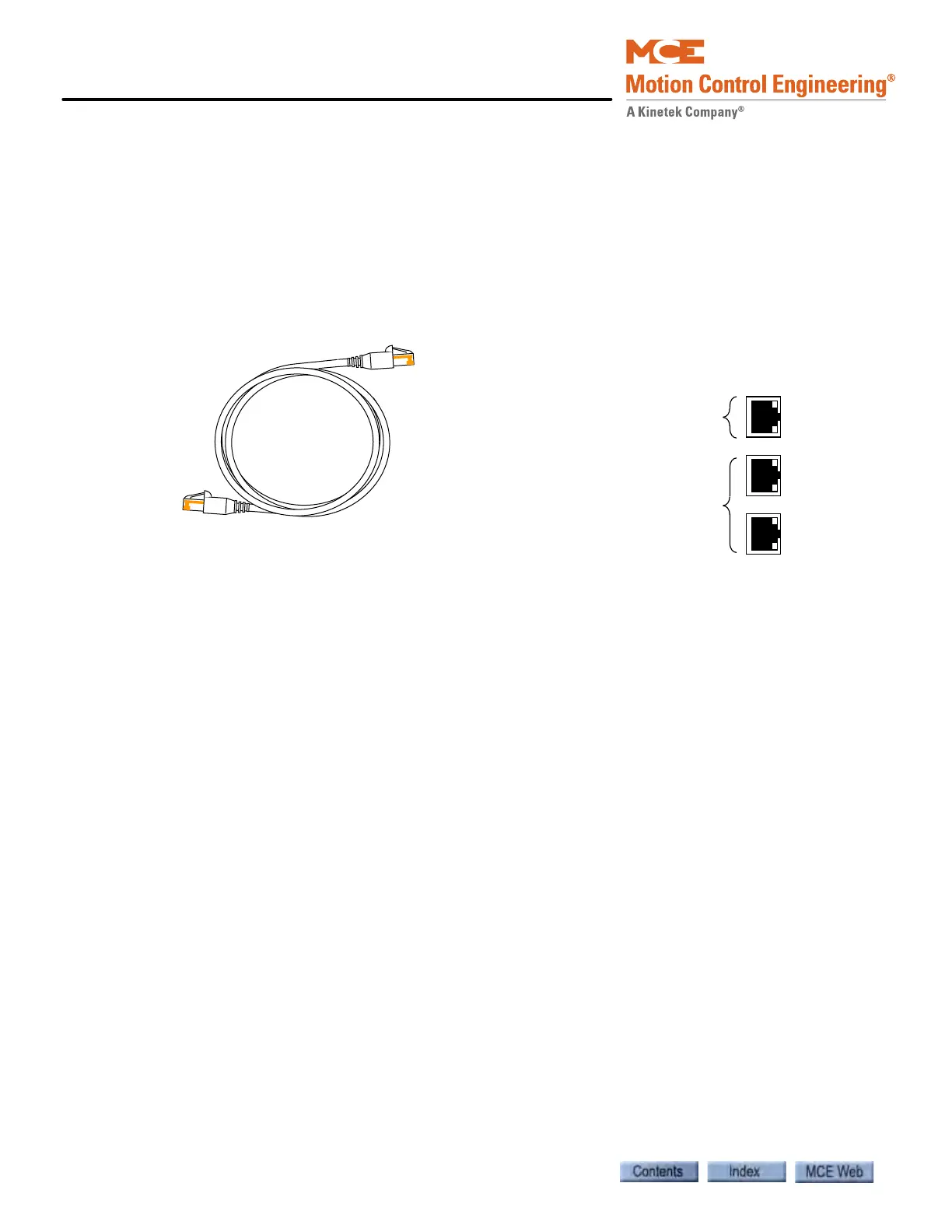
Figure 8.1 Ethernet Cable and iBox Ethernet Ports
The IP address to which you set the iView PC depends on the type of connection you intend to
use:
• For a direct connection the iView PC’s IP address is typically set to 192.168.193.2
• For a LAN connection the main iView PC’s IP address is typically set to 192.168.191.101
(see About LANs below). Note that each PC connected to the LAN must have a unique IP
address.
About LANs: LAN stands for Local Area Network. A LAN is basically several computers
(or smart equipment with a computer inside — like the iBox or iCue) all connected at a common
point (the hub or switch) so they can communicate with each other. In order for a message from
one computer to reach the computer (or iCue/iBox) it wants to talk to, all the computers con-
nected to the LAN must have their own unique address. The address is called a TCP/IP number.
The table below lists iControl default IP addresses. Your job prints provide specific instructions
as to how all of your IP addresses are set.
Please refer to “System and LAN Ethernet” on page 11-15 for more detail. Also please see “Sys-
tem, LAN, & 3=PC TCP/IP Addresses” on page 8-5.
Typical ethernet CAT-5 shielded cable.
RJ45 connectors at each end.
iBox ethernet ports
Direct (no hub) connection to
PC only
Connection through LAN hub
or switch only. 2 port is for
MCE equipment (elevator and
group controllers). 1 port is for
Local Area Network connec-
tion.



 To Next Page