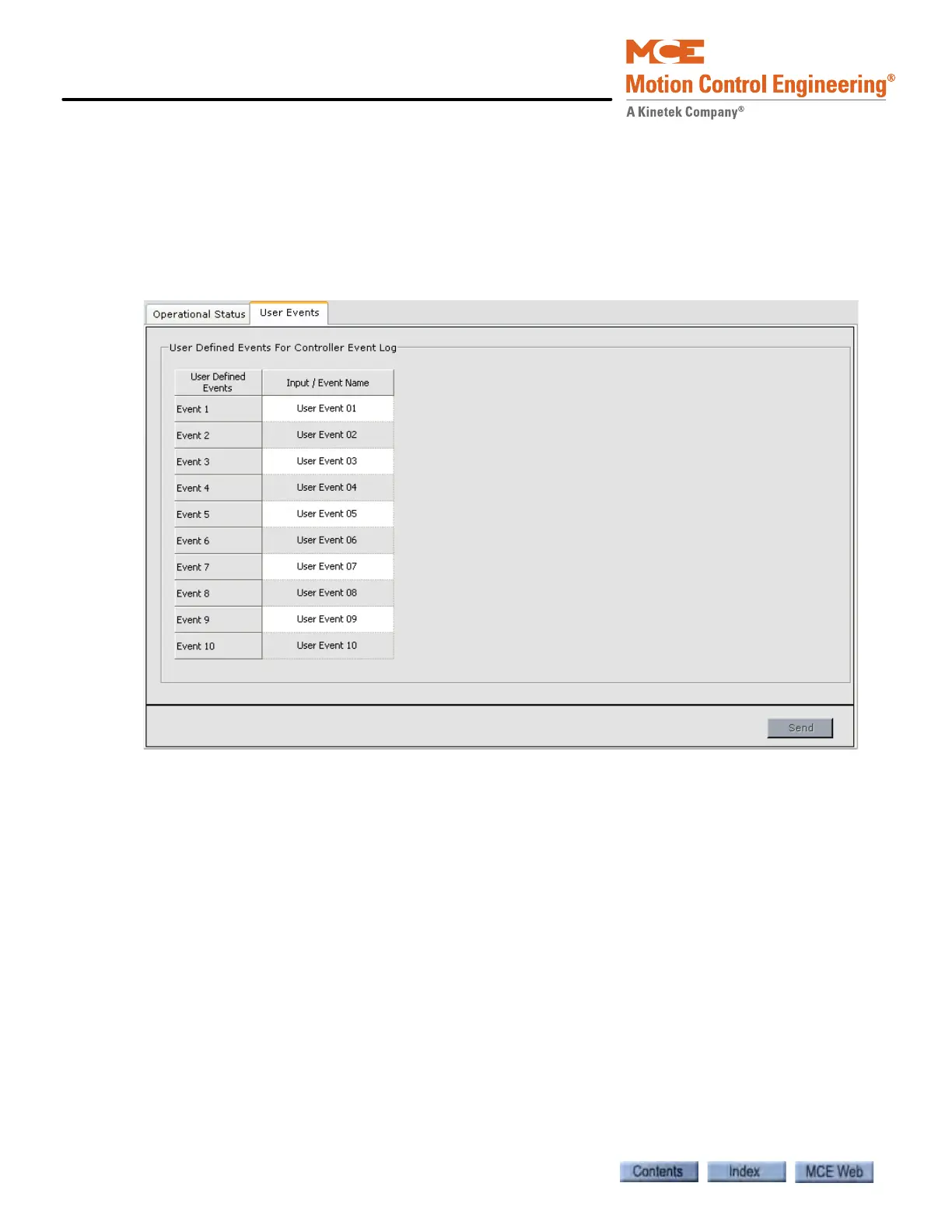
iView - Controller View
9-164 Manual # 42-02-7223
Configuration - Advanced - User Events
The User Events tab is used to assign a name to an Input / User Event. Up to 10 Input / Event
Names can be programmed. This event name can then be assigned to a hardware input. An
event is logged, on the Controller Event Log, when the input is activated and again when it is
deactivated. Controller - Input / Event Names are assigned to terminals on an ICE-MIAC Multi-
ple Input AC board using the Controller > Configuration > I/O Boards tab. For information
about System User Events See “Configuration Tabs - User Events” on page 10-73.
To configure a Controller User Event:
1. Display the User Events tab (Controller > Configuration > Advanced > User Events tab).
2. Enter the desired Input / Event Name, up to 40 characters.
3. Send the Input / Event name to the controller. The name will then appear under User-
Defined Events on the list of inputs used to configure the I/O Boards.
4. Assign the event to a terminal on an ICE-MIAC Multiple Input AC Board using the Con-
troller > Configuration > I/O Board tab (See “Configuration - I/O Boards” on page 9-
122. User Events can also be assigned to terminals on an ICE-COP Serial Car Operating
Panel Board.



 To Next Page