10-1
About this Section
This section contains detailed information about:
• Selecting System View:
• System View Windows and tabs: A complete list of System view windows and tabs, and
information about the parameters on each.
Selecting System View
iView is used to view and adjust the Controller and System parameters. iView is divided into
two main sections:
• Controller View - used to view and adjust the controller parameters, e.g., Brake, Drive,
Pattern, Car Operation, etc. When iView first connects to an iController, the Controller
view is displayed. Please refer to “Selecting Controller View” on page 9-1.
• System View - used to view and adjust the System parameters, e.g., Dispatching, Parking,
Emergency Power, Security, etc. When iView is connected to a central dispatcher (iCen-
tral), the Controller and System buttons are missing and System view is always displayed.
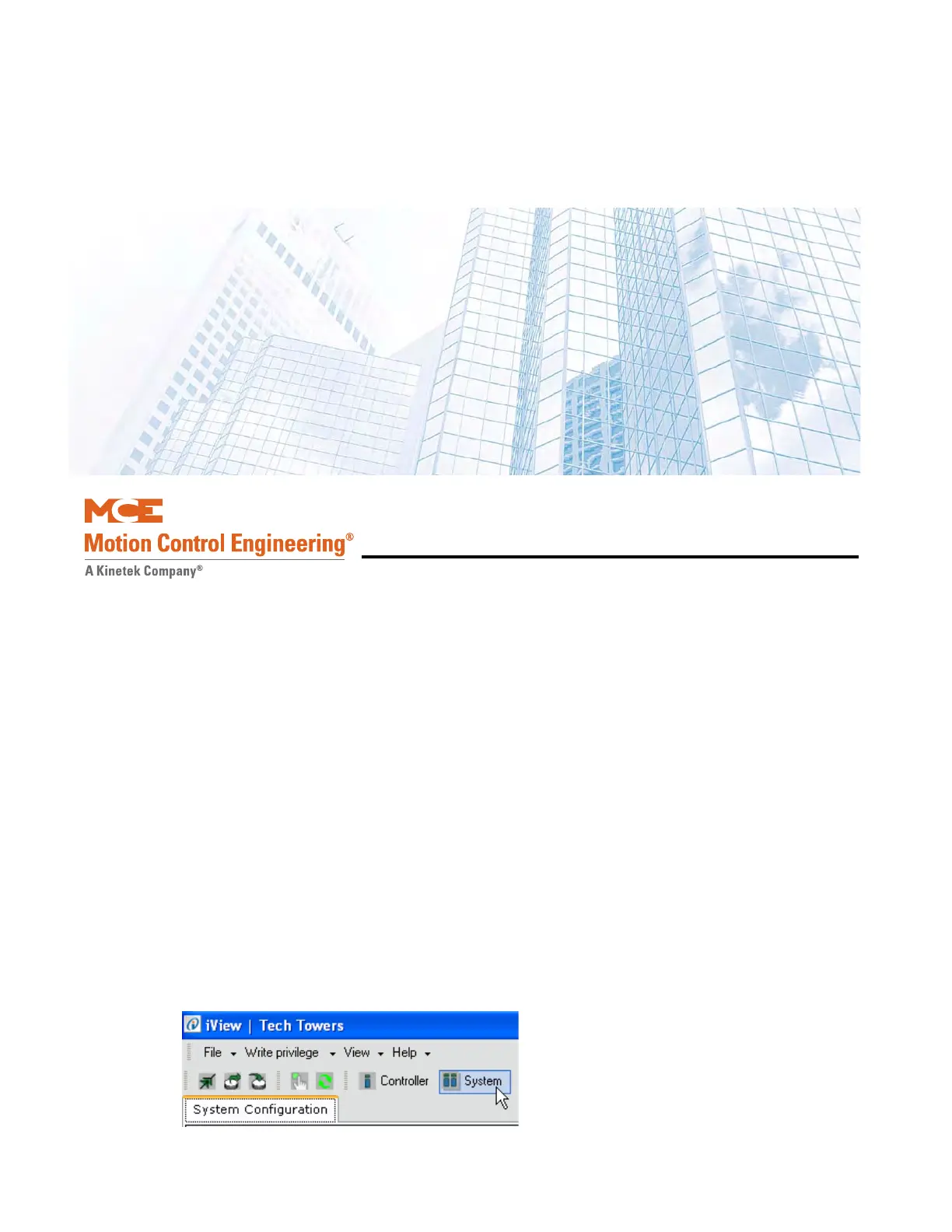
To select System view, click the System view button at the top of the iView screen.
iView - System View



 To Next Page