System Options
5-20 Manual # 42-02-7223
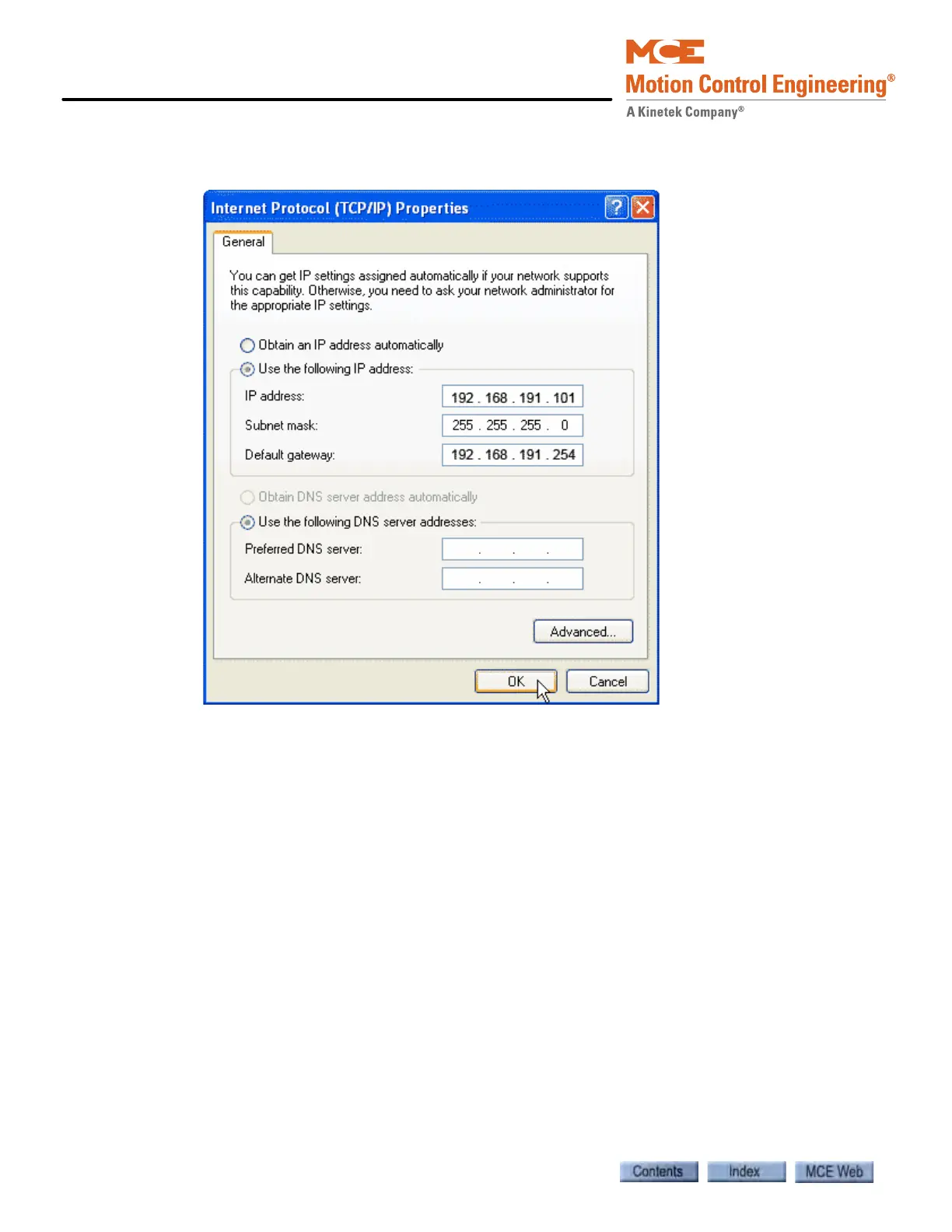
9. Set the IP Address to match the iCue LAN EXCEPT FOR the last set of numbers. Typi-
cally, you can set your PC’s IP address to 192.168.191.101.
10. Set the Subnet Mask to 255.255.255.0.
11. Set the Default gateway to 192.168.191.254.
12. Click OK and follow any instructions to save the changes you made.



 To Next Page